
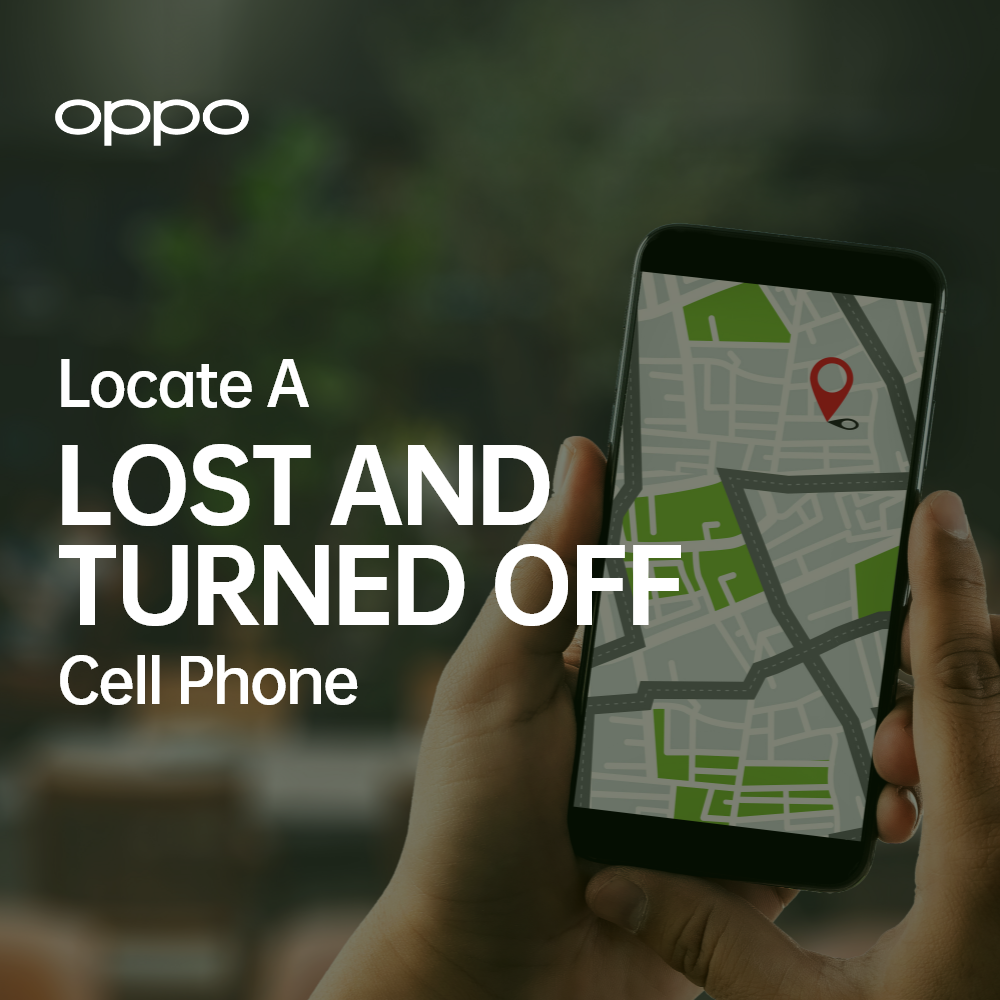
How to Find a Lost Mobile Phone: A Step-by-step Guide
Are you tired of searching for your lost mobile phone without any success? Do you feel like giving up hope? Well, don’t worry! In this article, we’ll show you how to find a lost mobile phone using various methods and tools.
Understanding The Problem
Finding a lost mobile phone can be frustrating, especially if it’s not just a matter of losing it but also having it stolen. However, with the advancements in technology, there are several ways to locate your device remotely.
Method 1: Using Google’s Find My Device Feature
If you’re using an Android device, you can use Google’s built-in feature called “Find My Device” to locate your phone. Here’s how:
- Activate The Feature: Go to Settings > Google > Find my device and toggle it on.
- Associate a Google Account: Make sure that your device is associated with a Google account.
- Access The Website: Visit www.Google.Com/android/find from any browser, enter your Google account credentials, and click “Find my phone.”
- Track Your Device: The location of your phone will be displayed on a map.
Method 2: Using Iphone’s Find My Feature
If you’re using an iPhone, you can use Apple’s built-in feature called “Find My” to locate your phone. Here’s how:
- Activate The Feature: Go to Settings > [your name] > Find my and toggle it on.
- Associate an Icloud Account: Make sure that your device is associated with an iCloud account.
- Access The Website: Visit www.Icloud.Com/find from any browser, enter your Apple ID credentials, and click “Find My.”
- Track Your Device: The location of your phone will be displayed on a map.
Other Methods to Locate a Lost Mobile Phone
In addition to the above methods, there are other ways to locate a lost mobile phone:
- Use a Third-party App: There are several apps available that can help you locate your phone, such as Find My iPhone (for iOS devices) and Lookout (for Android devices).
- Use Bluetooth Technology: Some phones have Bluetooth capabilities that allow them to be tracked remotely.
- Contact The Authorities: If your phone has been stolen, contact the local police department or other law enforcement agencies for assistance.
What to Do in Case of Theft
If your mobile phone has been stolen, here are some steps you can take:
- Denounce The Theft: Report the theft to the competent authorities.
- Block The Sim Card: Contact your service provider and request that they block the SIM card associated with your stolen device.
- Activate Remote Lock: Use a third-party app or built-in feature to remotely lock your phone.
Conclusion
Finding a lost mobile phone can be a frustrating experience, but it’s not impossible. By using the methods outlined above, you can increase your chances of locating your device. Remember to always keep your phone and SIM card safe and secure to avoid losing them in the first place.
Frequently Asked Questions (FAQs)
- Q: How do I Activate Find My Device on my Android Phone?
A: Go to Settings > Google > Find my device and toggle it on. - Q: Can I Use Find My Iphone if I’m Not Near my Device?
A: Yes, you can use Find My iPhone from any browser by visiting www.Icloud.Com/find. - Q: What Should I do if my Phone Has Been Stolen?
A: Report the theft to the competent authorities and contact your service provider to block the SIM card associated with your device. - Q: Can I Use a Third-party App to Locate my Lost Phone?
A: Yes, there are several apps available that can help you locate your phone, such as Find My iPhone (for iOS devices) and Lookout (for Android devices). - Q: How do I Block The Sim Card Associated With my Stolen Device?
A: Contact your service provider and request that they block the SIM card. - Q: Can I Remotely Lock my Phone if It’s Been Stolen?
A: Yes, you can use a third-party app or built-in feature to remotely lock your phone.
Table 1: Methods to Locate a Lost Mobile Phone
| Method | Description |
|---|---|
| Find My Device (Android) | Use Google’s built-in feature to locate your Android device. |
| Find My iPhone (iOS) | Use Apple’s built-in feature to locate your iOS device. |
| Third-party apps | Utilize third-party apps, such as Lookout or Find My iPhone, to locate your device. |
| Bluetooth technology | Use Bluetooth capabilities to track your phone remotely. |
Table 2: What to Do in Case of Theft
| Action | Description |
|---|---|
| Denounce the theft | Report the theft to the competent authorities. |
| Block the SIM card | Contact your service provider and request that they block the SIM card associated with your stolen device. |
| Activate remote lock | Use a third-party app or built-in feature to remotely lock your phone. |
TheBolded Table 2:**What to Do in Case of Theft
| Action | Description |
|---|---|
| Denounce The Theft | Report the theft to the competent authorities. |
| Block The Sim Card | Contact your service provider and request that they block the SIM card associated with your stolen device. |
| Activate Remote Lock | Use a third-party app or built-in feature to remotely lock your phone. |


