
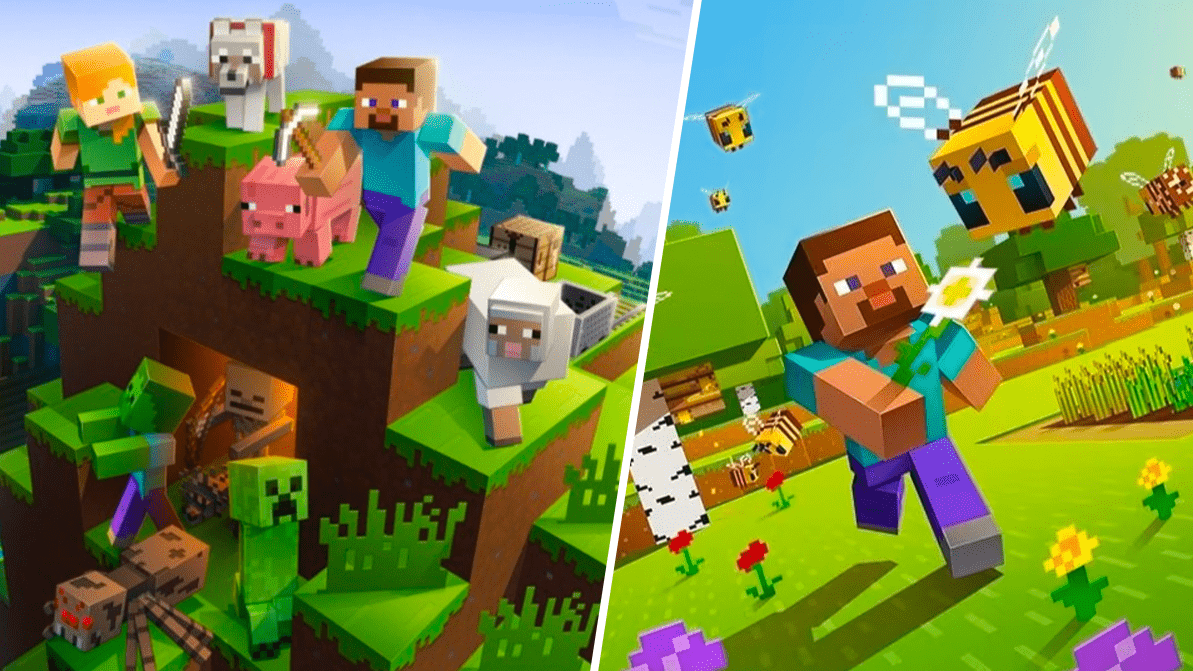
How to Download Minecraft Free: A Comprehensive Guide
Are you ready to embark on an epic adventure in the world of Minecraft? Look no further! This article will guide you through the process of downloading Minecraft free, exploring various platforms, including PC, Mac, Android, and console.
Introduction
Minecraft is a sandbox-style video game that has taken the world by storm. With its unique blocky graphics and endless possibilities, it’s no wonder millions of players worldwide have fallen in love with this game. However, downloading Minecraft can be a bit tricky, especially if you’re new to gaming. Fear not, dear reader, as we’ll break down each platform and provide step-by-step instructions on how to get started.
Downloading Minecraft Free on PC
The most popular way to play Minecraft is on PC. If you have a Windows 10 or Windows 11 operating system, you can download the game directly from the official website. Here’s what you need to do:
- Visit The Official Website: Go to the official Minecraft website and click on the “Get Minecraft” button.
- Choose Your Edition: Select the edition of your choice (Java or Bedrock) and follow the prompts to download the game.
- Run The Installer: Once downloaded, run the installer and follow the instructions to install the game.
- Launch The Game: Launch the game and enjoy playing Minecraft for free!
Downloading Minecraft Free on Mac
If you’re a Mac user, don’t worry! You can still play Minecraft without spending a dime. Here’s how:
- Visit The Official Website: Visit the official Minecraft website and click on the “Get Minecraft” button.
- Select Your Edition: Choose your preferred edition (Java or Bedrock) and follow the prompts to download the game.
- Run The Installer: Once downloaded, run the installer and follow the instructions to install the game.
- Launch The Game: Launch the game and enjoy playing Minecraft on your Mac!
Downloading Minecraft Free on Android
Unfortunately, downloading Minecraft for free on Android is not possible in Italy at this time. However, you can purchase the complete version of the game from the Google Play Store.
Downloading Minecraft Free on Iphone/ipad
If you’re an iOS user, you won’t be able to download Minecraft for free either. However, you can purchase the complete version of the game from the App Store.
Downloading Minecraft Free on Console
Yes, you read that right! You can play Minecraft on your console without spending a dime. Here’s how:
- Visit The Playstation Store: Visit the PlayStation Store and download the demo version of Minecraft.
- Launch The Game: Launch the game and enjoy playing Minecraft for free!
Conclusion
In conclusion, downloading Minecraft free is possible on various platforms, including PC, Mac, Android, iPhone/iPad, and console. We’ve provided step-by-step instructions to help you get started on your gaming journey.
Frequently Asked Questions (FAQs)
- Is Minecraft Free to Download?
- Yes, Minecraft can be downloaded for free on various platforms.
- What Are The System Requirements For Playing Minecraft on Pc/mac?
- The minimum system requirements for playing Minecraft on PC/Mac include a 4GB RAM and a 2GHz dual-core processor.
- Can I Play Minecraft Online With Friends?
- Yes, you can play Minecraft online with friends by joining a multiplayer server.
- Is There a Trial Version of Minecraft Available?
- Yes, a trial version of Minecraft is available on the official website for PC and Mac.
- Can I Get a Refund if I Don’t Like The Game?
- Refund policies vary depending on the platform and country. It’s best to check with the platform provider for more information.
Important Notes
- Please note that the availability of Minecraft free download may change over time, and this article is intended for informational purposes only.
- Some features or editions of Minecraft may require a purchase or subscription.
- Always follow the official website and platform provider guidelines for downloading and playing Minecraft.


