
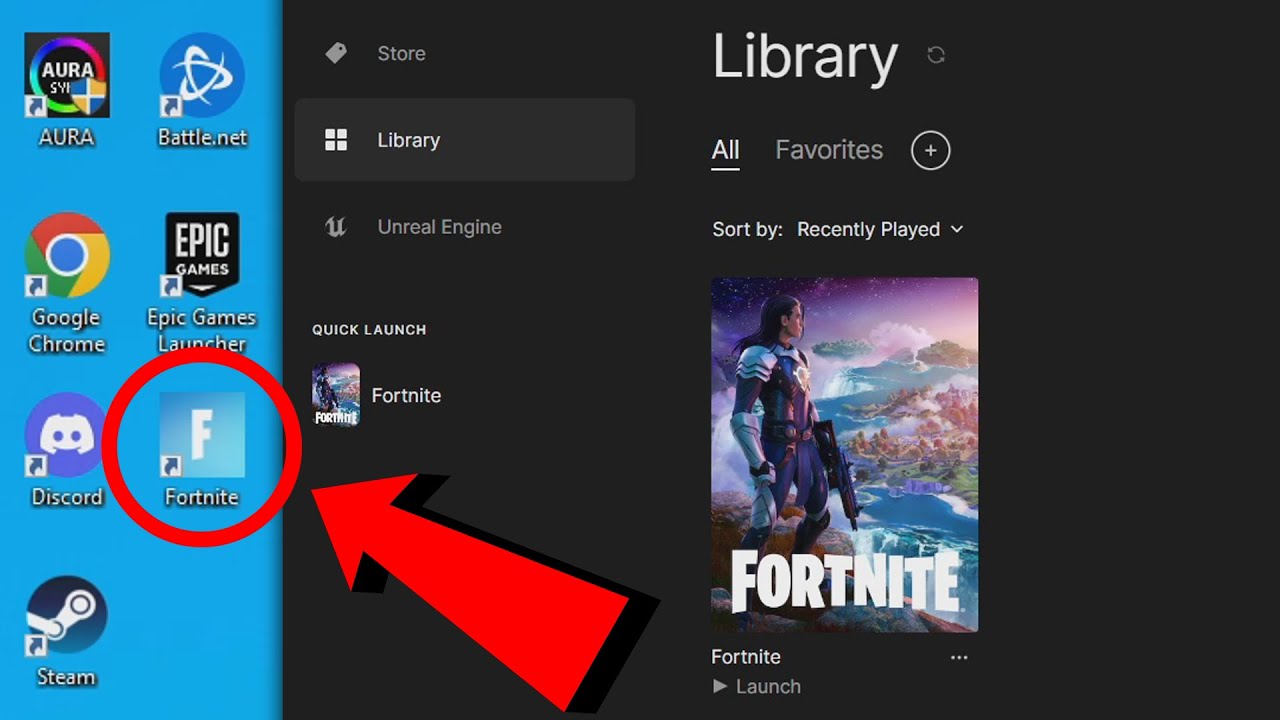
How to Download And Install Fortnite on Pc: A Step-by-step Guide
Are you ready to experience the thrill of Fortnite on your computer? Look no further! In this comprehensive guide, we will walk you through the process of downloading and installing Fortnite on your PC.
System Requirements For Fortnite
Before diving into the installation process, it’s essential to check if your computer meets the minimum system requirements. Here are the specs required to run Fortnite smoothly:
- Operating System: Windows 10 (64-bit version 1703)
- Processor: Core i3-3225 (3.3 GHz)
- Ram: 8 GB
- Graphics Card: Intel HD 4000, AMD Radeon Vega 8 or equivalent
If your computer meets these requirements, you’re good to go! If not, don’t worry; we’ll explore options for upgrading or alternative ways to play Fortnite.
Downloading And Installing Epic Games Launcher
To download and install Fortnite on PC, you need to have the Epic Games Launcher installed on your system. Here’s how:
- Visit The Epic Games Website: Go to the official Epic Games website (www.Epicgames.Com) and click on the “Get Started” button.
- Download The Epic Games Launcher: Click on the “Download” button, and select the correct installer file for your operating system (Windows).
- Run The Installer: Run the downloaded file and follow the prompts to install the Epic Games Launcher.
- Create an Epic Games Account: Once installed, create a new account or sign in with an existing one.
Installing Fortnite on PC
Now that you have the Epic Games Launcher set up, it’s time to install Fortnite:
- Launch The Epic Games Launcher: Open the Epic Games Launcher and click on the “Games” tab.
- Search For Fortnite: Type “Fortnite” in the search bar and select the game from the results.
- Download And Install Fortnite: Click on the “Download” button, and then click on the “Install” button to start the installation process.
- Wait For The Installation to Complete: The installation should take a few minutes to complete. Once done, you can launch Fortnite from the Epic Games Launcher.
Tips And Tricks
- Check System Requirements Regularly: Ensure your computer meets the minimum system requirements by checking the Epic Games website regularly.
- Update Your Graphics Card Driver: Make sure your graphics card driver is up-to-date for optimal performance.
- Close Other Resource-intensive Programs: Close any other resource-intensive programs while playing Fortnite to ensure a smooth experience.
Downloading And Installing Fortnite on Mac
Unfortunately, due to the controversy surrounding Apple’s commission fees and Epic Games’ response, it is not possible to download and install Fortnite on Mac. However, you can still play Fortnite through cloud gaming services or by using alternative methods (more on this later).
The Old Fortnite (OG)
The “old Fortnite” refers to the original version of the game that included historical locations like Corpse Bisunto and Pinnacoli Pending. While it is not possible to download a standalone OG version, you can still experience some of these features through special seasons or events.
Seasons And Updates
Stay updated with the latest Seasons and updates on the Epic Games website or by following our guides on creating maps and inserting code maps on Fortnite.
Conclusion
In this comprehensive guide, we’ve walked you through the process of downloading and installing Fortnite on PC. Remember to check system requirements regularly, update your graphics card driver, and close other resource-intensive programs while playing. If you have any further questions or concerns, feel free to ask!
Frequently Asked Questions (FAQs)
- What Are The Minimum System Requirements For Fortnite?
- Operating System: Windows 10 (64-bit version 1703)
- Processor: Core i3-3225 (3.3 GHz)
- RAM: 8 GB
- Graphics Card: Intel HD 4000, AMD Radeon Vega 8 or equivalent
- Can I Download Fortnite on Mac?
- Unfortunately, due to the controversy surrounding Apple’s commission fees and Epic Games’ response, it is not possible to download and install Fortnite on Mac.
- What is The Old Fortnite (OG)?
- The “old Fortnite” refers to the original version of the game that included historical locations like Corpse Bisunto and Pinnacoli Pending.
- How do I Stay Updated With The Latest Seasons And Updates?
- Follow our guides on creating maps and inserting code maps on Fortnite, or visit the Epic Games website for more information.
- Can I Play Fortnite Through Cloud Gaming Services?
- Yes, you can still experience Fortnite through cloud gaming services or by using alternative methods (more on this later).


