
Creating a Questionnaire Online: A Comprehensive Guide
Are you looking to create a questionnaire online without breaking the bank? Look no further! In this article, we’ll explore various free services that can help you achieve your goal.
What is a Questionnaire Online?
A questionnaire online is an electronic survey used to collect information from participants. It’s a convenient and efficient way to gather data from a large number of people. Whether you’re conducting market research or creating a survey for a university project, having the right tools can make all the difference.
Google Forms: A Free Solution
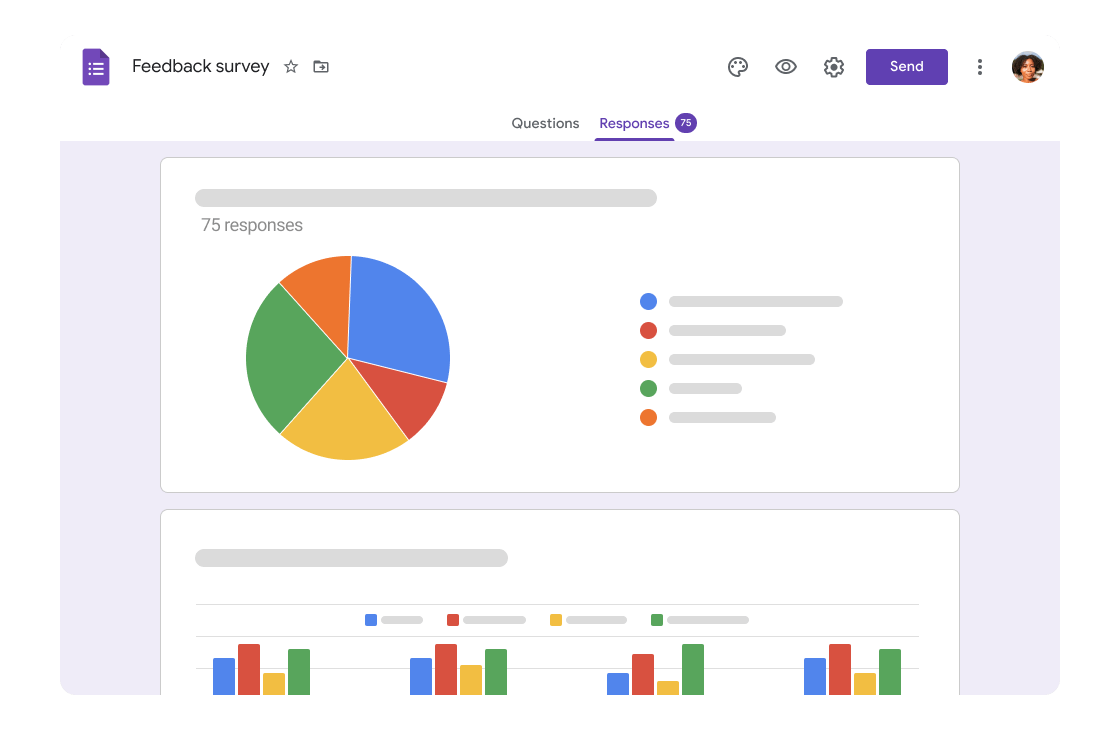
Google Forms is a powerful tool that allows you to create online questionnaires without any coding knowledge. To get started, you’ll need a Google account. If you don’t have one, follow our guide on how to create a Google account quickly and easily.
Once you’ve set up your Google account, navigate to the Google Forms website and click on “Create a form” to start building your questionnaire.
How to Create a Questionnaire With Google Forms
- Name Your Form: Give your questionnaire a name that’s easy to remember.
- Add Questions: Click on “Add question” and choose from various types, such as multiple-choice or short-answer questions.
- Customize Your Form: Use the toolbar to add images, videos, or descriptions to make your form more engaging.
- Review And Share: Double-check your work and share the link with participants via email or social media.
Surveymonkey: A Popular Alternative
SurveyMonkey is another popular platform for creating online questionnaires. While it’s free, the basic version has limitations, so you may need to upgrade to a paid subscription for more features.
To use SurveyMonkey, follow these steps:
- Sign Up: Create an account or sign in with your existing credentials.
- Choose a Template: Select from various pre-made templates or start from scratch.
- Add Questions: Use the drag-and-drop interface to add questions and customize them as needed.
- Share Your Survey: Share the link or embed it on your website.
Other Solutions For Creating Online Questionnaires
There are many other services that can help you create online questionnaires, including:
- Survey-online (Web): A platform specifically designed for creating surveys and quizzes.
- Doodle (Web): Perfect for collecting opinions about events or activities with friends.
- Quizfaber (Windows): A program for Windows that allows you to create online questionnaires.
Conclusion
Creating a questionnaire online doesn’t have to be a daunting task. With the right tools and guidance, you can easily design and share your survey with participants. Whether you choose Google Forms or SurveyMonkey, these free services will help you achieve your goals without breaking the bank.
Frequently Asked Questions (FAQs)
-
What is The Best Tool For Creating Online Questionnaires?
- Both Google Forms and SurveyMonkey are excellent choices, depending on your specific needs.
-
Do I Need to Have Coding Knowledge to Use These Tools?
-
No, you don’t need any coding expertise to create online questionnaires using these services.
-
Can I Share my Questionnaire on Social Media or Via Email?
-
Yes, both Google Forms and SurveyMonkey allow you to share your survey with participants via email or social media.
By following the steps outlined in this article and taking advantage of the features offered by these tools, you’ll be well on your way to creating effective online questionnaires that meet your needs.


