
Which Nas Buy (September 2024)?
Have you ever found yourself drowning in a sea of files, photos, and videos, with no clear solution to organize them? Do you want to keep your important data safe from cloud storage risks and have a centralized backup system for all your devices at home?
If so, then a NAS (Network Attached Storage) is the answer. In this article, we’ll explain not only which NAS to buy but also how to choose it based on your specific requirements.
What is a Nas?
A NAS is a computer that connects directly to your local network and allows multiple devices to access its storage capabilities. It’s essentially a shared drive for all your devices at home or in the office, where you can store, organize, and share files, photos, and videos.
Why Do I Need a Nas?
With a NAS, you’ll have:
- A centralized backup system for all your devices
- Easy sharing of files among family members or colleagues
- A secure way to store and access your important data
- The flexibility to use it as a server for multimedia streaming
Which Nas to Buy?
Here are some top-rated NAS devices that meet different needs and budgets:
- Synology Ds223j: A 2-bay desktop NAS with high-quality storage, robust construction, and a compact design.
- Qnap Ts-233: A 2-bay desktop NAS with exceptional performance, impressive capacity, and a compact design.
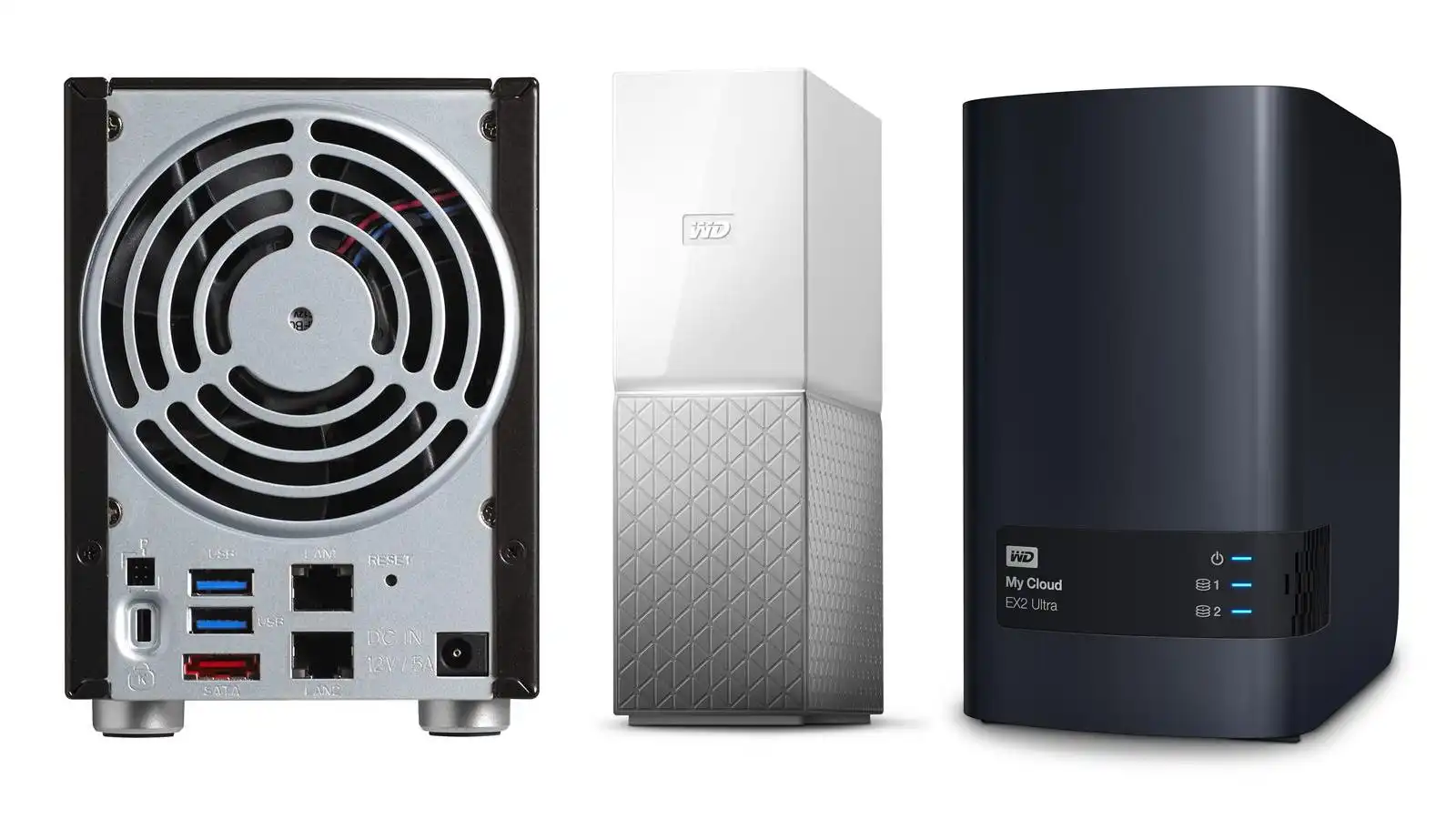
- WD 4TB My Cloud Home Personal Cloud: A device for simple data sharing and backup with ease of use, USB ports, and Gigabit Ethernet connectivity.
- Qnap Ts-264-8g: A high-performance NAS server with an impressive storage capacity, robust construction, and compatibility with various devices.
How to Choose a Nas?
When choosing a NAS, consider the following factors:
- Number of Bays: Decide how many hard drives you want to use (1-4 or more).
- Raid Levels: Consider RAID 0, JBOD, RAID 1, or RAID 5/6 for data redundancy and performance.
- Cpu And Ram: Look for NAS devices with robust CPU and memory configurations for optimal performance.
- Compatibility: Ensure the NAS is compatible with your operating system (Windows, macOS, Linux) and devices (smartphones, tablets, smart TVs).
- Storage Capacity: Choose a NAS that meets your storage needs based on its bay count and drive capacities.
What Are Raid Levels?
RAID levels are configurations for storing data in multiple hard drives. They help ensure data redundancy and improve performance:
- Raid 0: Stripe data across multiple disks for maximum performance.
- Jbod: Concatenate multiple disks into one logical drive for simplicity.
- Raid 1: Mirror data on two or more disks to prevent data loss in case of failure.
- Raid 5/6: Distribute parity and data blocks among multiple disks for optimal redundancy.
What Are The Best Hard Disk Choices For Nas?
Western Digital (WD) Red series is a popular choice for NAS storage. They come in various capacities, from 2TB to 22TB, with different performance levels suitable for home or business use:
- WD Red: Suitable for small offices and home users.
- WD Red Plus: Ideal for mid-sized businesses and high-performance requirements.
- WD Red Pro: Designed for large enterprises and demanding applications.
Conclusion
A NAS is an essential tool for managing and sharing files among multiple devices at home or in the office. With this guide, you’ll be able to choose the best NAS for your specific needs, whether it’s storage capacity, performance, compatibility, or reliability.
By considering factors such as RAID levels, CPU and RAM configurations, compatibility, and storage capacity, you’ll find a suitable NAS that meets your demands.
Frequently Asked Questions
Q: What is a NAS?
A: A NAS (Network Attached Storage) is a computer connected directly to your local network for shared file access.
Q: Why do I need a NAS?
A: You need a NAS for centralized backup, easy sharing of files, secure storage, and multimedia streaming flexibility.
Q: Which NAS should I buy?
A: Choose from top-rated options like Synology DS223J, QNAP TS-233, WD 4TB My Cloud Home Personal Cloud, or QNAP TS-264-8G.
Q: What are RAID levels?
A: RAID (Redundant Array of Independent Disks) is a configuration for data storage in multiple hard drives, ensuring redundancy and improved performance.
Q: Which hard disk should I choose for my NAS?
A: Western Digital’s Red series is recommended, with options suitable for small offices, mid-sized businesses, or large enterprises.
Q: How do I select the best NAS?
A: Choose based on factors such as storage capacity, performance level, compatibility, and reliability.


