
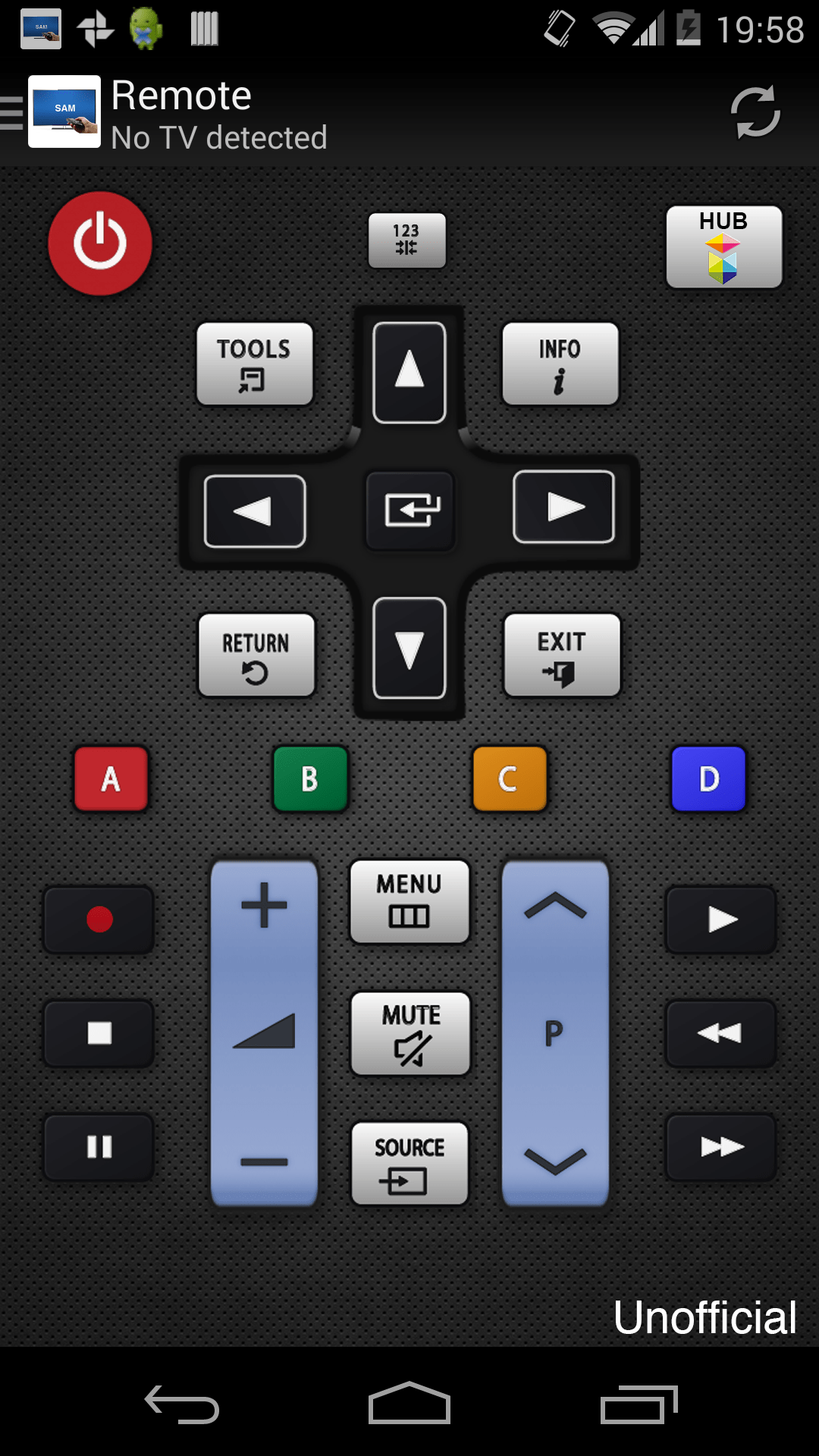
The Ultimate Guide to Samsung TV Remote Apps
Are you tired of using a traditional remote control to navigate through your Samsung Smart TV? Do you want to experience the convenience and flexibility that comes with using a smartphone or tablet as a remote? Look no further! In this article, we will explore the best Samsung TV remote apps available for both Android and iOS devices.
The Problem With Traditional Remote Controls
We’ve all been there – sitting on our couch, trying to watch our favorite show or movie, only to realize that we left the remote control on the coffee table. Or worse, it’s nowhere to be found! This is where a Samsung TV remote app comes in handy. With these apps, you can turn your smartphone or tablet into a remote control, eliminating the need for a physical remote.
The Benefits of Using a Samsung TV Remote App
Using a Samsung TV remote app offers several benefits, including:
- Convenience: No more searching around for the remote control or having to get up from the couch to change channels.
- Flexibility: Use your smartphone or tablet as a remote control anywhere in the house, not just on the couch.
- Customization: Many apps allow you to customize the layout and functionality of the remote control to suit your needs.
The Best Samsung TV Remote Apps
Here are some of the top-rated Samsung TV remote apps available for both Android and iOS devices:
Smartthings (Android/iOS/iPadOS)
The SmartThings app is one of the most popular Samsung TV remote apps available. It allows you to control your Smart TV, as well as other smart devices in your home, using a single app.
- Features: Control your Smart TV, set up custom routines, and interact with Alexa.
- Compatibility: Compatible with all Samsung Smart TVs.
- Price: Free download, with optional in-app purchases.
TV Samsung Remote Control (Android)
The TV Samsung Remote Control app is another popular option for Android devices. It allows you to control your Smart TV using a virtual remote control on your smartphone or tablet.
- Features: Control your Smart TV, change channels, and adjust volume.
- Compatibility: Compatible with all Samsung Smart TVs from 2016 onwards.
- Price: Free download.
Telecomando Samsung Smart TV (iOS/iPadOS)
The Telecomando Samsung Smart TV app is designed specifically for iOS devices. It allows you to control your Smart TV using a virtual remote control on your iPhone or iPad.
- Features: Control your Smart TV, change channels, and adjust volume.
- Compatibility: Compatible with all Samsung Smart TVs from 2016 onwards.
- Price: Free download, with optional in-app purchases.
Other Samsung TV Remote Apps
There are several other Samsung TV remote apps available for both Android and iOS devices. These include:
- Remote For Samsung Smart TV (Android)
- Telecomando For Samsung TV (iOS/iPadOS)
- SS Remote Control For Samsung (iOS/iPadOS)
How to Use a Samsung TV Remote App
Using a Samsung TV remote app is relatively straightforward. Here’s how to get started:
- Download and install the app from the Google Play Store or Apple App Store.
- Open the app and follow the on-screen instructions to set up your Smart TV.
- Once set up, you can use the app to control your Smart TV, change channels, and adjust volume.
Tips And Tricks
Here are a few tips and tricks to keep in mind when using a Samsung TV remote app:
- Make sure to check the compatibility of the app with your Smart TV before downloading.
- Customize the layout and functionality of the app to suit your needs.
- Use the app to set up custom routines and interact with Alexa.
Conclusion
Using a Samsung TV remote app can be a game-changer for anyone who wants to experience the convenience and flexibility that comes with controlling their Smart TV using a smartphone or tablet. With so many great options available, you’re sure to find an app that meets your needs. So why not give it a try? Download a Samsung TV remote app today and start enjoying the benefits of smart TV viewing!
Frequently Asked Questions
Here are some frequently asked questions about Samsung TV remote apps:
Q: What is the best Samsung TV remote app?
A: The SmartThings app is one of the most popular and highly-rated Samsung TV remote apps available.
Q: How do I use a Samsung TV remote app?
A: Simply download and install the app, follow the on-screen instructions to set up your Smart TV, and then use the app to control your TV.
Q: Are Samsung TV remote apps compatible with all Samsung Smart TVs?
A: Most Samsung TV remote apps are compatible with all Samsung Smart TVs, but it’s always a good idea to check compatibility before downloading an app.
Q: Can I customize the layout and functionality of a Samsung TV remote app?
A: Yes! Many Samsung TV remote apps allow you to customize the layout and functionality to suit your needs.
Q: Do I need to purchase a subscription or pay for in-app purchases to use a Samsung TV remote app?
A: Some Samsung TV remote apps offer optional in-app purchases, but most are free to download and use.


