
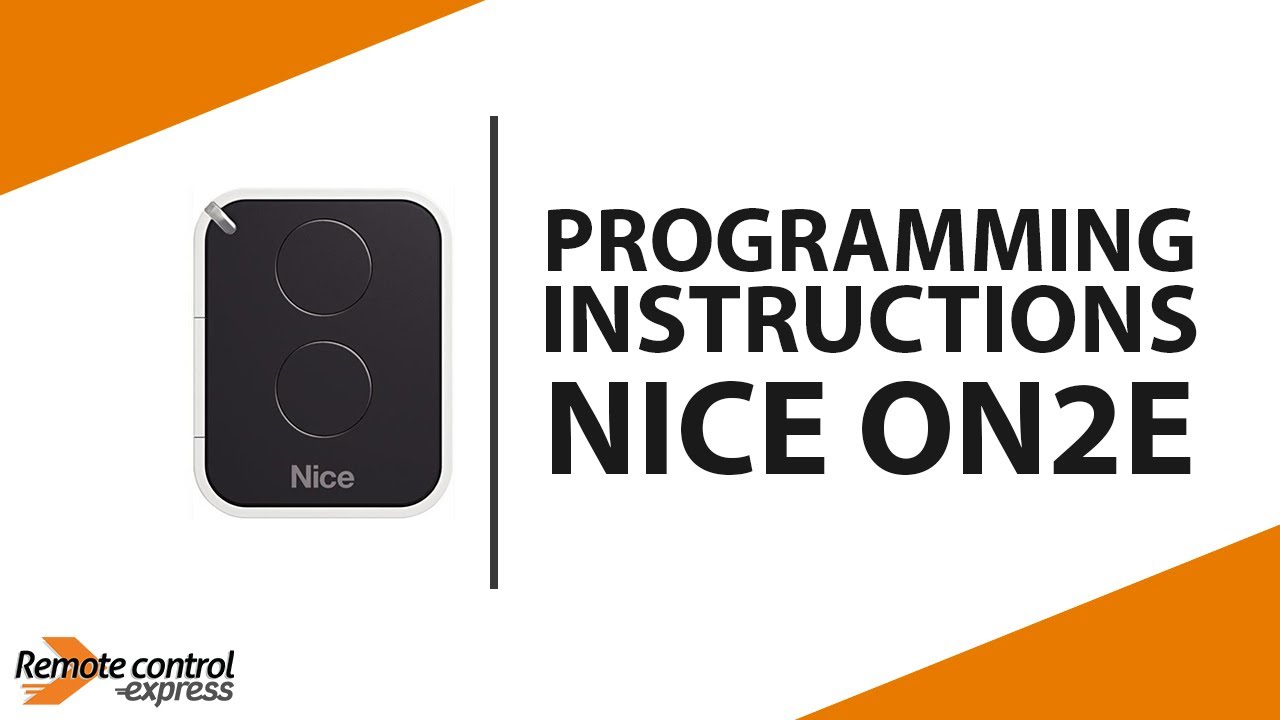
How to Program a Nice Telekomando: A Step-by-step Guide
Are you looking for a convenient way to control your garage door or gates? Look no further than the Nice telekomando! With its advanced features and user-friendly interface, this device can make your life easier in many ways. In this article, we will guide you through the process of programming a Nice telekomando, so you can enjoy its benefits without any hassle.
What is a Telekomando?
A telekomando is a remote control device that allows you to operate various systems, such as garage doors, gates, and other automated systems. It’s a convenient way to open or close these systems with just the press of a button.
Benefits of Using a Nice Telekomando
The Nice telekomando offers several benefits, including:
- Convenience: With a telekomando, you can open or close your garage door or gates from anywhere in your yard or even from inside your car.
- Time-saving: No more getting out of your car to open the garage door; with a telekomando, you can do it with just one button press.
- Safety: A telekomando eliminates the need for children or pets to go near the garage door or gates, making them safer.
How to Program a Nice Telekomando
Now that we’ve covered the benefits of using a Nice telekomando, let’s move on to the programming process. Here are the steps:
- Acquire The Original Device: Before you can program a new device, you’ll need to acquire an original one or find a compatible model.
- Identify The Pattern And Frequency: Make sure to identify the pattern and frequency of your existing telekomando.
- Match The New Device With The Old One: Match the new device with the old one in terms of pattern and frequency.
Programming Steps
To program a Nice telekomando, follow these steps:
- Hold Both Devices Together: Hold both devices together, making sure they’re aligned properly.
- Press The Button on The New Device: Press the button on the new device to start the programming process.
- Press And Hold The Button on The Old Device: Press and hold the button on the old device for 6 seconds.
- Release Both Buttons: Release both buttons, and wait for a few seconds.
Program Other Nice Telekomandi
If you have other Nice telekomandi that need to be programmed or duplicated, follow these steps:
- Identify The Pattern And Frequency: Identify the pattern and frequency of the device you want to program.
- Match The New Device With The Old One: Match the new device with the old one in terms of pattern and frequency.
Program Nice Telekomandi Was On-and
The Nice telekomandi Was On-And is a type of device that operates on 868,46 MHz frequency. To program it, follow these steps:
- Hold Both Devices Together: Hold both devices together, making sure they’re aligned properly.
- Press The Button on The New Device: Press the button on the new device to start the programming process.
- Press And Hold The Button on The Old Device: Press and hold the button on the old device for 6 seconds.
Program Nice Telekomandi Flo2
The Nice telekomandi Flo2 is a type of device that operates on dip-switch encode. To program it, follow these steps:
- Open Both Devices: Open both devices and locate the dip-switches.
- Match The New Device With The Old One: Match the new device with the old one in terms of dip-switch settings.
Program Nice Telekomandi Universal
If you have a universal telekomando, follow these steps:
- Identify The Pattern And Frequency: Identify the pattern and frequency of your existing telekomando.
- Match The New Device With The Old One: Match the new device with the old one in terms of pattern and frequency.
Conclusion
In conclusion, programming a Nice telekomando is a straightforward process that requires minimal effort. With these steps, you can enjoy the benefits of using a telekomando without any hassle. Remember to follow the correct procedures for your specific device model to ensure proper functioning.
Frequently Asked Questions (FAQs)
- Q: What is a Telekomando?
A: A telekomando is a remote control device that allows you to operate various systems, such as garage doors, gates, and other automated systems. - Q: Why Use a Nice Telekomando?
A: The Nice telekomando offers several benefits, including convenience, time-saving, and safety. - Q: How do I Program a New Device?
A: To program a new device, follow the steps outlined above, making sure to match the new device with the old one in terms of pattern and frequency. - Q: Can I Use Any Nice Telekomando Model For Duplication?
A: No, you’ll need to use an original or compatible model to ensure proper functioning. -
Q: What if I Have Other Nice Telekomandi That Need to be Programmed?
A: Follow the steps outlined above, making sure to identify the pattern and frequency of each device before programming them. -
Q: Can I Program a Universal Telekomando?
A: Yes, but you’ll need to follow specific instructions for your particular model. -
Q: What if I Encounter Any Issues During Programming?
A: Contact the manufacturer or consult online resources for assistance. -
Q: Are There Any Safety Precautions I Should Take When Using a Telekomando?
A: Yes, make sure to use the device according to the manufacturer’s instructions and follow basic safety precautions, such as ensuring proper alignment of devices during programming.


