
The Ultimate Guide to Music Composition: Top Programs For Typing Music on Pentagram
Are you an aspiring musician looking for a practical way to compose musical pieces? Do you want to deepen your knowledge of music and musical instruments? Look no further! In this article, we’ll explore the best programs to type music on pentagram, available for Windows, macOS, and Linux.
What is Music Composition?
Music composition involves creating written music using notation. This can include creating sheet music for solo instruments or entire orchestras. With the right software, you can easily compose music and share it with others.
Top Programs to Type Music on Pentagram
- Musescore: A free, open-source program available for Windows, macOS, and Linux.
- Features: Unlimited number of pentagrams, WYSIWYG interface, support for MIDI input, sequencer integrated
- Cost: Free
- Final: A professional-grade program available for Windows and macOS.
- Features: Create partitures, listen to own creations, share with others
- Cost: $99 (One-time payment)
- Growing: A free program available for Windows and macOS.
- Features: Unlimited number of pentagrams, intuitive interface, support for MIDI input
- Cost: Free
- Sibelius: A professional-grade program available for Windows and macOS.
- Features: Create partitures, listen to own creations, share with others
- Cost: $9.99/Month (subscription)
- Musink: A simple program available for Windows.
- Features: Unlimited number of pentagrams, intuitive interface, support for MIDI input
- Cost: Free (basic version), $60 (paid version)
Online Programs to Type Music
- Blank Sheet Music: A free online program that allows you to create and print blank sheet music.
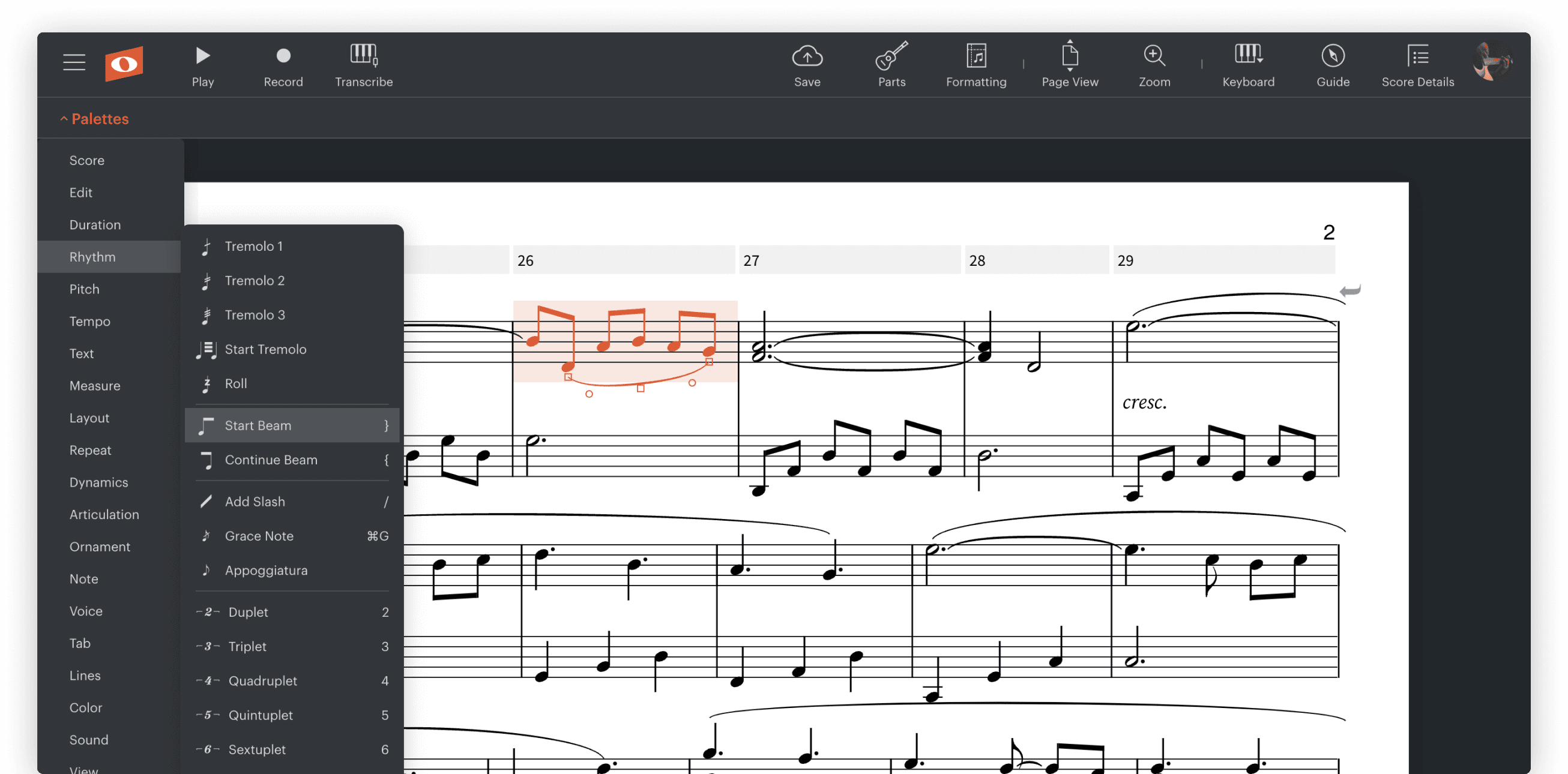
- Flat.Io: A Web-based service that allows you to type musical grades on the score and compose music.
- Cost: Free (basic version), $6.99/Month (paid subscription)
- Noteflight: A Web-based service that allows you to create, visualize, print, and listen to musical compositions.
- Cost: Free (basic version), $7.95/Month (paid subscription)
- Scorio: A Web-based portal that allows you to create your own sheet music and access a true online piano.
- Cost: Free (basic version), $6.99/Month (paid subscription)
Tablets Programs
- Scorecreator: A program available for Android, iPadOS, and iOS devices.
- Features: Create partitures, support for MIDI input
- Cost: Free (basic version), $7.99 Euros (paid subscription)
- Master: A free program available for Android devices.
- Features: Compose music on-the-fly, choose pre-impostate grades and regulate their position on the score.
- Cost: Free
- Notation Pad: A program available for iPadOS and iOS devices.
- Features: Read, compose, and modify partitures using a drag-and-drop interface.
- Cost: Free (basic version), $1.09 Euros (paid subscription)
- Forscore: A program available for iPadOS and iOS devices.
- Features: Read musical rows already prepared, in various formats, under form of sheet music.
- Cost: $21.99 Euros
Conclusion
In conclusion, there are many excellent programs to type music on pentagram, both online and offline. Whether you’re a professional musician or an aspiring composer, these programs can help you achieve your musical goals.
Faqs
- Q: What is The Best Program to Type Music on Pentagram?
A: The best program depends on your specific needs and preferences. MuseScore and Final are popular choices for their ease of use and professional-grade features. - Q: Can I Use These Programs on my Tablet or Smartphone?
A: Yes, some of these programs have mobile versions available for Android and iOS devices. - Q: Are These Programs Free to Use?
A: Some programs are free to use, while others require a paid subscription or one-time payment. - Q: Can I Share my Music Compositions With Others Using These Programs?
A: Yes, many of these programs allow you to share your compositions with others through various means, such as printing, exporting to MIDI or MusicXML, and online sharing. - Q: Are These Programs Suitable For Beginners?
A: Yes, many of these programs have intuitive interfaces and tutorials that make it easy for beginners to get started. - Q: Can I Use These Programs to Create Sheet Music For Solo Instruments or Entire Orchestras?
A: Yes, some of these programs allow you to create partitures for solo instruments, while others are more geared towards creating sheet music for larger ensembles. - Q: Do These Programs Support Midi Input?
A: Some programs do support MIDI input, which allows you to record musical grades directly into the program. - Q: Can I Export my Music Compositions From These Programs in Various Formats?
A: Yes, many of these programs allow you to export your compositions in various formats, such as MIDI, MusicXML, and PDF.


