
How to Track Someone’s Cell Phone Position Using Whatsapp
Are you worried about your friends or family members’ safety while they’re on the go? Do you want to know their exact location in real-time? If yes, then you’ve come to the right place! In this article, we’ll guide you through the process of tracking someone’s cell phone position using WhatsApp.
Why Use Whatsapp to Track Cell Phone Position?
WhatsApp is one of the most popular messaging apps used by billions of people worldwide. It offers a range of features that make it an ideal platform for tracking someone’s location. In this article, we’ll show you how to use WhatsApp to track cell phone position on both Android and iPhone devices.
What Do You Need to Track Cell Phone Position Using Whatsapp?
To track someone’s cell phone position using WhatsApp, you need the following:
- A smartphone with WhatsApp installed (both Android and iPhone compatible)
- The person whose location you want to track should also have WhatsApp installed
- Make sure their device has an active internet connection
How to Track Cell Phone Position on Android Device Using Whatsapp
To track cell phone position on an Android device using WhatsApp, follow these steps:
- Open Whatsapp: Open the WhatsApp app on your device.
- Initiate Conversation: Initiate a conversation with the person whose location you want to track.
- Tap on Chat Icon: Tap on the chat icon in the top-right corner of the screen.
- Select Location Share Option: Select the “Share Location” option from the menu.
- Choose Location Type: Choose whether you want to share your current location or a specific location on the map.
- Set Time Limit: Set a time limit for how long you want to share your location (options include 15 minutes, 1 hour, or 8 hours).
- Add Comment (Optional): Add a comment to the shared location if desired.
- Tap on Send: Tap on the send button to share your location with the other person.
How to Track Cell Phone Position on Iphone Device Using Whatsapp
To track cell phone position on an iPhone device using WhatsApp, follow these steps:
- Open Whatsapp: Open the WhatsApp app on your device.
- Initiate Conversation: Initiate a conversation with the person whose location you want to track.
- Tap on + Icon: Tap on the “+” icon in the bottom-right corner of the screen.
- Select Location Share Option: Select the “Location” option from the menu.
- Choose Location Type: Choose whether you want to share your current location or a specific location on the map.
- Set Time Limit: Set a time limit for how long you want to share your location (options include 15 minutes, 1 hour, or 8 hours).
- Add Comment (Optional): Add a comment to the shared location if desired.
- Tap on Send: Tap on the send button to share your location with the other person.
How Does Location Sharing Work in Whatsapp?
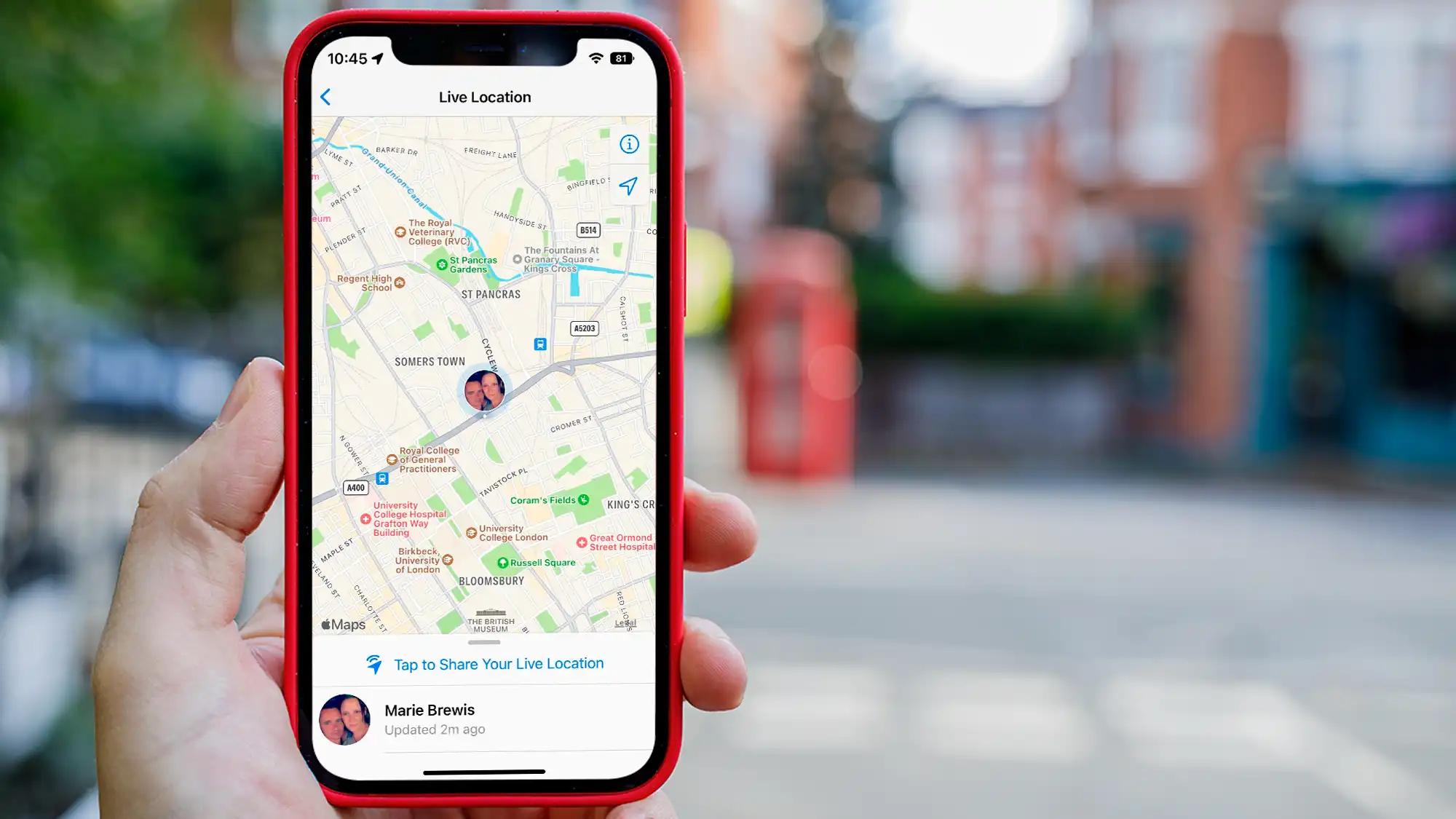
When you share your location using WhatsApp, it will appear as a blue dot on the map. The recipient can tap on this dot to see your exact location in real-time. If you choose to share your location for an extended period (e.G., 8 Hours), it will remain visible on the map until the time limit expires or you manually stop sharing.
How Can You Stop Sharing Location in Whatsapp?
If you no longer want to share your location with someone, simply tap on the “Stop Sharing” option on the shared location screen. Alternatively, wait for the time limit to expire, and the shared location will automatically stop updating.
What Are The Benefits of Using Whatsapp to Track Cell Phone Position?
Using WhatsApp to track cell phone position offers several benefits:
- Convenience: It’s a straightforward process to share your location using WhatsApp.
- Real-time Updates: Receive real-time updates on the person’s location, making it easier to keep track of their whereabouts.
- Time-saving: No need to constantly call or text someone for updates; simply check the shared location screen in WhatsApp.
Conclusion
Tracking someone’s cell phone position using WhatsApp is a simple and convenient process. Whether you’re looking to keep tabs on your loved ones, coworkers, or friends, WhatsApp provides an ideal platform for sharing locations in real-time.


