
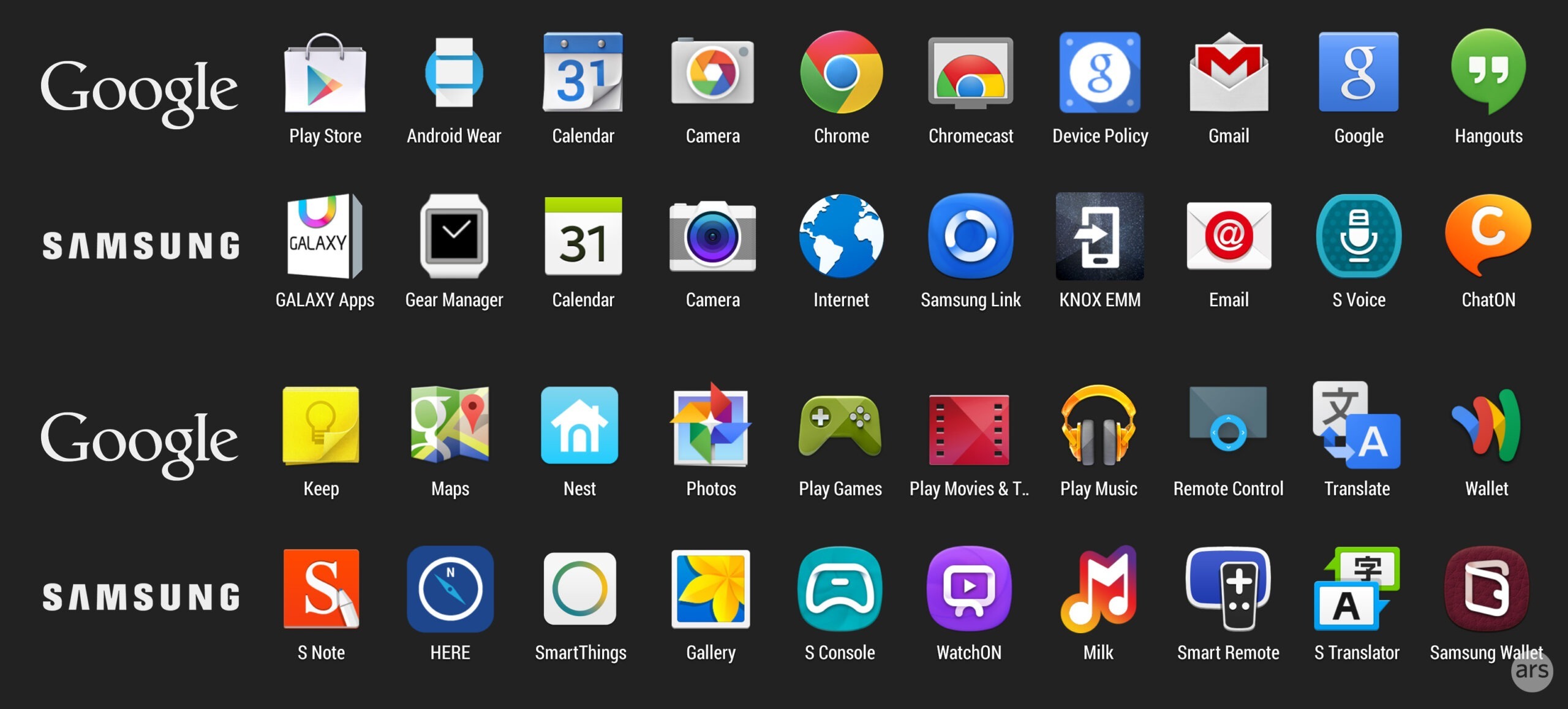
The Ultimate Guide to Samsung Apps
Are you new to the world of Samsung smartphones? Congratulations on taking the first step towards a more connected and convenient life! As a proud owner of a Samsung device, you’re probably eager to explore the best apps that can enhance your experience. In this comprehensive guide, we’ll take you through the top-rated Samsung apps for various categories, ensuring you get the most out of your device.
Introduction
As one of the leading technology brands, Samsung offers an extensive range of innovative products and services. With a vast library of apps available on the Play Store and Galaxy Store, it can be overwhelming to choose the best ones. In this article, we’ll focus on the top-rated Samsung apps for smartphones, smartwatches, and smart TVs.
Best Apps For Samsung Smartphones
- Google Chrome (Play Store) – A fast and secure web browser that synchronizes your browsing history, passwords, and more across all devices.
- Microsoft Edge (Play Store) – A mobile version of the popular browser with interesting features like password synchronization and access to Microsoft accounts.
- Samsung Internet Browser (Play Store/Galaxy Store) – A reliable web browser developed by Samsung, offering integration with additional components and enhanced functionality.
- Gmail (Play Store) – A client email app that allows you to manage your Google account, send/receive emails, and more.
- Microsoft Outlook (Play Store) – A client email app from Microsoft that lets you access and manage multiple email accounts.
Best Apps For Social Networks
- Facebook (Play Store) – The official Facebook app for staying connected with friends and family.
- Instagram (Play Store) – A popular social network for sharing photos, videos, stories, and more.
- X (formerly Twitter) (Play Store) – A social network where you can comment on various topics and engage with other users.
- Tiktok (Play Store) – A fun social platform for short-form videos and entertaining content.
Best Apps For Video Calls And Messaging
- Whatsapp (Play Store) – A popular messaging app that allows free voice calls, video chats, and text messaging.
- Telegram (Play Store) – An alternative messaging app with interesting features like channels, bots, and more.
- Facebook Messenger (Play Store) – The official Facebook messaging app for chatting with friends on the platform.
Best Apps For Productivity
- Calendar Samsung (Play Store) – A calendar app that allows you to schedule reminders, appointments, and events.
- Adobe Acrobat Reader (Play Store) – An app for reading and managing PDF files, although modification requires a subscription.
- Microsoft 365 (Play Store) – The suite office app from Microsoft that offers Word, Excel, and PowerPoint in one place.
Best Apps For Smartwatches
- Galaxy Wearable (Play Store/Galaxy Store) – An app to install on your smartphone, which enables the match and configuration of your smartwatch.
- Samsung Health (Play Store/Galaxy Store) – A health-focused app that tracks your physical activity, sleep, and other health-related metrics.
Best Apps For Smart Tvs
- Netflix (Galaxy Store) – A popular streaming platform with a vast library of content, including movies, TV shows, and documentaries.
- Amazon Prime Video (Galaxy Store) – A streaming app that offers free access to Amazon Prime subscribers, featuring movies, TV shows, and sports events.
Conclusion
With this comprehensive guide, you’ve gained insight into the top-rated Samsung apps for various categories. Whether you’re looking to enhance your smartphone experience or explore the best smartwatch and smart TV options, we hope this article has been informative and helpful. Remember to always check for updates on the Play Store and Galaxy Store to ensure you have access to the latest features and functionality.
Frequently Asked Questions (FAQs)
- Q: What is The Best App For Video Streaming?
A: Netflix, Amazon Prime Video, and Disney+ are popular options. - Q: How Can I Control my Samsung Smartwatch From my Smartphone?
A: Use the Galaxy Wearable app to enable match and configuration. - Q: Which App Should I Use For Social Media?
A: Facebook, Instagram, X (formerly Twitter), and TikTok are popular choices. - Q: What is The Best Messaging App?
A: WhatsApp, Telegram, and Facebook Messenger are top-rated options. - Q: How Can I Access my Samsung Email Account?
A: Use the Samsung Email client or Microsoft Outlook for multiple email management. - Q: Which Browser Should I Use on my Samsung Smartphone?
A: Google Chrome, Microsoft Edge, or Samsung Internet Browser are popular choices. - Q: Can I Control my Smart TV Using an App?
A: Yes, use the Netflix, Amazon Prime Video, or Disney+ apps for seamless streaming. - Q: How Can I Manage my Digital Life With a Samsung Device?
A: Utilize the Galaxy Wearable and Samsung Health apps to stay connected and on top of your health.
Bonus Tip
To ensure you have access to the latest features and functionality, regularly check the Play Store and Galaxy Store for updates. Additionally, explore tutorials and guides specific to your Samsung device model for a more personalized experience.


