
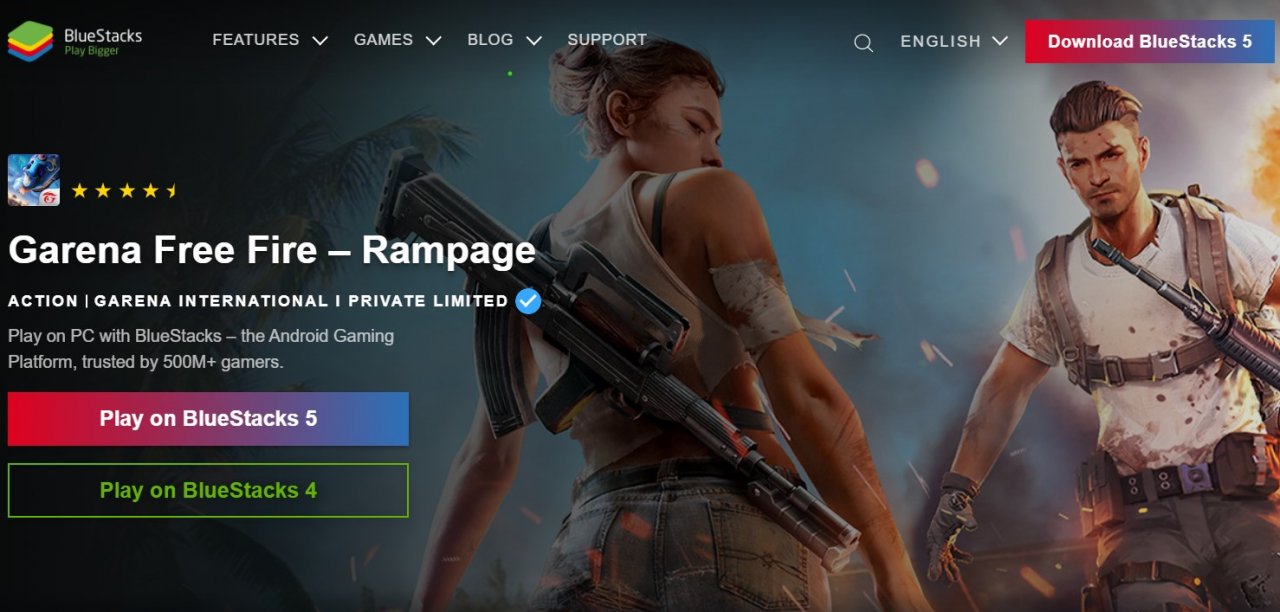
How to Download Garena Free Fire on PC
Are you an avid gamer looking to download one of the most popular mobile games, Garena Free Fire, on your computer? Look no further! In this article, we’ll guide you through the steps to download and play Garena Free Fire on PC using a few simple methods.
What is Garena Free Fire?
Garena Free Fire is a free-to-play battle royale game developed by 111 dots Studio. It’s available for both Android and iOS devices, but can also be played on PC with the help of an emulator.
Method 1: Downloading Garena Free Fire on PC Using Bluestacks
One way to download Garena Free Fire on PC is by using the Bluestacks emulator. Here’s how:
- Step 1: Go to the official website of Bluestacks and click on the “Download” button.
- Step 2: Once the download is complete, run the installer file and follow the prompts to install Bluestacks.
- Step 3: Launch Bluestacks and sign in with your Google account.
- Step 4: Search for Garena Free Fire in the Google Play Store within Bluestacks.
- Step 5: Click on the “Install” button to begin the download process.
- Step 6: Wait for the installation to complete, then click on the “Open” button to launch Garena Free Fire.
Method 2: Downloading Garena Free Fire on PC Using Ldplayer
Another way to play Garena Free Fire on PC is by using the LDPlayer emulator. Here’s how:
- Step 1: Go to the official website of LDPlayer and click on the “Download” button.
- Step 2: Once the download is complete, run the installer file and follow the prompts to install LDPlayer.
- Step 3: Launch LDPlayer and sign in with your Google account.
- Step 4: Search for Garena Free Fire in the Google Play Store within LDPlayer.
- Step 5: Click on the “Install” button to begin the download process.
- Step 6: Wait for the installation to complete, then click on the “Open” button to launch Garena Free Fire.
Method 3: Downloading Garena Free Fire on PC Using Noxplayer
You can also play Garena Free Fire on PC using the NoxPlayer emulator. Here’s how:
- Step 1: Go to the official website of NoxPlayer and click on the “Download” button.
- Step 2: Once the download is complete, run the installer file and follow the prompts to install NoxPlayer.
- Step 3: Launch NoxPlayer and sign in with your Google account.
- Step 4: Search for Garena Free Fire in the Google Play Store within NoxPlayer.
- Step 5: Click on the “Install” button to begin the download process.
- Step 6: Wait for the installation to complete, then click on the “Open” button to launch Garena Free Fire.
Conclusion
Downloading Garena Free Fire on PC is a straightforward process that can be accomplished using various emulators. Whether you choose Bluestacks, LDPlayer, or NoxPlayer, make sure to follow the instructions carefully and enjoy playing this popular game on your computer.
Here are some frequently asked questions about downloading Garena Free Fire on PC:
-
Q: What is Garena Free Fire?
A: Garena Free Fire is a free-to-play battle royale game developed by 111 dots Studio.
2. Q: Can I Download Garena Free Fire on Pc?A: Yes, you can download Garena Free Fire on PC using various emulators such as Bluestacks, LDPlayer, or NoxPlayer.
3. Q: How do I Download And Install The Emulator?A: You can download and install the emulator by going to its official website and following the prompts.
4. Q: Do I Need a Google Account to Play Garena Free Fire on Pc?A: Yes, you’ll need a Google account to sign in with the emulator and access the game.
5. Q: Can I Download Garena Free Fire Directly From The Google Play Store on my Pc?A: No, you cannot download Garena Free Fire directly from the Google Play Store on your PC without an emulator.
We hope this article has been helpful in guiding you through the process of downloading and playing Garena Free Fire on PC.


