
How to Get Discovery+ Free: A Comprehensive Guide
Are you looking for ways to enjoy Discovery+ without paying a subscription fee? Look no further! In this article, we’ll explore the various options available to you, including free trials, promotional offers, and alternative services that offer access to Discovery+ content.
What is Discovery+?
Before we dive into the details, let’s quickly cover what Discovery+ is. Discovery+ is a streaming service that offers a wide range of content, including documentaries, TV shows, and movies. It’s available on various platforms, including mobile devices, smart TVs, and streaming devices like Amazon Fire TV.
Option 1: Free Account
One way to access Discovery+ content without paying a subscription fee is by creating a free account. This option allows you to watch certain channels and programs for free, but with ads. Some of the channels available on the free version include Real Time, DMAX, Nine, HGTV, Motor Trend, Food Network, K2, Yello, and Frisbee.
Step-by-step Guide to Creating a Free Account
- Go to the Discovery+ website and click on “Sign up” at the top right corner.
- Select “Free” as your subscription type.
- Fill out the registration form with your details.
- Agree to the terms and conditions.
- Click on “Create account” to complete the process.
Option 2: Amazon Prime Video Channels
If you’re already an Amazon Prime member, you can access Discovery+ content through Amazon Prime Video Channels. This option allows you to add Discovery+ as a channel to your Prime membership and enjoy certain content for free.
Step-by-step Guide to Adding Discovery+ to Your Amazon Prime Membership
- Go to the Amazon Prime Video website and sign in with your account details.
- Click on “Channels” at the top menu bar.
- Search for “Discovery+” and click on it.
- Select “Add channel” to add Discovery+ to your Prime membership.
- Follow the prompts to complete the process.
Option 3: Timvision Packs
If you’re a TIM customer, you can access Discovery+ content through TIMVISION packs. These packs offer a range of services, including TV channels and streaming services like Discovery+.
Step-by-step Guide to Accessing Discovery+ Through Timvision Packs
- Go to the TIM website and sign in with your account details.
- Click on “TIMVISION” at the top menu bar.
- Browse the available packs and select the one that includes Discovery+.
- Follow the prompts to complete the process.
Option 4: Sky Extra
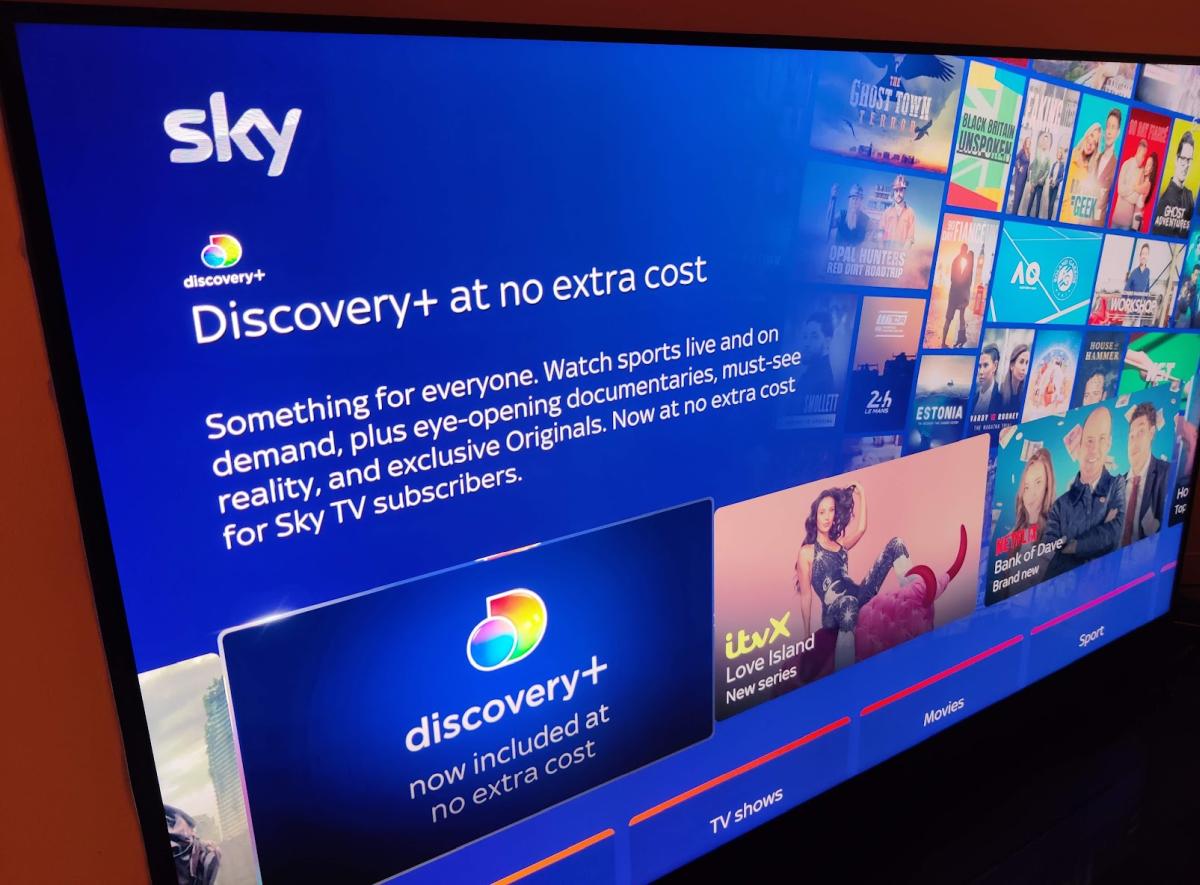
If you’re a Sky customer, you can access Discovery+ content through Sky Extra. This service offers a range of additional channels and services, including Discovery+, for a promotional period.
Step-by-step Guide to Accessing Discovery+ Through Sky Extra
- Go to the Sky website and sign in with your account details.
- Click on “Sky Extra” at the top menu bar.
- Browse the available options and select the one that includes Discovery+.
- Follow the prompts to complete the process.
Conclusion
In conclusion, there are several ways to access Discovery+ content without paying a subscription fee. Whether you create a free account, use Amazon Prime Video Channels, or take advantage of TIMVISION packs or Sky Extra, there’s an option for everyone. We hope this guide has been helpful in exploring these options and finding the one that works best for you.
Frequently Asked Questions
- Q: Can I Get Discovery+ Free With a Free Account?
A: Yes, you can create a free account on the Discovery+ website and access certain channels and programs without paying a subscription fee. - Q: Do I Need to be an Amazon Prime Member to Access Discovery+ Through Amazon Prime Video Channels?
A: Yes, you need to have an Amazon Prime membership to add Discovery+ as a channel to your Prime account. - Q: Can I Get Timvision Packs With Discovery+ For Free?
A: While there are promotional offers available, the standard price of TIMVISION packs does include access to Discovery+ content. - Q: Do I Need to be a Sky Customer to Access Discovery+ Through Sky Extra?
A: Yes, you need to have a Sky subscription to take advantage of Sky Extra and its promotional offers. - Q: Can I Cancel my Discovery+ Subscription at Any Time?
A: Yes, you can cancel your Discovery+ subscription at any time by going to the settings menu on your device or through the Discovery+ website. - Q: Is Discovery+ Available in my Region?
A: Check the Discovery+ website for availability in your region. - Q: Can I Watch Discovery+ Content Offline?
A: Yes, you can download certain Discovery+ content for offline viewing on compatible devices. - Q: Do I Need to Have a Strong Internet Connection to Stream Discovery+ Content?
A: A stable and fast internet connection is recommended for optimal streaming quality.


