
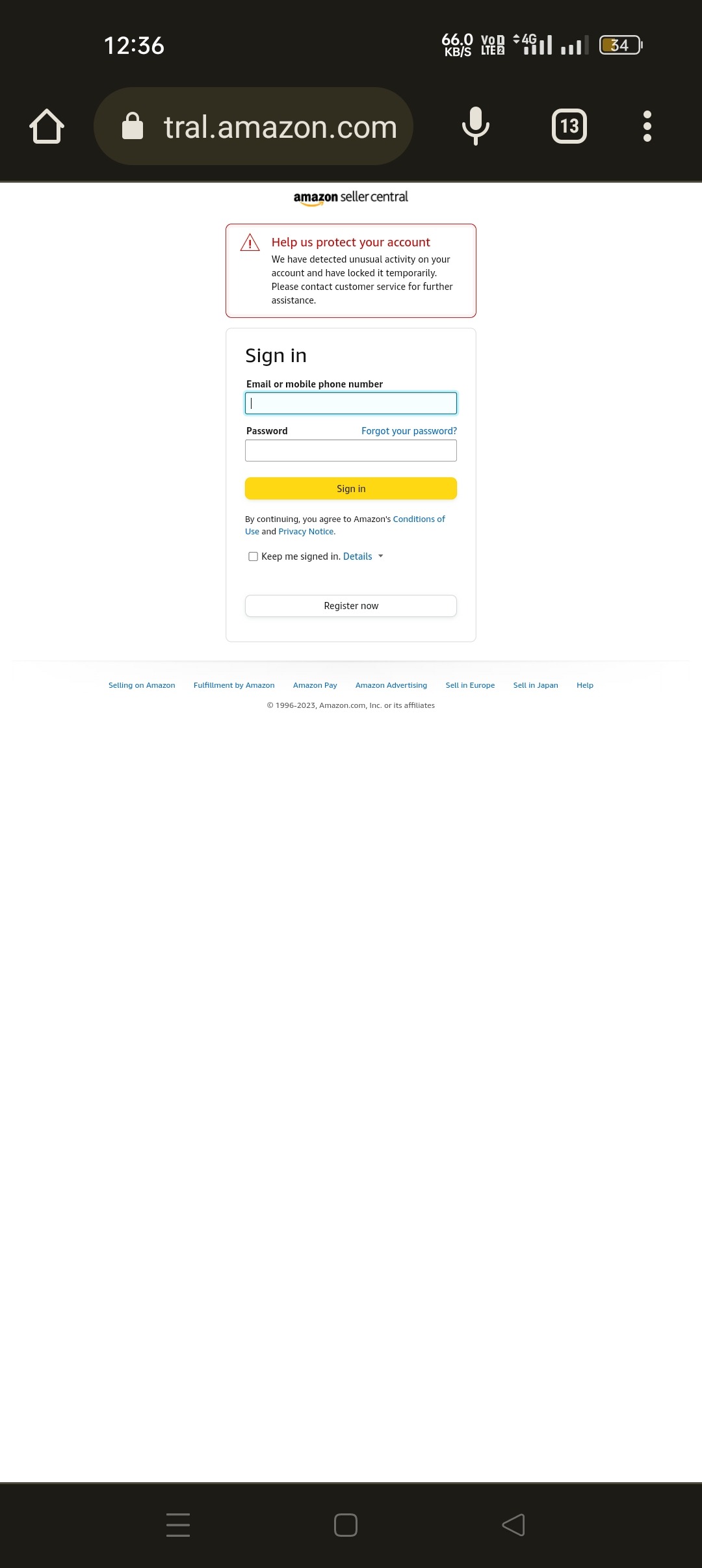
How to Unblock a Blocked Amazon Account: A Step-by-step Guide
Are you frustrated because your Amazon account has been blocked, and you can’t access it? Don’t worry; we’ve got you covered! In this article, we’ll guide you through the process of unblocking a blocked Amazon account using both a computer and a smartphone or tablet.
Why is my Amazon Account Blocked?
Amazon blocks accounts for various reasons, including:
- Suspicious activity
- Unauthorized access
- Forgotten password or email address
Step-by-step Guide to Unblocking a Blocked Amazon Account
Using a Computer
- Access The Amazon Home Page: Go to the Amazon home page and click on “Ciao, Access. Account” at the top right corner of the page.
- Click on Access: Select “Access” from the menu that appears, and then click on the “Access” button in the new page that opens.
- Select Have Need of Aid?: Click on “Have need of aid?” at the bottom of the page.
- Choose Password Forgotten: Select “Password forgotten” from the options provided.
- Enter Your Email Address or Phone Number: Enter your email address or phone number associated with your Amazon account, and then click on the “Continue” button.
- Verify Your Identity: Check your identity by means of a one-time password (OTP) sent to your email address or phone number.
- Create a New Password: Create a new password for your Amazon account, and then click on the “Save modifications and access” button.
Step-by-step Guide to Unblocking a Blocked Amazon Account Using a Smartphone or Tablet
Using an Amazon App
- Launch The Amazon App: Open the Amazon app on your smartphone or tablet.
- Click on Access: Tap on the “Access” button at the top right corner of the screen.
- Select Have Need of Aid?: Click on “Have need of aid?” from the menu that appears.
- Choose Password Forgotten: Select “Password forgotten” from the options provided.
- Enter Your Email Address or Phone Number: Enter your email address or phone number associated with your Amazon account, and then click on the “Continue” button.
- Verify Your Identity: Check your identity by means of a one-time password (OTP) sent to your email address or phone number.
- Create a New Password: Create a new password for your Amazon account, and then tap on the “Save modifications and access” button.
What if I’m Having Trouble Accessing My Account?
If you’re having trouble accessing your account using either method, try the following:
- Call the customer service number: 800729016 (Free in Italy) or +39 02 82950305 (if you’re a Vodafone client or calling from abroad).
- Use the Amazon help page: Consult this page for additional information on unblocking your account.
How to Unblock an Amazon Account if It’s Been Temporarily Suspended?
If your account has been temporarily suspended, Amazon will send you an email or SMS with instructions on how to recover your account. If you’re having trouble accessing your account, try the following:
- Call customer service: Contact the customer service number for assistance.
- Use the Amazon help page: Consult this page for additional information on unblocking your account.
Conclusion
Unblocking a blocked Amazon account is a relatively straightforward process that can be completed using either a computer or smartphone/tablet. If you’re experiencing trouble accessing your account, try the methods outlined in this article, and don’t hesitate to contact customer service for assistance.
Frequently Asked Questions (FAQs)
- Q: Why is my Amazon Account Blocked?
A: Your account may be blocked due to suspicious activity, unauthorized access, or forgotten password or email address. - Q: How do I Unblock my Amazon Account Using a Computer?
A: To unblock your account using a computer, follow the steps outlined in this article. - Q: Can I Use The Amazon App to Unblock my Account?
A: Yes, you can use the Amazon app on your smartphone or tablet to unblock your account. - Q: What if I’m Having Trouble Accessing my Account?
A: If you’re experiencing trouble accessing your account, try contacting customer service for assistance. - Q: How do I Recover my Amazon Account if It’s Been Temporarily Suspended?
A: If your account has been temporarily suspended, follow the instructions provided by Amazon to recover your account. - Q: Can I Contact Amazon Via Social Media?
A: Yes, you can contact Amazon via Twitter or DM on Facebook for assistance with your account issues. - Q: How do I Know if my Amazon Account is Blocked?
A: If you’re unable to access your account and receive a notice stating that it’s temporarily suspended, then your account has been blocked. - Q: Can I Unblock my Amazon Account Myself?
A: While we provide step-by-step guides on how to unblock your account, if you’re experiencing persistent issues, it’s best to contact customer service for assistance.


