
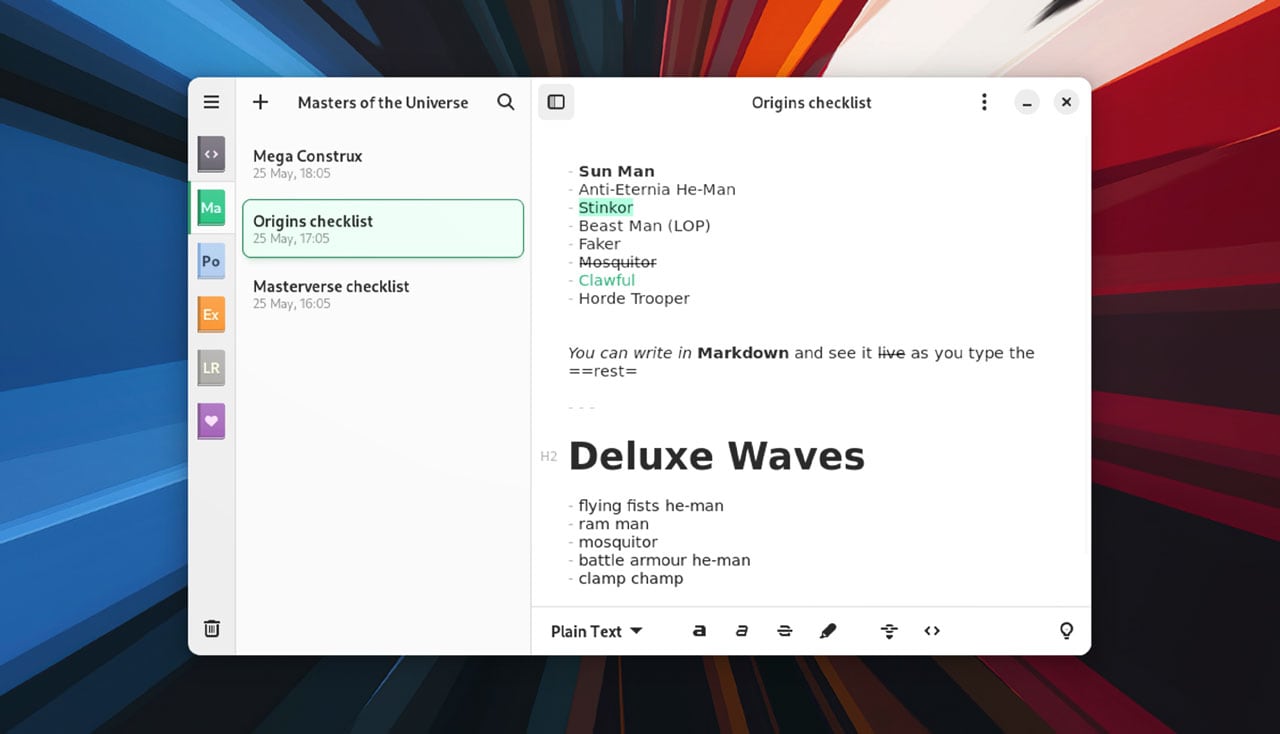
The Ultimate Guide to Note-taking Apps
Are you tired of juggling multiple note-taking apps on your device? Look no further! In this article, we’ll explore the best note-taking apps for Android, iOS, and iPadOS, perfect for students, professionals, and anyone in between.
Why Use a Note-taking App?
Note-taking apps are designed to help you organize your thoughts, ideas, and notes in a single, easily accessible place. With these apps, you can:
- Take notes quickly and efficiently
- Organize your notes into categories or notebooks
- Share your notes with others
- Access your notes across multiple devices
Top Note-taking Apps For Android
- Onenote: A free app developed by Microsoft that allows you to take notes, create notebooks, and sync them across all your devices.
- Evernote: A popular note-taking app that offers a wide range of features, including audio recording, image annotation, and document scanning.
- Simplenote: A simple yet powerful app that lets you take notes in markdown format, with features like encryption and pinning.
Top Note-taking Apps For Ios And Ipados
- Grades: The default note-taking app on iOS and iPadOS, which allows you to create notebooks, add images, and sync them across all your devices.
- Notability: A feature-rich app that lets you take notes with Apple Pencil, record audio, and annotate PDFs.
- Myscript Nebo: An innovative app that uses handwriting recognition technology to convert your handwritten notes into digital text.
Other Noteworthy Apps
- Google Keep: A simple note-taking app developed by Google that allows you to jot down quick notes, reminders, and to-do lists.
- Xodo Pdf: A PDF reader and editor app that lets you annotate documents with notes, highlight important information, and fill out forms.
- Bamboo Paper: A drawing and note-taking app developed by Wacom that turns your device into a digital notebook.
Features to Consider
When choosing the best note-taking app for your needs, consider the following features:
- Note organization and categorization
- Syncing across multiple devices
- Image and audio annotation
- Encryption and security
- Collaboration tools
Conclusion
In conclusion, there are many excellent note-taking apps available for Android, iOS, and iPadOS. Whether you’re a student, professional, or simply looking for a way to stay organized, these apps can help you achieve your goals.
Frequently Asked Questions (FAQs)
- Q: What is The Best Note-taking App?
A: The best note-taking app depends on your specific needs and preferences. - Q: Can I Use Multiple Note-taking Apps at Once?
A: Yes, many note-taking apps allow you to sync and access notes across multiple devices. - Q: How Secure Are These Note-taking Apps?
A: Most note-taking apps offer encryption and security features to protect your data. - Q: Can I Share my Notes With Others?
A: Many note-taking apps allow you to share your notes via email, messaging apps, or collaboration tools.
Conclusion
The best note-taking app is one that meets your specific needs and preferences. With so many excellent options available, it’s easy to find the perfect app for you. Happy note-taking!


