
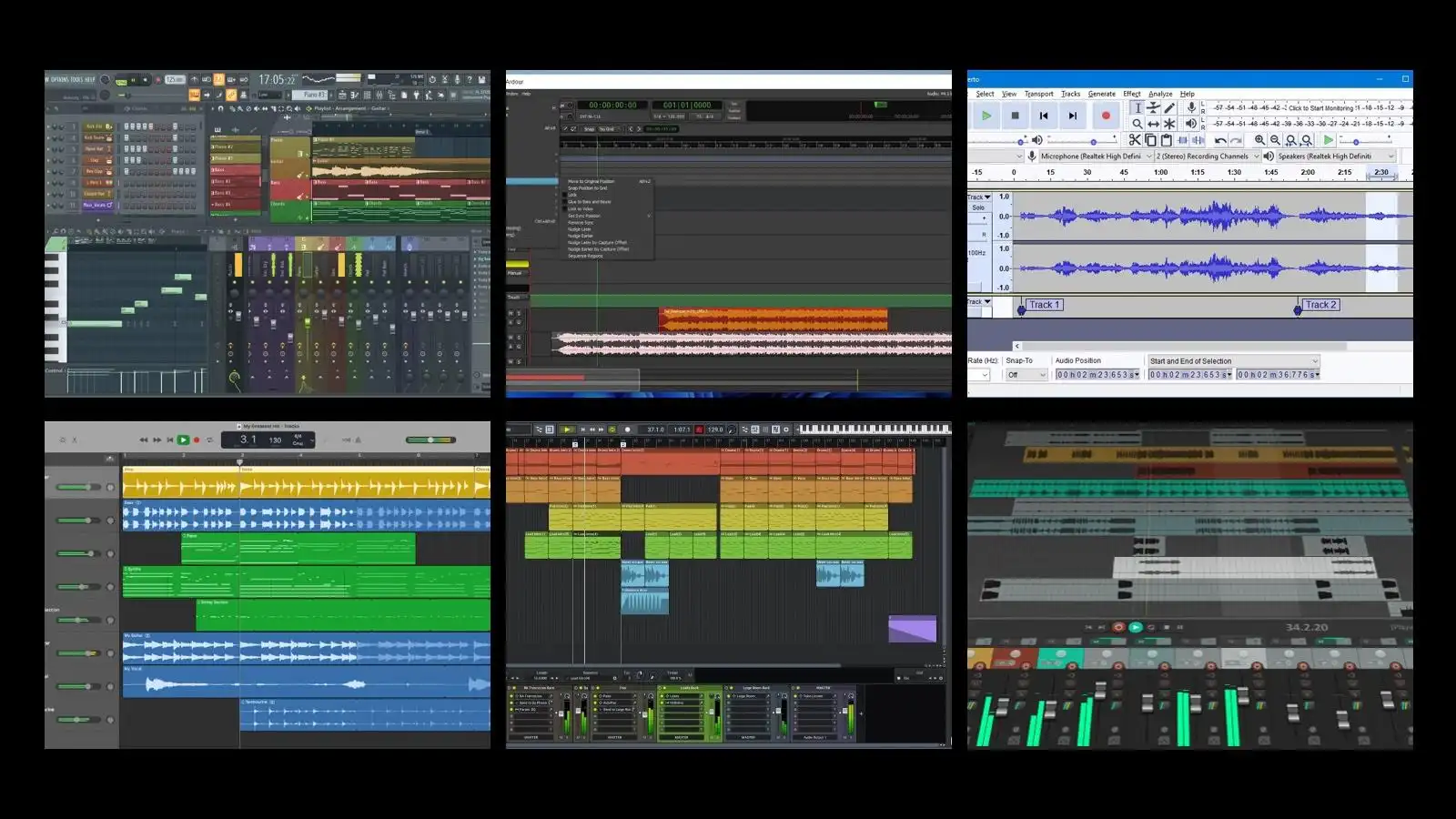
The Ultimate Guide to Recording Music: Top Programs to Use
Are you a music enthusiast looking to create your own compositions? Look no further! In this article, we’ll explore the best programs to record music, both free and paid, for Windows, macOS, and Linux.
Why Record Music?
Recording music allows you to express yourself creatively, experiment with different sounds and styles, and even collaborate with others. With so many amazing software options available, it’s never been easier to bring your musical ideas to life.
Top Free Programs to Record Music
- Audacity: A popular, user-friendly audio editor that’s perfect for beginners. Available for Windows, macOS, and Linux.
- Lmms: A free, open-source digital audio workstation (DAW) that offers a wide range of features and instruments. Compatible with Windows, macOS, and Linux.
- Garageband: A professional-grade DAW developed by Apple, exclusively for macOS.
Online Programs to Record Music
- Audiotool: A web-based DAW that allows you to create and edit music directly in your browser. No download required!
- Soundation: Another online DAW that offers a user-friendly interface and access to over 700 loops and virtual instruments.
Professional Programs to Record Music
- FL Studio: A powerful, feature-rich DAW for Windows and macOS.
- Cubase: A legendary DAW available for Windows and macOS, ideal for professional music production.
- Abelton: A popular digital audio workstation for Windows and macOS.
- Logic Pro X: Apple’s flagship DAW, exclusively for Mac.
Mobile Apps to Record Music
- Bandlab: A free app with a strong social component, available for Android, iOS, and iPadOS.
- Music Maker Jam: A popular music-making app for Android, iOS, and iPadOS.
- Walkband: An innovative app that allows you to play musical instruments directly on your Android device.
- Garageband: The iOS and iPadOS version of the popular DAW, optimized for touch-screen use.
Choosing The Right Program
When selecting a program to record music, consider your level of expertise, the type of music you want to create, and any specific features you need (e.G., Virtual instruments, effects). Remember, many programs offer free versions or trials, so don’t be afraid to experiment!
Conclusion
Recording music is an incredible way to express yourself creatively, and with these top programs, you can bring your musical ideas to life. Whether you’re a seasoned musician or just starting out, there’s something for everyone in this guide.
Frequently Asked Questions (FAQs)
- Q: What’s The Best Program to Record Music?
A: It depends on your level of expertise and specific needs, but Audacity, LMMS, and GarageBand are great options for beginners. - Q: Can I Use These Programs on my Mobile Device?
A: Yes! Many of these programs have mobile versions or apps that allow you to record music on-the-go. - Q: Do I Need a Computer to Record Music?
A: No! With online programs like Audiotool and Soundation, you can create and edit music directly in your browser. - Q: Are These Programs Free?
A: Some are, while others require payment or subscription. Check the specific program’s website for pricing information. - Q: Can I Collaborate With Others Using These Programs?
A: Yes! Many of these programs allow real-time collaboration and sharing features. - Q: What’s The Best Way to Learn How to Use These Programs?
A: Online tutorials, guides, and YouTube videos are great resources for learning the basics and advanced features of each program. - Q: Can I Export my Recordings in Different Formats?
A: Yes! Most of these programs allow you to export your music in various formats, such as MP3 or WAV. - Q: Do These Programs Have a User-friendly Interface?
A: Many of these programs are designed with beginners in mind and offer intuitive interfaces that make it easy to get started.
Happy recording!


