
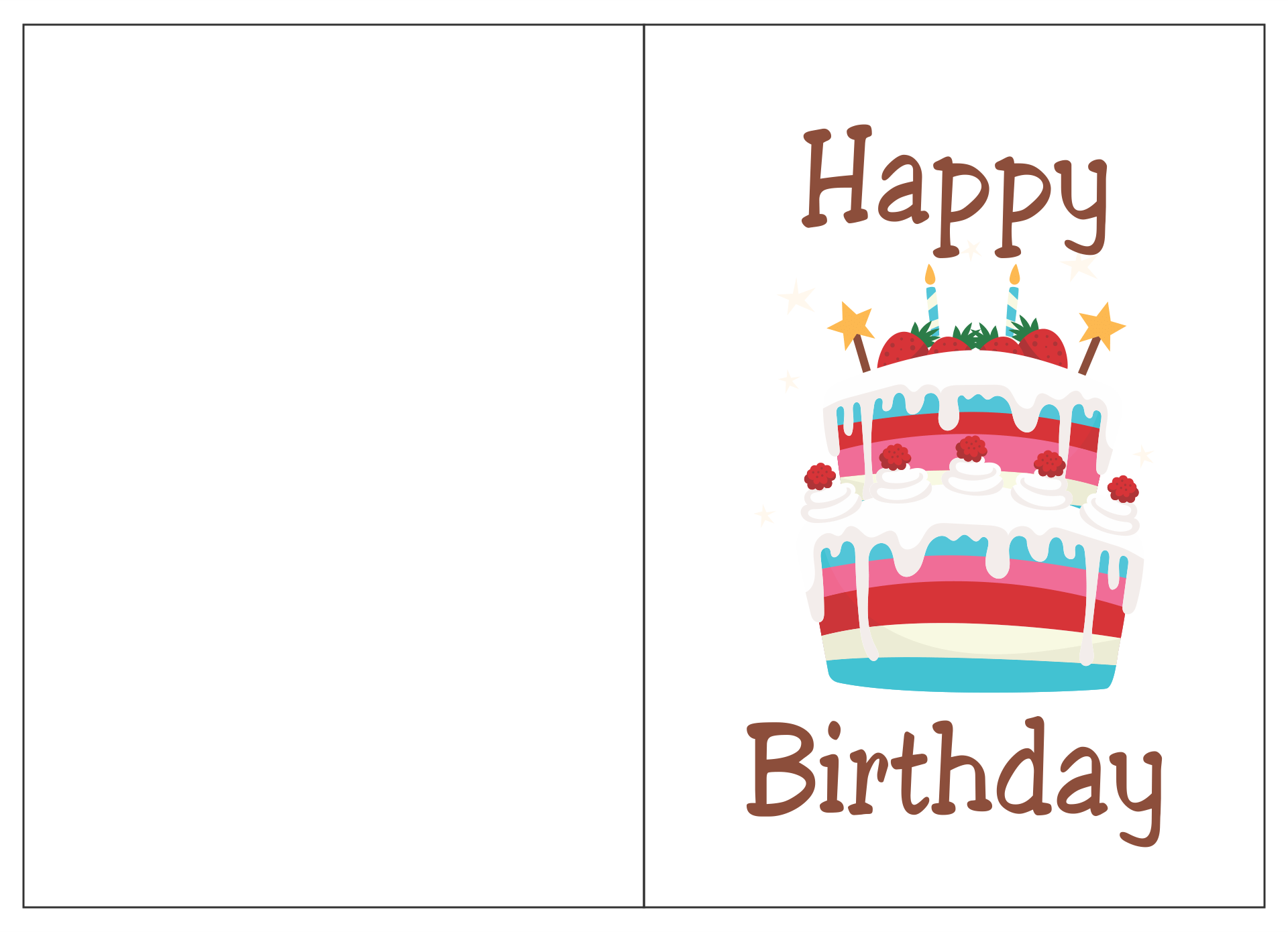
The Ultimate Guide to Creating Personalized Birthday Tickets Online
Are you tired of using the same old boring birthday tickets every year? Do you want to make your special day truly unforgettable? Look no further! In this article, we will guide you through the process of creating personalized birthday tickets online, making it a unique and memorable experience for yourself and your loved ones.
Why Personalized Birthday Tickets?
Personalized birthday tickets are a thoughtful way to express your creativity and personality. They can be customized with names, dates, photos, and even funny quotes or jokes. With the help of online tools and websites, you can create beautiful and unique tickets that reflect your style and taste.
Top Websites For Creating Personalized Birthday Tickets
- Fotor: Fotor is a popular online platform that allows you to create customized birthday tickets from scratch. You can choose from various templates, add images and text, and even personalize the design with your name or photo.
- Canva: Canva is another powerful tool for creating personalized birthday tickets. With its user-friendly interface and vast array of templates and designs, you can easily create unique tickets that will impress your friends and family.
- Greetings Island: Greetings Island is a website that offers a wide range of customizable birthday tickets, including funny and ironic ones. You can choose from various templates, add images or text, and even personalize the design with your name or photo.
Step-by-step Guide to Creating Personalized Birthday Tickets Online
Step 1: Choose Your Website
First, select the website you want to use for creating your personalized birthday tickets. Fotor, Canva, and Greetings Island are all excellent options, each with its unique features and benefits.
Step 2: Select a Template
Once you’ve chosen your website, browse through their template selection. Look for templates that match your style or theme. You can choose from various designs, including classic, funny, and even ironic ones.
Step 3: Personalize Your Ticket
With your chosen template, it’s time to get creative! Add images, text, or even your name or photo to make the ticket truly unique. Use the editing tools provided by each website to customize the design to your liking.
Step 4: Download And Print
Once you’re satisfied with your personalized birthday tickets, download them to your computer. You can then print them out and share them with your loved ones.
Tips And Variations
- Add a Personal Touch: Include personal messages, photos, or even funny quotes to make the ticket truly special.
- Customize The Design: Use various colors, fonts, and designs to match your personality and style.
- Create a Theme: Choose tickets that match a specific theme, such as dinosaurs or cartoons.
Frequently Asked Questions
- What is The Best Website For Creating Personalized Birthday Tickets?
The best website for you will depend on your personal preferences and needs. Fotor, Canva, and Greetings Island are all excellent options, each with its unique features and benefits. - Can I Customize The Design of my Ticket?
Yes! Each website provides editing tools that allow you to personalize the design to your liking. - How do I Download And Print my Personalized Birthday Tickets?
Once you’ve created and customized your ticket, simply download it to your computer and print it out. - Can I Use Images or Photos in my Ticket?
Yes! You can add images or photos to make the ticket truly unique and personal. - Are There Any Fees Associated With Using These Websites?
Some of the websites mentioned may charge a fee for their premium features, but you can still create personalized birthday tickets without incurring any costs.
Conclusion
Creating personalized birthday tickets online is easier than ever! With Fotor, Canva, and Greetings Island at your disposal, you can craft unique and memorable tickets that reflect your personality and style. Whether you’re looking for classic, funny, or ironic designs, there’s something for everyone. So why not give it a try today?


