
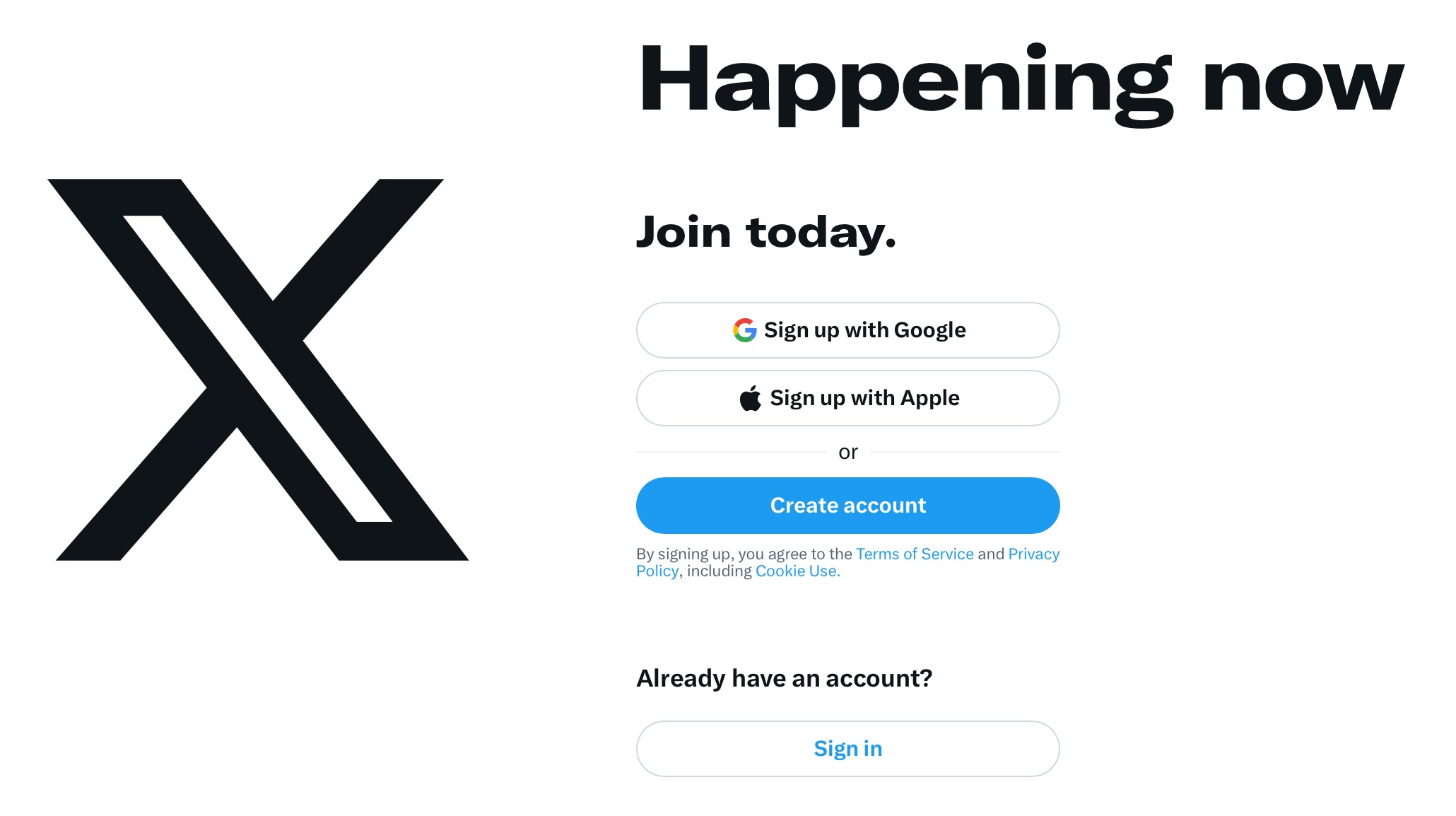
How to Enroll on X (Twitter)
Are you eager to join the world of Twitter, but not sure where to start? Look no further! In this article, we will guide you through the process of enrolling on X, step by step.
Why Enroll on X?
Enrolling on X allows you to connect with a vast community of users from all over the world. You can share your thoughts, opinions, and experiences with others, and stay updated on the latest news and trends. Plus, enrolling is free!
Accessing X Without a Phone Number
One common misconception about Twitter is that you need a phone number to enroll. However, this is not true! You can access Twitter without a phone number by using your email address.
To do so, simply click on the “Sign up” button and enter your desired username and email address. Follow the prompts to complete the registration process. Voilà!
Accessing X Without a User Name
You can also enroll on Twitter without a user name. In this case, you won’t need to fill out any personal information during the registration process.
Just click on the “Sign up” button and enter your email address. You’ll then be able to access your account without a username.
Accessing X in Anonymous Form
If you want to remain anonymous while still enjoying Twitter’s features, you can enroll using an anonymous form. This will allow you to join the community without sharing any personal information.
To do so, follow the same steps as above, but choose “Anonymous” as your user type.
Accessing X With Google
Did you know that you can access Twitter using your Google account? It’s easy!
Just click on the “Sign in with Google” button during the registration process and enter your Google credentials. This will allow you to access Twitter without having to create a separate username and password.
Enrolling on X Premium (Twitter Blue)
Are you interested in upgrading to X Premium, formerly known as Twitter Blue? This service offers additional features such as premium badges, video recording capabilities, and more!
To enroll on X Premium, simply click on the “Upgrade” button within your existing Twitter account. Follow the prompts to complete the registration process.
Conclusion
Enrolling on Twitter is easy! Whether you want to access it without a phone number, user name, or anonymously, we’ve got you covered. And if you’re interested in upgrading to X Premium, now’s the time!
Frequently Asked Questions (FAQs)
- Q: What is Twitter?
- A: Twitter is a social media platform where users can share short messages called “tweets.”
- Q: Do I need a phone number to enroll on Twitter?
- A: No, you don’t need a phone number! You can use your email address or Google account instead.
- Q: Can I access Twitter without a user name?
- A: Yes, you can! Simply click on the “Sign up” button and enter your email address.
- Q: What is X Premium (Twitter Blue)?
- A: X Premium is an upgraded version of Twitter that offers additional features such as premium badges and video recording capabilities.
Conclusion
We hope this article has helped you understand how to enroll on X, step by step! Whether you’re a seasoned Twitter user or just starting out, we encourage you to join the community and start sharing your thoughts with the world!
Table 1: Accessing Twitter Without a Phone Number
| Step | Action |
|---|---|
| 1. | Click on “Sign up” button |
| 2. | Enter desired username and email address |
| 3. | Follow prompts to complete registration process |
Table 2: Accessing Twitter Without a User Name
| Step | Action |
|---|---|
| 1. | Click on “Sign up” button |
| 2. | Enter email address only |
| 3. | Follow prompts to complete registration process |
Table 3: Accessing Twitter in Anonymous Form
| Step | Action |
|---|---|
| 1. | Click on “Sign up” button |
| 2. | Choose “Anonymous” as user type |
| 3. | Follow prompts to complete registration process |
Table 4: Accessing Twitter With Google
| Step | Action |
|---|---|
| 1. | Click on “Sign in with Google” button |
| 2. | Enter Google credentials |
| 3. | Follow prompts to complete registration process |
Table 5: Enrolling on X Premium (Twitter Blue)
| Step | Action |
|---|---|
| 1. | Click on “Upgrade” button within existing Twitter account |
| 2. | Follow prompts to complete registration process |
Note that the tables are designed to provide a clear and concise summary of each step involved in accessing or enrolling on X (Twitter).


