
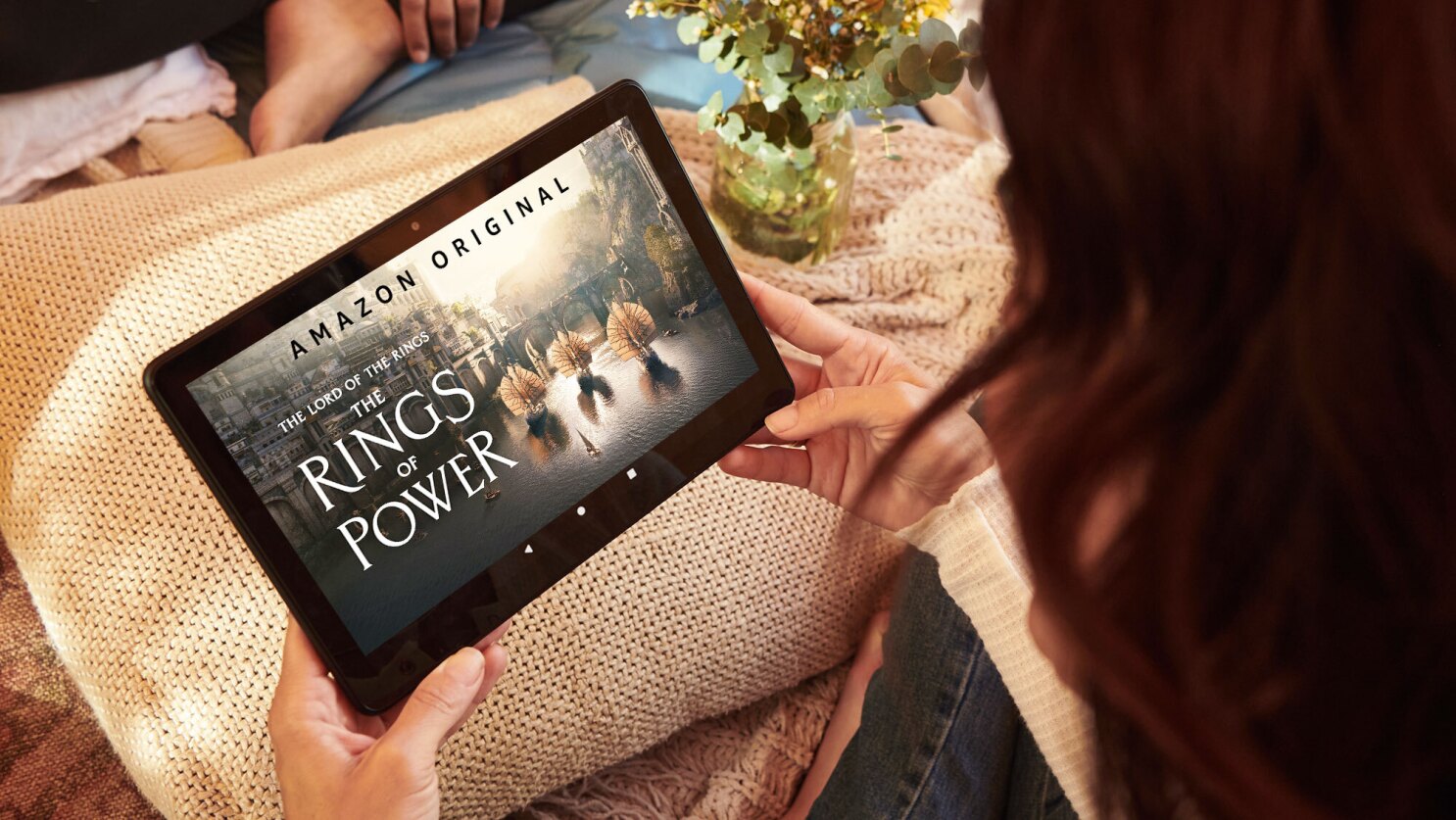
How to Rent a Movie on Amazon Prime Video
Are you tired of searching for ways to rent movies online? Look no further! In this article, we will guide you through the simple process of renting a movie on Amazon Prime Video. Whether you’re using your computer, smartphone, or tablet, we’ve got you covered.
What is Amazon Prime Video?
Amazon Prime Video is a streaming service that offers a vast library of movies, TV shows, and original content to its subscribers. With an active Prime subscription, you can access Prime Video for free, which includes the ability to rent and purchase individual titles.
Benefits of Renting Movies on Amazon Prime Video
Renting movies on Amazon Prime Video has several advantages. Not only do you get to choose from a vast selection of titles, but you also have the option to stream them in high definition (HD) or ultra-high definition (UHD). Additionally, with Prime Video, you can enjoy exclusive features like X-Ray, which provides behind-the-scenes information and trivia about your favorite movies.
How to Rent a Movie on Amazon Prime Video From Your Computer
Renting a movie on Amazon Prime Video from your computer is a straightforward process. Here’s how to do it:
- Access Amazon Prime Video: Open the Amazon Prime Video website or app on your browser.
- Sign in With Your Amazon Account: If you haven’t already, sign in with your Amazon account credentials.
- Select The Store Option: Click on the “Store” option from the menu bar to access a list of available movies and TV shows.
- Search For The Movie: Use the search function or browse through the categories to find the movie you’re interested in renting.
- Choose Your Rental Options: Select the HD or UHD version of the movie, depending on your preference.
- Confirm Your Purchase: Review your order details and confirm your payment information.
How to Rent a Movie on Amazon Prime Video From Your Smartphone or Tablet
Renting a movie on Amazon Prime Video from your smartphone or tablet is just as easy as it is from your computer. Here’s how:
- Open The Prime Video App: Launch the Prime Video app on your device.
- Sign in With Your Amazon Account: Sign in with your Amazon account credentials, if prompted.
- Select The Store Option: Tap on the “Store” option to access a list of available movies and TV shows.
- Search For The Movie: Use the search function or browse through the categories to find the movie you’re interested in renting.
- Choose Your Rental Options: Select the HD or UHD version of the movie, depending on your preference.
- Confirm Your Purchase: Review your order details and confirm your payment information.
How to Rent a Movie on Amazon Prime Video From Your TV
Renting a movie on Amazon Prime Video from your TV is also possible with certain devices, such as Smart TVs or streaming players like Fire TV Stick. Here’s how:
- Launch The Prime Video App: Launch the Prime Video app on your device.
- Sign in With Your Amazon Account: Sign in with your Amazon account credentials, if prompted.
- Select The Store Option: Tap on the “Store” option to access a list of available movies and TV shows.
- Search For The Movie: Use the search function or browse through the categories to find the movie you’re interested in renting.
- Choose Your Rental Options: Select the HD or UHD version of the movie, depending on your preference.
Benefits of Renting Movies on Amazon Prime Video
Renting movies on Amazon Prime Video offers several benefits, including:
- Access to a vast library of movies and TV shows
- Option to stream in high definition (HD) or ultra-high definition (UHD)
- Exclusive features like X-Ray, which provides behind-the-scenes information and trivia about your favorite movies
- Convenient rental process with minimal effort required
Conclusion
Renting movies on Amazon Prime Video is a simple and convenient process that offers numerous benefits. Whether you’re using your computer, smartphone, or tablet, we’ve provided step-by-step instructions to guide you through the rental process. With an active Prime subscription, you can enjoy endless entertainment options without breaking the bank.
Frequently Asked Questions
Q: What is Amazon Prime Video?
A: Amazon Prime Video is a streaming service that offers a vast library of movies, TV shows, and original content to its subscribers.
Q: How do I rent a movie on Amazon Prime Video from my computer?
A: To rent a movie on Amazon Prime Video from your computer, follow the steps outlined in the article.
Q: Can I rent a movie on Amazon Prime Video from my smartphone or tablet?
A: Yes, renting a movie on Amazon Prime Video from your smartphone or tablet is just as easy as it is from your computer. Follow the steps outlined in the article to learn how.
Q: How do I rent a movie on Amazon Prime Video from my TV?
A: To rent a movie on Amazon Prime Video from your TV, you will need a device that supports the Prime Video app, such as a Smart TV or streaming player like Fire TV Stick. Follow the steps outlined in the article to learn how.
Q: What are the benefits of renting movies on Amazon Prime Video?
A: Renting movies on Amazon Prime Video offers numerous benefits, including access to a vast library of movies and TV shows, option to stream in high definition (HD) or ultra-high definition (UHD), exclusive features like X-Ray, and convenient rental process with minimal effort required.
Q: Do I need an active Prime subscription to rent movies on Amazon Prime Video?
A: Yes, you will need an active Prime subscription to rent movies on Amazon Prime Video.


