
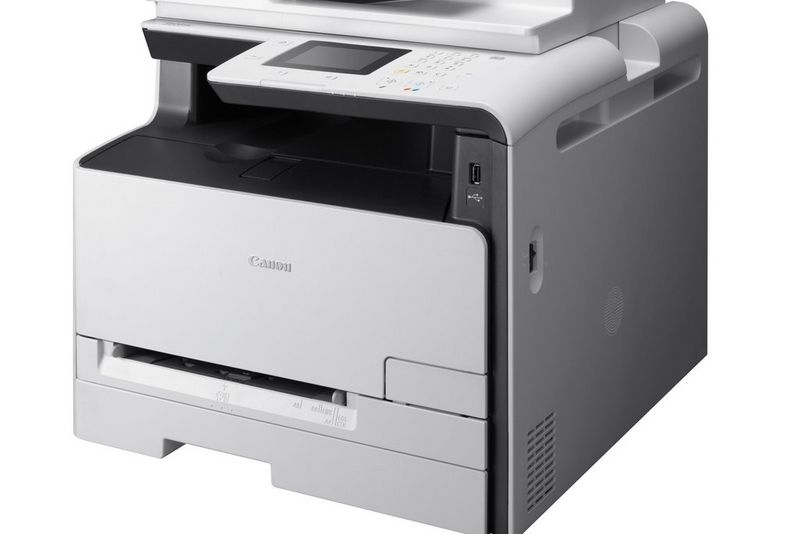
Canon Driver: The Ultimate Guide to Downloading, Installing, And Troubleshooting
Are you struggling to get your Canon printer or camera working with your computer? Look no further! In this comprehensive guide, we’ll walk you through the process of downloading and installing Canon drivers, as well as provide tips for troubleshooting common issues.
What is a Canon Driver?
A Canon driver is a software program that allows your computer to communicate with your Canon printer or camera. It’s essential for printing, scanning, and other functions. Without the correct driver installed, you may experience errors, compatibility issues, or even damage to your device.
Why Do I Need a Canon Driver?
You need a Canon driver to:
- Print documents and photos from your computer
- Scan images and documents using your printer or camera
- Connect your device wirelessly to your computer
- Access advanced features and settings
How to Download a Canon Driver
- Visit The Canon Website: Go to the official Canon website (www.Canon.Com) and navigate to the “Support” section.
- Select Your Product: Choose the product you’re trying to connect (e.G., Printer, camera, or scanner).
- Search For Drivers: Use the search bar to find the correct driver for your operating system (Windows or macOS).
- Download The Driver: Click on the download link and save the file to a designated folder.
- Follow Installation Instructions: Read and follow the installation instructions provided with the downloaded software.
How to Install a Canon Driver
- Run The Installer: Double-click the downloaded installer file to run it.
- Select Language And Destination: Choose your language and select the destination folder for the driver.
- Follow On-screen Instructions: Click “Next” or “Continue” to complete the installation process.
- Restart Your Computer: Reboot your computer to ensure the driver is properly installed.
Troubleshooting Canon Driver Issues
- Check Compatibility: Ensure the driver is compatible with your operating system and device.
- Update Drivers: Try updating your drivers to the latest version.
- Reinstall Drivers: If issues persist, try reinstalling the drivers.
- Contact Support: Reach out to Canon support for assistance.
Canon Driver For Smartphones And Tablets
Did you know that you can print from your smartphone or tablet using a Canon printer? Yes! With the Canon PRINT Inkjet/SELPHY app (for Android and iOS/iPadOS), you can print and scan wirelessly. The Canon Print Service app (for Android) allows you to access advanced features and settings.
Conclusion
Downloading, installing, and troubleshooting Canon drivers may seem daunting, but with this guide, you’re equipped to tackle the task confidently. Remember to check compatibility, update drivers regularly, and reinstall if necessary. Don’t hesitate to contact Canon support for assistance. Happy printing!
Frequently Asked Questions (FAQs)
- What is a Canon Driver?
A Canon driver is a software program that enables your computer to communicate with your Canon printer or camera. - Why do I Need a Canon Driver?
You need a Canon driver to print, scan, and access advanced features and settings for your device. - How do I Download a Canon Driver?
Visit the Canon website, select your product, search for drivers, and follow installation instructions. - What if I’m Experiencing Issues With my Canon Driver?
Try updating or reinstalling the driver, or contact Canon support for assistance. - Can I Print From my Smartphone or Tablet Using a Canon Printer?
Yes! Use the Canon PRINT Inkjet/SELPHY app (for Android and iOS/iPadOS) or the Canon Print Service app (for Android). - How do I Troubleshoot Issues With my Canon Driver?
Check compatibility, update drivers regularly, reinstall if necessary, and contact support for assistance. - What Are The System Requirements For a Canon Driver?
Ensure your operating system is compatible with the driver version you’re installing. - Can I Use a Canon Driver on Multiple Devices?
Yes! You can install the same driver on multiple devices, but ensure compatibility before doing so.


