
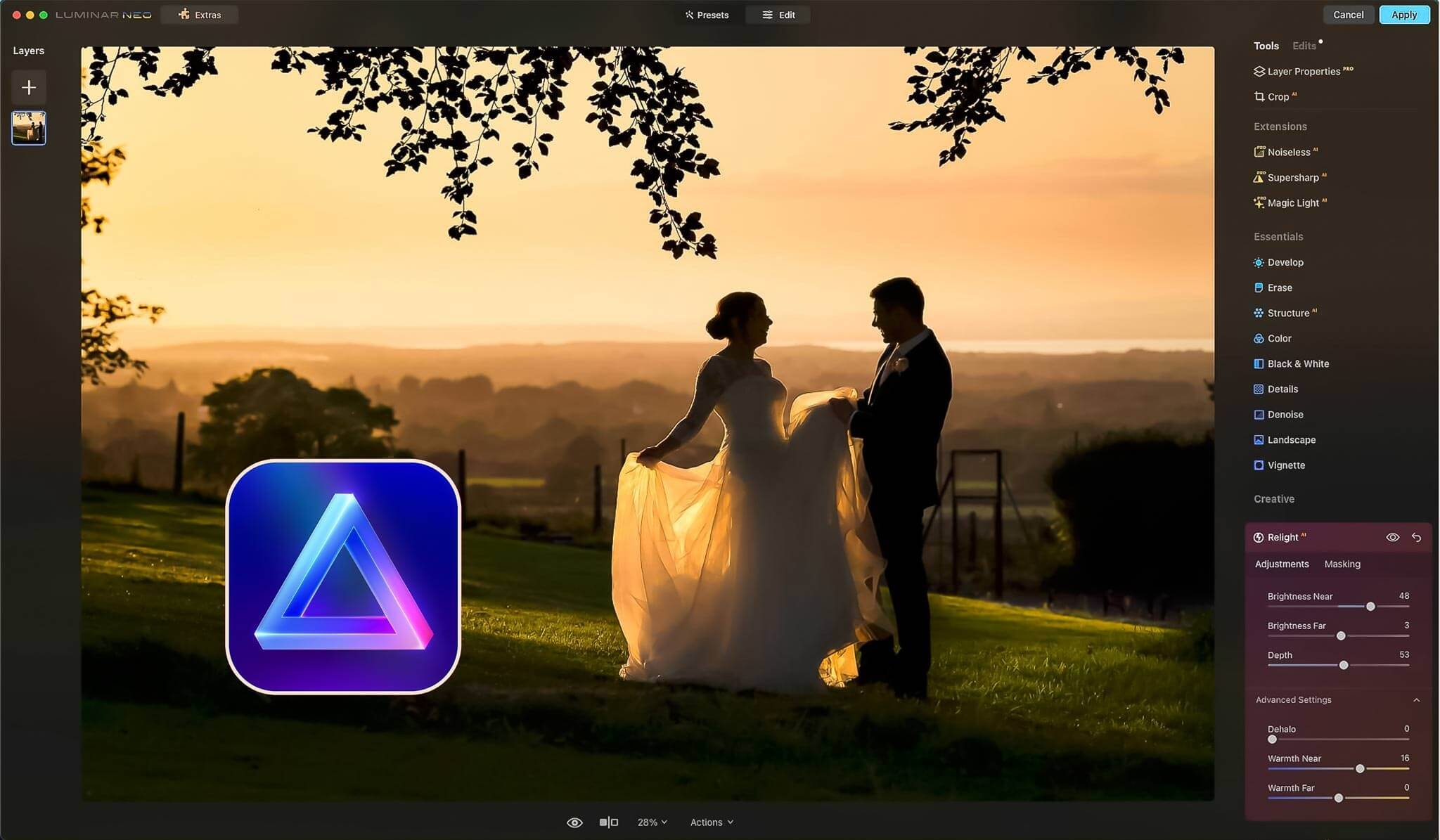
Discovering The Power of Luminar Mole: A Revolutionary Photo Editing Software
Are you tired of using traditional photo editing software that can be complicated and time-consuming? Look no further than Luminar Mole, a game-changing AI-powered editing tool that makes perfecting your photos easier than ever. In this article, we’ll delve into the world of Luminar Mole, exploring its features, benefits, and how to get started with this innovative software.
What is Luminar Mole?
Luminar Mole is a cutting-edge photo editing software that harnesses the power of artificial intelligence (AI) to transform your photos in mere seconds. Developed by Skylum, a renowned developer of creative software, Luminar Mole offers an intuitive interface and a wide range of tools to enhance your images.
Key Features of Luminar Mole
- Ai-powered Editing: Luminar Mole’s AI engine analyzes your photos and applies the necessary edits with ease.
- Intuitive Interface: The software’s user-friendly design makes it easy to navigate, even for beginners.
- Advanced Tools: Access a vast array of tools, including presets, filters, and advanced editing features like Sky Replacement and Portrait Enhancement.
- Collaborative Workspace: Work on projects with others in real-time using the software’s collaborative features.
System Requirements
To run Luminar Mole, you’ll need:
- A PC with Windows 10 (64-bit) or macOS 10.14.6 (Or later)
- An Intel Core i5 or AMD Ryzen 5 processor
- At least 8 GB of RAM (16 GB recommended)
- 10 GB of free disk space
Pricing And Plans
Luminar Mole offers two main plans:
- Monthly Subscription: $11.95/Month
- Annual Subscription: $8.25/Month (billed annually)
The annual subscription plan also includes access to exclusive features, priority customer support, and a free update to the latest version.
Getting Started With Luminar Mole
To begin using Luminar Mole, follow these steps:
- Download the software from the Skylum website.
- Launch the application and create an account or log in if you already have one.
- Choose your plan and select the features you want to access.
How to Use Luminar Mole
Once you’ve started using Luminar Mole, you’ll find that it’s incredibly easy to use:
- Select a photo from your library or import one directly into the software.
- Apply presets, filters, or advanced editing tools to enhance your image.
- Use the AI-powered editing feature to transform your photo in seconds.
Tips And Tricks For Using Luminar Mole
- Experiment with different presets and filters to find the perfect look for your photos.
- Use the software’s collaboration features to work on projects with others.
- Take advantage of the advanced editing tools, such as Sky Replacement and Portrait Enhancement.
Conclusion
Luminar Mole is a revolutionary photo editing software that makes perfecting your photos easier than ever. With its intuitive interface, AI-powered editing feature, and wide range of tools, this software is a must-have for any photographer or photography enthusiast. Try Luminar Mole today and discover the power of AI-powered editing!
Frequently Asked Questions (FAQs)
-
What is Luminar Mole?
Luminar Mole is an AI-powered photo editing software developed by Skylum. -
What Are The System Requirements For Using Luminar Mole?
You’ll need a PC with Windows 10 or macOS, along with a specific processor, RAM, and disk space. -
How Much Does Luminar Mole Cost?
The software offers two plans: A monthly subscription ($11.95/Month) and an annual subscription ($8.25/Month). -
What Features do I Get With The Annual Subscription Plan?
You’ll have access to exclusive features, priority customer support, and a free update to the latest version. -
How do I Get Started With Luminar Mole?
Download the software from the Skylum website, create an account or log in if you already have one, and choose your plan. -
Can I Use Luminar Mole on Multiple Devices?
Yes, the software allows collaboration across multiple devices. -
What Kind of Photos Can I Edit With Luminar Mole?
You can edit a wide range of photo types, including portraits, landscapes, and more. -
Is There Customer Support Available For Luminar Mole?
Yes, you’ll have access to priority customer support as part of the annual subscription plan.


