
Return a Product on Zalando: A Step-by-step Guide
Are you looking to return a product on Zalando but unsure where to start? Look no further! This article will guide you through the process of returning a product on Zalando, including initiating the return, handling problems or doubts, and canceling a return.
Why Return a Product on Zalando?
There are many reasons why you may want to return a product on Zalando. Perhaps the item didn’t fit properly, was not what you expected, or had some other issue that made it unsuitable for you. Whatever the reason, we’ll walk you through the process of returning the item and getting your money back.
Before You Begin
Here are a few things to know about returning a product on Zalando:
- The return is free: You can initiate a return without any additional costs.
- You can cancel a return: If you change your mind after initiating the return process, you can cancel it at no extra cost.
- Returns must be initiated within 100 days of receipt.
Return a Product on Zalando With Your Computer
To start the return process using your computer, follow these steps:
- Log in to your account on Zalando.
- Click on “My Account” and then select “Return an item.”
- Choose the reason for your return from the list provided (e.G., Defective article, articulate too small).
- Select the items you want to return.
- Fill in the necessary information about why you’re returning the item.
- Choose whether you’d like to cancel or continue with the return.
- Confirm your selection.
That’s it! You’ll receive a confirmation email once the process is complete.
Return a Product on Zalando With Your Smartphone or Tablet
To initiate a return using your smartphone or tablet, follow these steps:
- Open the Zalando app.
- Tap on “My Commands” and then select “Return an item.”
- Choose the reason for your return from the list provided (e.G., Defective article, articulate too small).
- Select the items you want to return.
- Fill in the necessary information about why you’re returning the item.
- Choose whether you’d like to cancel or continue with the return.
- Confirm your selection.
That’s it! You’ll receive a confirmation email once the process is complete.
Canceling a Return on Zalando
If you change your mind after initiating the return process, you can cancel it at no extra cost. To do this:
- Log in to your account on Zalando.
- Click on “My Account” and then select “Cancel a return.”
- Confirm your selection.
That’s it! You’ll receive a confirmation email once the process is complete.
In Case of Problems or Doubts
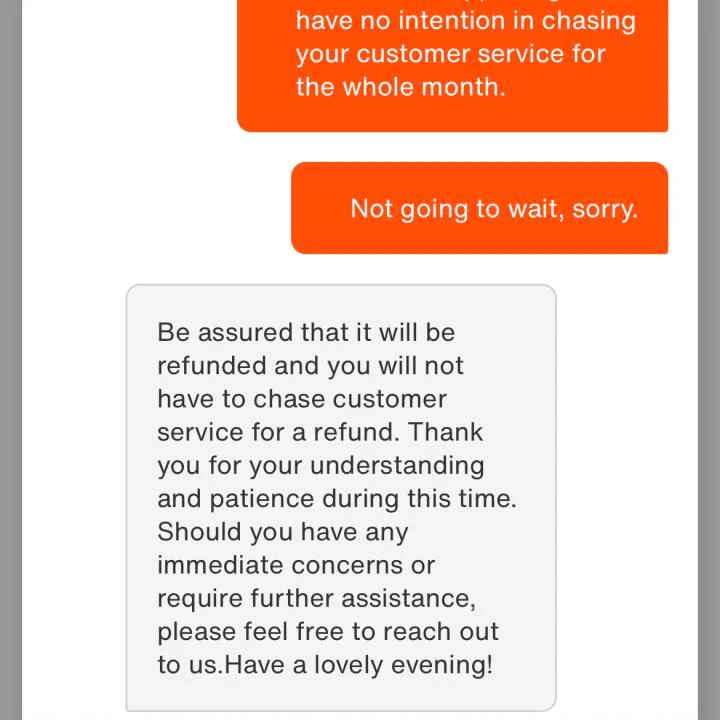
If you’re having trouble with the return process or have any doubts, don’t worry! There are several ways to get in touch with Zalando’s customer service:
- Call Center: You can call the Zalando Call Center on 02 3030 0067 and follow the instructions provided.
- Chat: You can also chat with a Zalando representative online using the “Chatta con noi” feature on the website.
- Form Online: If you prefer, you can fill out an online form to get in touch with Zalando’s customer service.
Returning Items From Zalando Privè
If you have purchased an item from Zalando Privè and want to return it, the process is similar to returning a product from Zalando. To initiate the return process:
- Log in to your account on Zalando.
- Click on “My Account” and then select “Return an item.”
- Choose the reason for your return from the list provided (e.G., Defective article, articulate too small).
- Select the items you want to return.
- Fill in the necessary information about why you’re returning the item.
- Choose whether you’d like to cancel or continue with the return.
- Confirm your selection.
That’s it! You’ll receive a confirmation email once the process is complete.
Conclusion
Returning a product on Zalando is a straightforward process that can be completed online. By following these steps, you can initiate a return and get your money back. If you have any problems or doubts, don’t hesitate to reach out to Zalando’s customer service for assistance.
Frequently Asked Questions
- Q: How Long do I Have to Initiate The Return Process?
A: You must initiate the return process within 100 days of receiving your order. - Q: Can I Cancel a Return if I’ve Already Initiated It?
A: Yes, you can cancel a return at no extra cost. - Q: How do I Contact Zalando’s Customer Service?
A: You can contact Zalando’s customer service through their Call Center, Chat feature, or online form.
We hope this guide has been helpful in explaining the process of returning a product on Zalando. If you have any further questions or concerns, please don’t hesitate to reach out to us.


