
The Ultimate Guide to Downloading Antivirus Software For Your Pc, Mac, Android, And Iphone
Are you tired of worrying about viruses and malware ruining your digital experience? Look no further! In this comprehensive guide, we’ll walk you through the process of downloading antivirus software for your PC, Mac, Android, and iPhone. Say goodbye to those pesky threats and hello to a safer online experience!
Why Do I Need Antivirus Software?
Antivirus software is like having a personal bodyguard for your digital life. It scans your device for any malicious activity and prevents viruses, malware, and other types of cyber threats from infiltrating your system.
PC Antivirus Software: A Must-have For Windows Users
If you’re running a PC with the Windows operating system, it’s essential to have antivirus software installed. Here are some top-notch options:
1. Windows Defender (Free)
Windows Defender is a free, built-in antivirus solution that comes pre-installed on most Windows devices. It provides robust protection against malware and other types of threats.
How to Use Windows Defender:
- Go to the Start menu and type “Windows Defender” in the search bar.
- Click on the result to open the app.
- Follow the prompts to enable the feature and perform a full system scan.
2. Avg Antivirus (Free/Paid)
AVG Antivirus is another popular option that offers a free version with robust features, as well as a paid subscription for added protection.
How to Download Avg Antivirus:
- Visit the official website at www.Avg.Com.
- Click on the “Download Free” button.
- Follow the installation prompts and enable the software.
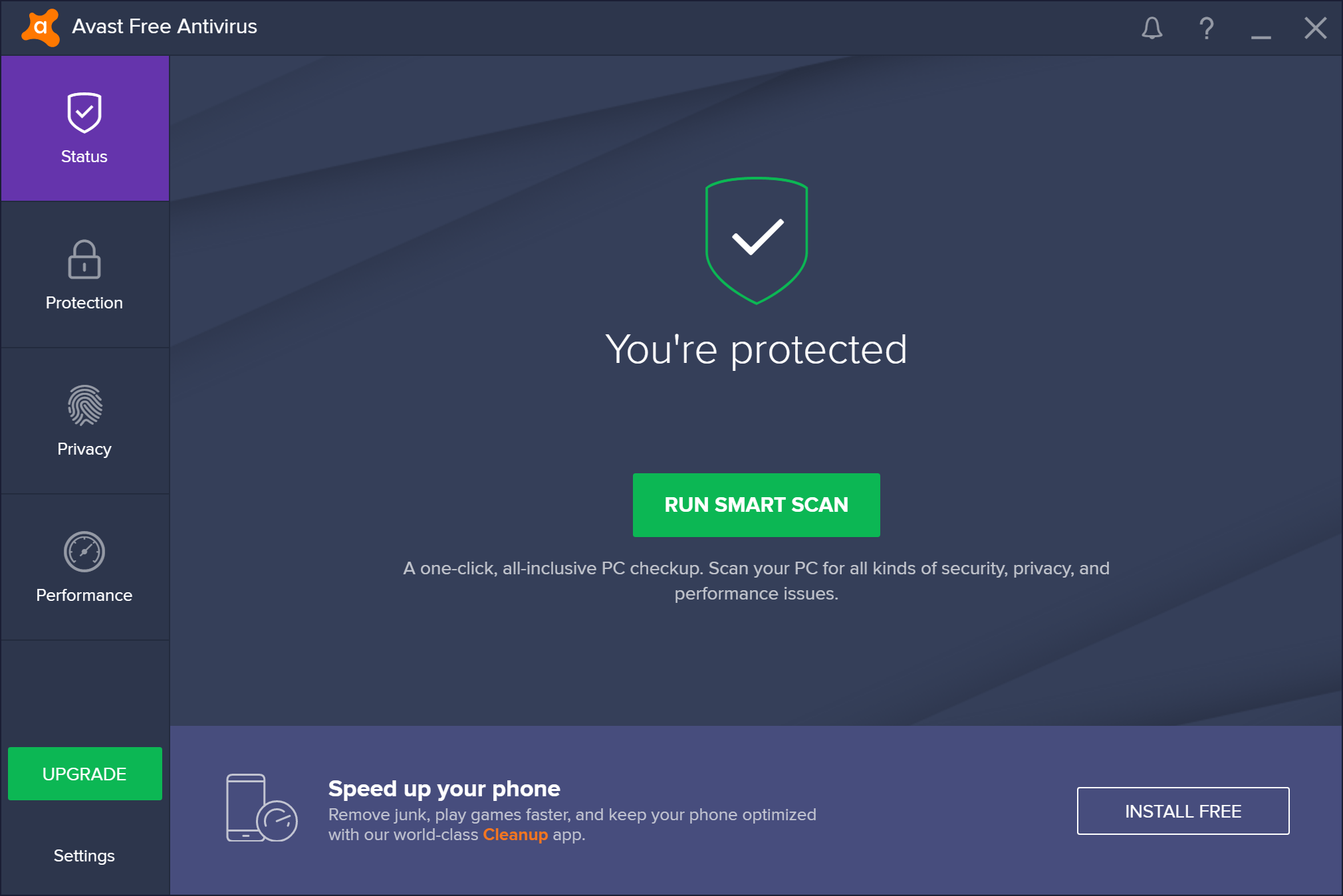
3. Avast Antivirus (Free/Paid)
Avast Antivirus is a top-notch option that offers a free version with excellent features, as well as a paid subscription for added protection.
How to Download Avast Antivirus:
- Visit the official website at www.Avast.Com.
- Click on the “Download Free” button.
- Follow the installation prompts and enable the software.
Mac Antivirus Software: Protect Your Mac With Cleanmymac X
If you’re running a Mac, it’s essential to have antivirus software installed. Here are some top-notch options:
1. Cleanmymac X (Paid)
CleanMyMac X is a robust cleaning tool that scans your Mac for malware and other types of threats.
How to Download Cleanmymac X:
- Visit the official website at www.Cleanmymac.Com.
- Click on the “Download Free Trial” button.
- Follow the installation prompts and enable the software.
2. Malwarebytes (Free/Paid)
Malwarebytes is a popular option that offers a free version with robust features, as well as a paid subscription for added protection.
How to Download Malwarebytes:
- Visit the official website at www.Malwarebytes.Com.
- Click on the “Download Free” button.
- Follow the installation prompts and enable the software.
Android Antivirus Software: Protect Your Android Device With Avg, Avast, or Kaspersky
If you’re running an Android device, it’s essential to have antivirus software installed. Here are some top-notch options:
1. Avg Mobile Security (Free/Paid)
AVG Mobile Security is a popular option that offers a free version with robust features, as well as a paid subscription for added protection.
How to Download Avg Mobile Security:
- Visit the official website at www.Avg.Com.
- Click on the “Download Free” button.
- Follow the installation prompts and enable the software.
2. Avast Mobile Security (Free/Paid)
Avast Mobile Security is another top-notch option that offers a free version with excellent features, as well as a paid subscription for added protection.
How to Download Avast Mobile Security:
- Visit the official website at www.Avast.Com.
- Click on the “Download Free” button.
- Follow the installation prompts and enable the software.
3. Kaspersky Antivirus & Vpn (Free/Paid)
Kaspersky Antivirus & VPN is a robust option that offers a free version with excellent features, as well as a paid subscription for added protection.
How to Download Kaspersky Antivirus & Vpn:
- Visit the official website at www.Kaspersky.Com.
- Click on the “Download Free” button.
- Follow the installation prompts and enable the software.
Iphone Antivirus Software: No Need For Antivirus Software (Mostly)**
If you’re running an iPhone, it’s essential to know that Apple has built-in security features that provide robust protection against malware and other types of threats. You may not need antivirus software, but it’s still a good idea to have some basic protection.
Frequently Asked Questions (FAQs)
Q: Do I really need antivirus software?
A: Yes, if you’re running a PC or Android device, it’s essential to have antivirus software installed for robust protection against malware and other types of threats.
Q: What are the best antivirus software options?
A: AVG Antivirus, Avast Antivirus, Windows Defender, CleanMyMac X, Malwarebytes, AVG Mobile Security, Avast Mobile Security, Kaspersky Antivirus & VPN are top-notch options that offer robust features.
Conclusion
In conclusion, having antivirus software installed on your PC, Mac, Android, or iPhone is essential for protecting yourself against malware and other types of cyber threats. By following the installation prompts and enabling these software solutions, you’ll be well-equipped to stay safe online. Remember, a healthy dose of caution and regular software updates will keep you protected from those pesky digital threats!


