
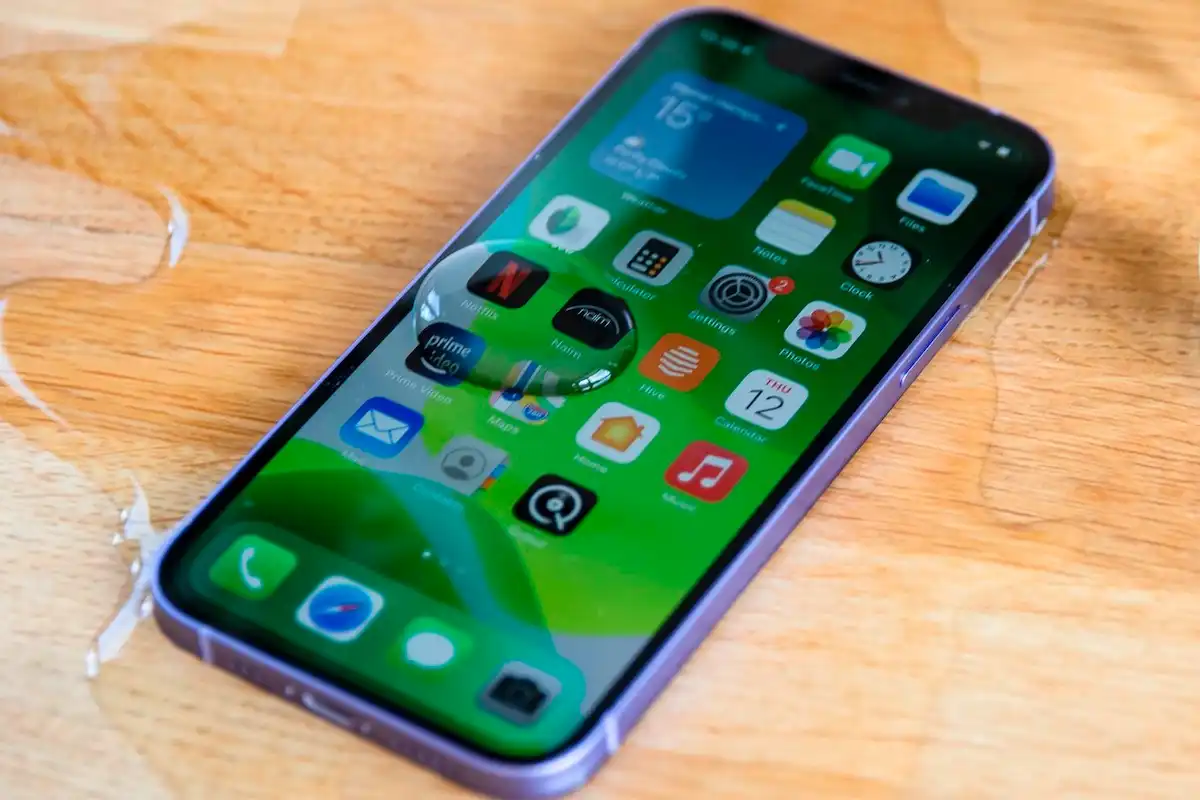
Understanding Water Damage in Smartphones: A Comprehensive Guide
Table 1: Symptoms of Water Damage in Smartphones
| Symptom | Description |
|---|---|
| Stains or Haloes on Display | Dark areas or discolored spots on the screen |
| Lines or Colored Stripes on Display | Horizontal or vertical lines crossing the screen |
| Malfunctioning Touch-Screen | Unresponsive or malfunctioning touch-screen display |
Table 2: Troubleshooting Water Damage in Smartphones
| Symptom | Troubleshooting Steps |
|---|---|
| Anomalous Sounds | Listen for cracklings, fruscii, or deaf rumbles when pressing buttons or agitating the device |
| Distorted Audio | Record a vocal message to check if audio quality is compromised |
The Risks of Water Damage in Smartphones
Water damage can be a major issue for smartphone users. Even with IP68 certification, devices are not completely water-proof and can still suffer from internal damage. The consequences of water damage can be severe, including:
- Irreparable harm to electronic components
- Permanent corrosion or oxidation of metal parts
- Malfunctioning touch-screen display
- Distorted audio quality
How to Identify Water Damage in Smartphones
If you suspect that your smartphone has been exposed to water, there are several signs to look out for:
- Stains or haloes on the display
- Lines or colored stripes on the display
- Anomalous sounds when pressing buttons or agitating the device
- Distorted audio quality
What to Do If Your Smartphone is Water Damaged
If you suspect that your smartphone has been water damaged, do not use it. Instead:
- Turn off the device and unplug it from any power source
- Do not attempt to charge the device
- Bring the phone to a technician for proper diagnosis and repair
The Importance of Ip68 Certification
While IP68 certification is a good starting point, it’s essential to remember that water damage can still occur even with this level of protection. The certification only guarantees protection against splashes and accidental immersions, not prolonged exposure.
Understanding Water Damage in Iphone And Android Smartphones
If you’re an iPhone or Android user, there are specific notifications and symptoms to look out for:
- Notifications from the system about water presence
- Anomalous sounds when pressing buttons or agitating the device
- Distorted audio quality
Troubleshooting Steps For Water-damaged Smartphones
If you suspect that your smartphone has been water damaged, try these troubleshooting steps:
- Check the display for stains or haloes
- Listen for anomalous sounds when pressing buttons or agitating the device
- Record a vocal message to check if audio quality is compromised
Conclusion
Water damage can be a significant issue for smartphone users. By understanding the risks and symptoms of water damage, you can take steps to prevent it from happening in the first place. If your phone does get water damaged, don’t panic – bring it to a technician for proper diagnosis and repair.
Faqs
Q: What is IP68 certification?
A: IP68 certification guarantees protection against splashes and accidental immersions, but not prolonged exposure.
Q: How can I prevent water damage in my smartphone?
A: Keep your phone away from liquids, use a protective case, and avoid exposing it to harsh environments.
Q: What are the symptoms of water damage in smartphones?
A: Stains or haloes on the display, lines or colored stripes on the display, anomalous sounds when pressing buttons or agitating the device, and distorted audio quality.
Q: Can I fix water damage in my smartphone myself?
A: No, it’s recommended to bring your phone to a technician for proper diagnosis and repair.
Q: Will IP68 certification prevent water damage in smartphones?
A: No, even with IP68 certification, devices can still suffer from internal damage due to prolonged exposure or harsh environments.
Q: Can I use my smartphone if it’s been exposed to water?
A: No, turn off the device and unplug it from any power source immediately.
Q: What should I do if I suspect that my smartphone has been water damaged?
A: Bring the phone to a technician for proper diagnosis and repair.


