
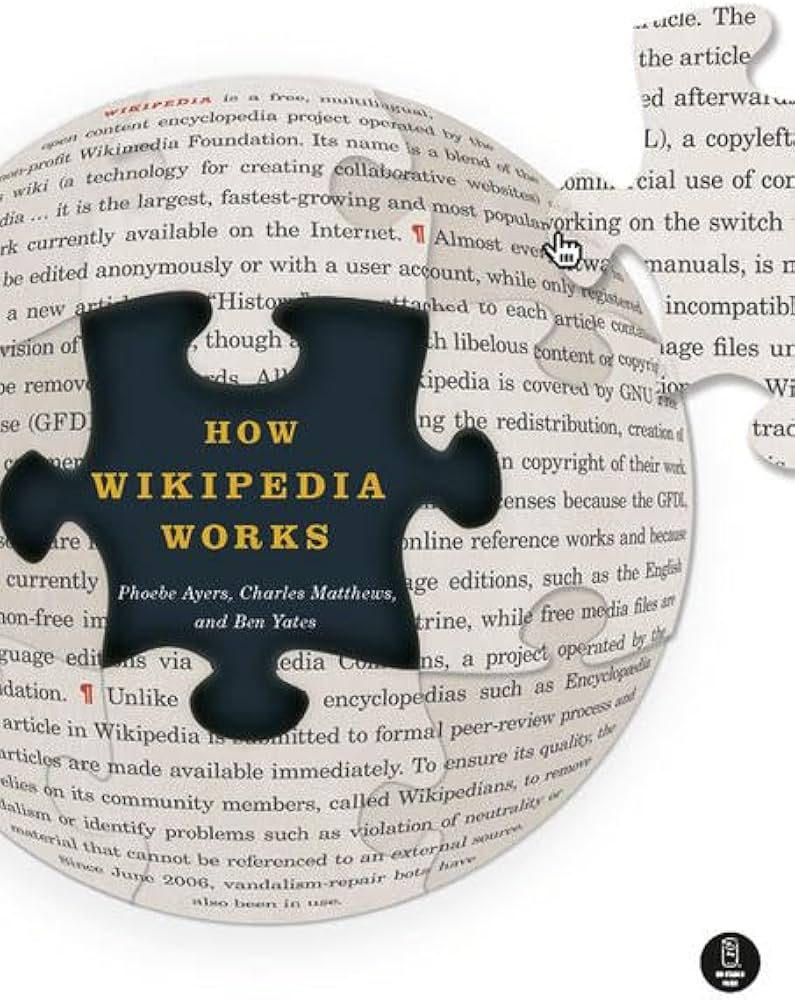
The Power of Wikipedia: A Guide to Using And Contributing to The World’s Largest Online Encyclopedia
Are you looking for a reliable source of information on a wide range of topics? Do you want to contribute your knowledge and expertise to a platform used by millions of people worldwide? Look no further than Wikipedia, the free online encyclopedia that has become an essential resource for anyone with internet access.
What is Wikipedia?
Wikipedia is a collaborative project that allows users from all over the world to create and edit articles on various topics. With over 50 million articles in hundreds of languages, Wikipedia is one of the largest and most comprehensive sources of information available online.
How to Use Wikipedia For Research
Using Wikipedia for research is a straightforward process. Simply navigate to the website (www.Wikipedia.Org), type your search query into the search bar at the top of the page, and click on the “Search” button. You can also use the site’s advanced search features to narrow down your results.
How to Type a New Article on Wikipedia
Want to contribute your knowledge and expertise to Wikipedia? Creating a new article is easier than you might think! Simply follow these steps:
- Check if an Article Already Exists: Before creating a new article, make sure one doesn’t already exist on the topic.
- Create a New Page: If no article exists, click on the “Create this page” link at the top of the Wikipedia homepage.
- Enter Your Text: Write and format your text using Wikipedia’s editing tools.
How to Modify an Existing Article on Wikipedia
If you find an existing article that needs updating or correcting, simply follow these steps:
- Click on The “Edit” Button: Located at the top of the page, this button allows you to make changes to the article.
- Make Your Edits: Update or correct any information as needed.
- Save Your Changes: Click on the “Publish changes” button to save your revisions.
Using Images on Wikipedia
When using images on Wikipedia, be sure to check their copyright status first. If an image is protected by copyright, you may not use it without permission from the owner. However, if an image is in the public domain or licensed under Creative Commons, you can reuse it freely.
Conclusion
Wikipedia is a powerful tool for research and knowledge-sharing. By understanding how to use and contribute to this online encyclopedia, you can tap into its vast resources and make your voice heard by millions of people worldwide.
Frequently Asked Questions
Here are some additional questions and answers related to using and contributing to Wikipedia:
- Q: How do I Know if an Article Already Exists on a Topic?
A: You can check the Wikipedia homepage or use the site’s advanced search features to see if an article already exists. - Q: What Kind of Articles Can I Create on Wikipedia?
A: You can create articles on any topic, as long as it meets Wikipedia’s content policies and guidelines. - Q: How do I Format my Text When Creating a New Article?
A: Use Wikipedia’s editing tools to format your text, including headings, subheadings, and paragraphs. - Q: What if I Make a Mistake in an Existing Article? Can I Correct It?
A: Yes, you can correct any mistakes or inaccuracies in an existing article by following the steps outlined above. - Q: How do I Add Images to an Article on Wikipedia?
A: Use the “Upload file” button at the top of the page to upload an image and insert it into your article.


