
How to Download Microsoft 365 Free: A Step-by-step Guide
Are you looking for a way to download Microsoft 365 free without spending a fortune? Look no further! In this article, we will guide you through the process of downloading Microsoft 365 free on your computer, smartphone, or tablet.
What is Microsoft 365?
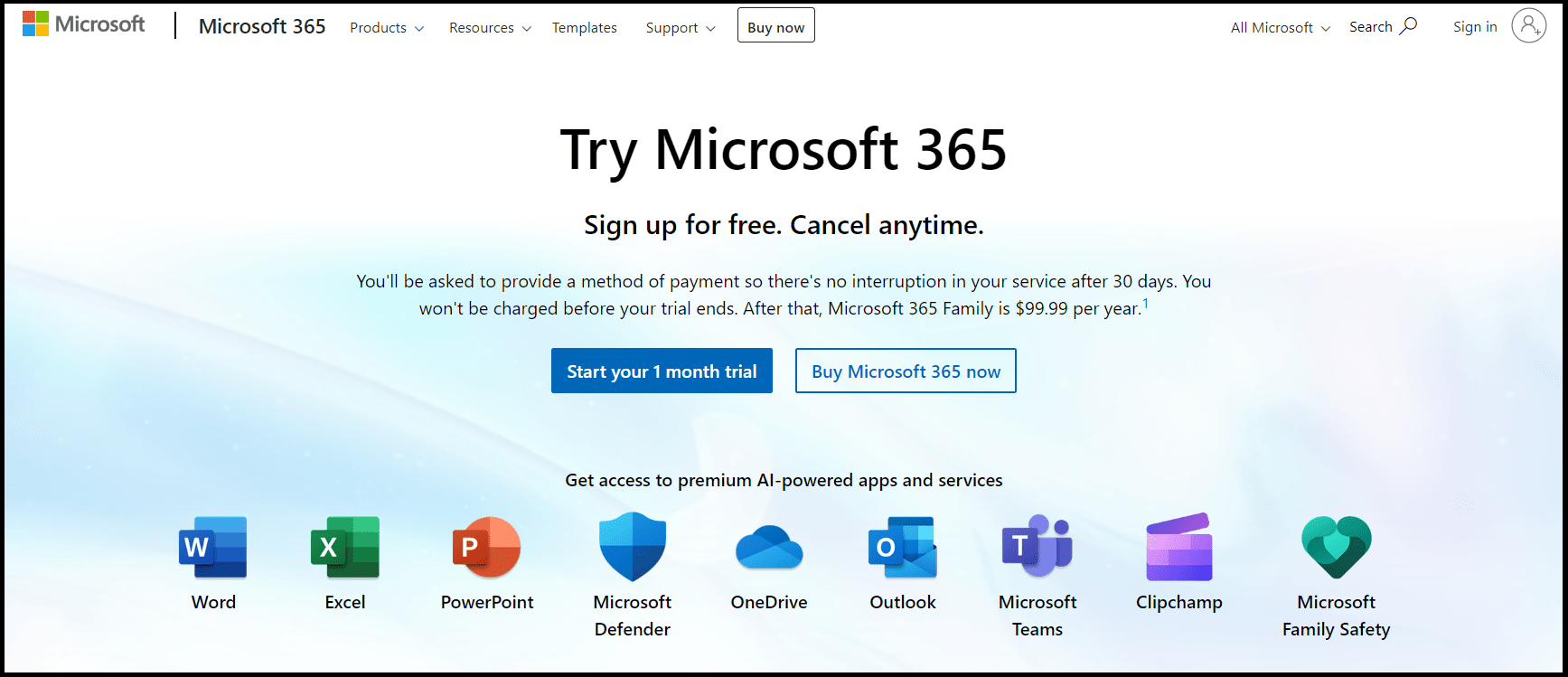
Microsoft 365 is a subscription-based service that offers access to Microsoft Office applications such as Word, Excel, PowerPoint, and Outlook. It also includes additional features like cloud storage, security, and collaboration tools. With Microsoft 365, you can create, edit, and share documents across all your devices.
Why Choose Microsoft 365?
Microsoft 365 is the perfect solution for individuals and businesses who need a reliable and efficient way to manage their work or personal projects. Its features include:
- Cloud Storage: Get access to OneDrive cloud storage, which allows you to store and share files across all your devices.
- Security: Enjoy robust security features like password protection, encryption, and malware protection.
- Collaboration: Work with others in real-time using co-authoring tools.
How to Download Microsoft 365 Free
To download Microsoft 365 free, follow these steps:
On Computer
- Go to the Microsoft 365 website and sign up for a free trial.
- Click on “Get Started” and choose your subscription plan (Personal or Family).
- Fill out the required information, including name, email address, and password.
- Verify your account through the email sent by Microsoft.
- Once verified, log in to your account and click on “Download Microsoft 365.”
- Follow the prompts to install Microsoft 365 on your computer.
On Smartphone or Tablet
- Go to the Microsoft 365 website and sign up for a free trial.
- Click on “Get Started” and choose your subscription plan (Personal or Family).
- Fill out the required information, including name, email address, and password.
- Verify your account through the email sent by Microsoft.
- Once verified, log in to your account and click on “Download Microsoft 365.”
- Follow the prompts to install Microsoft 365 on your smartphone or tablet.
What Are The Benefits of Using Microsoft 365?
Microsoft 365 offers several benefits, including:
- Cost-effective: With a subscription plan, you can access all Microsoft Office applications without having to purchase them individually.
- Convenience: Use Microsoft 365 across all your devices, including computers, smartphones, and tablets.
- Security: Enjoy robust security features like password protection, encryption, and malware protection.
How Do I Cancel My Subscription?
If you decide that Microsoft 365 is not for you, canceling your subscription is a straightforward process:
- Go to the Microsoft 365 website and log in to your account.
- Click on “Manage Subscription” and select “Cancel Subscription.”
- Follow the prompts to complete the cancellation process.
What Are Some Alternatives to Microsoft 365?
If you’re looking for alternatives to Microsoft 365, consider the following options:
- Google Workspace: A suite of productivity apps like Google Docs, Sheets, and Slides.
- Zoho Workplace: A cloud-based platform that offers a range of collaboration tools.
- Libreoffice: A free and open-source office suite that includes applications like Writer, Calc, and Impress.
Frequently Asked Questions (FAQs)
Here are some frequently asked questions about Microsoft 365:
- Q: What is Microsoft 365?
A: Microsoft 365 is a subscription-based service that offers access to Microsoft Office applications. - Q: How do I Download Microsoft 365 Free?
A: Follow the steps outlined in this article to download Microsoft 365 free on your computer, smartphone, or tablet. - Q: What Are The Benefits of Using Microsoft 365?
A: Microsoft 365 offers several benefits, including cost-effectiveness, convenience, and security features. - Q: How do I Cancel my Subscription?
A: Canceling your subscription is a straightforward process; simply log in to your account and follow the prompts.
In conclusion, downloading Microsoft 365 free is a simple process that can be completed on your computer, smartphone, or tablet. With its features like cloud storage, security, and collaboration tools, Microsoft 365 is an excellent solution for individuals and businesses who need a reliable and efficient way to manage their work or personal projects.


