
The Evolution of Sms: From Free Forwarding to Paid Services
In the early days of mobile communication, Short Message Service (SMS) was the primary means of sending text messages between phones. However, with the advent of social media platforms and messaging apps, the practice of forwarding SMS messages has become largely obsolete.
The Decline of Free Sms Forwarding
As the internet and smartphones became ubiquitous, the need for free SMS forwarding services decreased. Many services that once offered this feature have either shut down or transitioned to paid models. This shift was driven by changes in European Union privacy regulations, which required companies to obtain explicit consent from users before collecting their data.
The Rise of Paid Services
Today, most services that offer SMS forwarding capabilities require payment or are limited to specific use cases, such as marketing campaigns. These services often cater to businesses and organizations looking to send bulk messages to customers or members.
But What If You Still Need Free Sms Forwarding?
Despite the decline of free SMS forwarding services, there are still some options available for those who need them. One service that offers free SMS forwarding is FreeSMS, which can be accessed through a web browser on your PC or smartphone/tablet.
How to Use Freesms
To use FreeSMS, follow these steps:
- Visit the FreeSMS website and click on the “Send Text” button.
- Select the country of the recipient’s phone number in the “Select Country” section.
- Enter the recipient’s phone number in the “Enter Number” section.
- Type your message in the “Your Message” section.
- Check the box to confirm that you’re not a robot and click on the “Send” button.
Freesms: A Risky But Functional Option
While FreeSMS is still operational, it’s essential to note that using this service may come with risks to your privacy. Be cautious when sharing personal data or sensitive information through this platform.
Link to Windows: A Pc-based Solution For Sms Forwarding
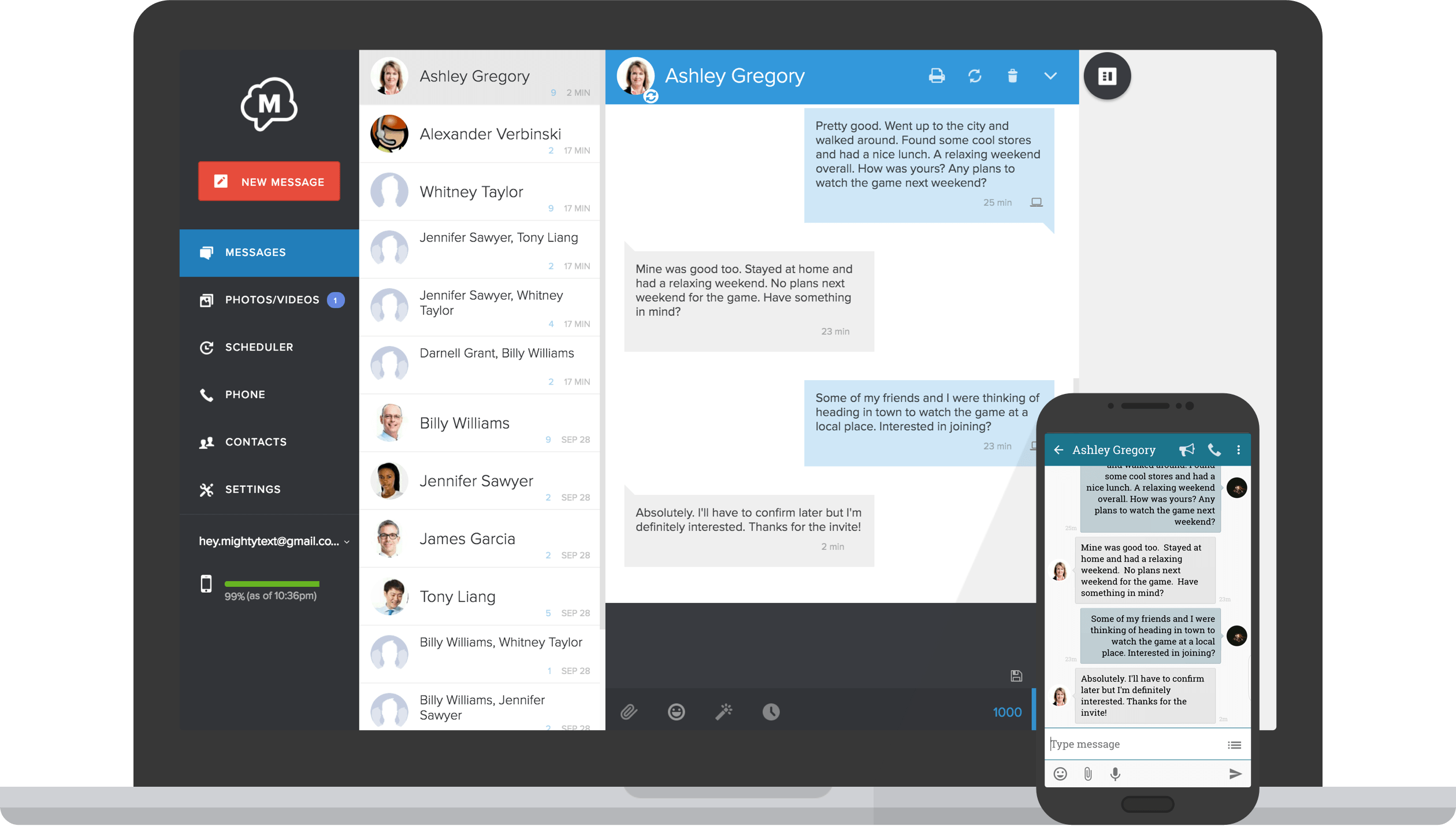
If you’re looking for a more stable and secure option, consider using the Link to Windows feature on your Windows 11 computer. This function allows you to interact with your Android smartphone wirelessly, enabling you to forward SMS messages from your PC.
How to Set Up Link to Windows
To set up Link to Windows:
- Install the Link to Windows app on your Android smartphone.
- Launch the Link to Windows application on your Windows 11 computer.
- Scan the QR code displayed on your PC using your smartphone’s camera.
- Grant the necessary permissions to the app on both devices.
Using Imessage For Mac
If you’re a Mac user with an iPhone, you can take advantage of Apple’s iMessage service to forward SMS messages from your Mac. To do this:
- Open the Settings app on your iPhone and navigate to the Messages section.
- Enable the option to send SMS messages from your Mac.
- On your Mac, open the Messages app and select the conversation you want to forward a message from.
- Click on the “Message” button and enter your message in the text field.
- Forward the message by clicking on the “Forward” button.
The Future of Sms Forwarding
As technology continues to evolve, it’s likely that the landscape for SMS forwarding will change once again. New services and features may emerge to cater to specific needs or use cases. For now, however, these options are available for those who still require free SMS forwarding capabilities.
Frequently Asked Questions (FAQs)
- Q: Is FreeSMS a reliable service?
- A: While FreeSMS is still operational, its reliability and security cannot be guaranteed.
- Q: Can I use Link to Windows on my Mac?
- A: No, Link to Windows is exclusively available for Windows 11 users.
- Q: Do I need to register with iMessage to forward SMS messages from my Mac?
- A: Yes, you must enable the option to send SMS messages from your Mac in the Settings app on your iPhone.
- Q: Are there any risks associated with using FreeSMS or Link to Windows?
- A: Yes, both services come with potential risks to your privacy and security.
- Q: Can I use these services for commercial purposes?
- A: No, FreeSMS and iMessage are primarily intended for personal use only. Using them for commercial purposes may violate their terms of service.
- Q: Are there any alternative services that offer free SMS forwarding capabilities?
- A: Yes, some services may still be available; however, they may not be as reliable or secure as the ones mentioned in this article.
- Q: How do I troubleshoot issues with Link to Windows or iMessage?
- A: Check the official support pages for each service or seek assistance from a qualified technical expert.
- Q: Can I use these services on other platforms, such as Linux or Chrome OS?
- A: No, Link to Windows and iMessage are exclusive to their respective operating systems (Windows 11 and macOS).


