
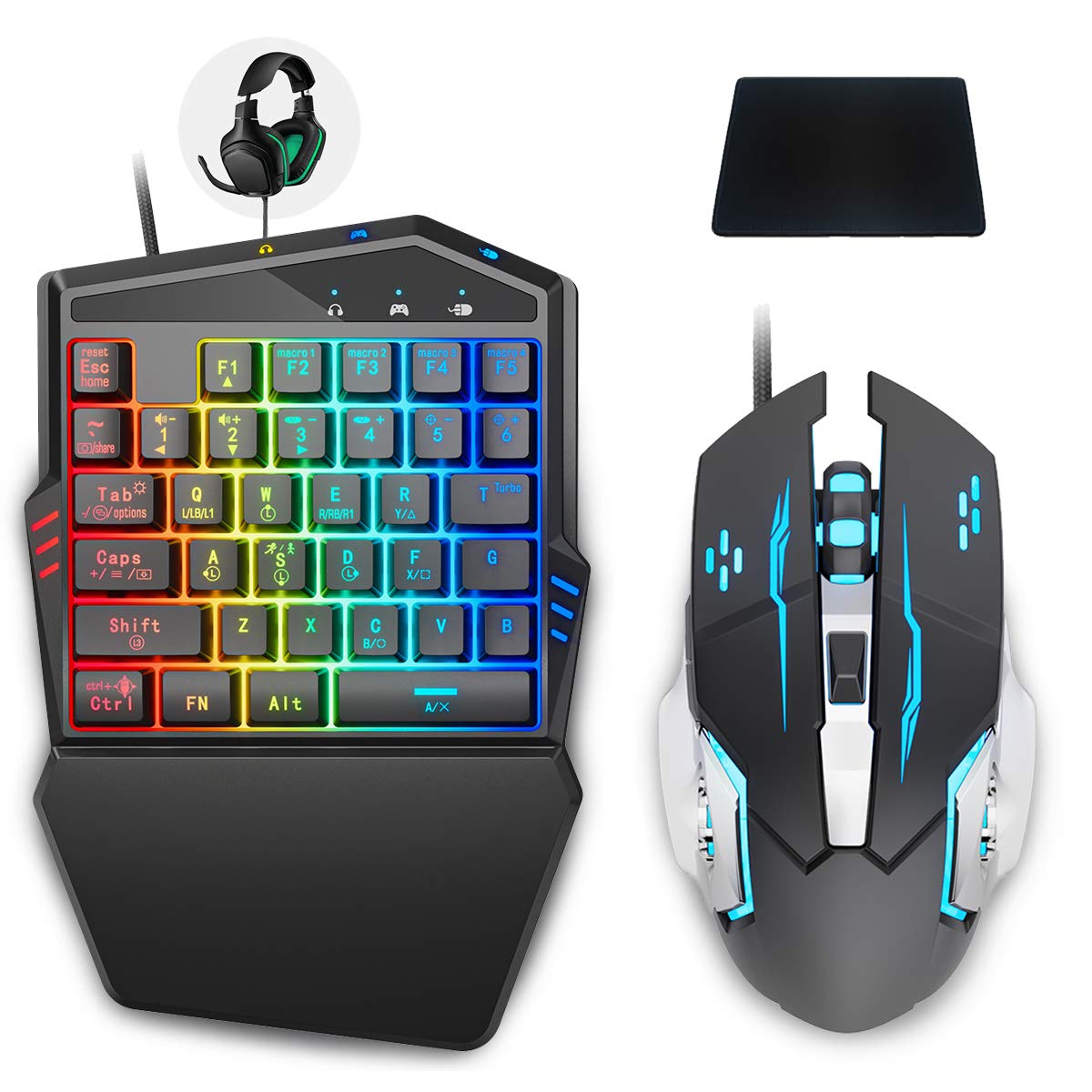
How to Play Fortnite With Mouse And Keyboard
Are you ready to take your Fortnite game to the next level? Look no further! In this tutorial, we will guide you through the process of playing Fortnite with mouse and keyboard on PC, PlayStation, Xbox, and Nintendo Switch.
Why Use Mouse And Keyboard in Fortnite?
Using mouse and keyboard can give you a significant competitive advantage in Fortnite. The freedom of movement and precision of aiming with a mouse and keyboard is unmatched by controllers. Epic Games, the developers of Fortnite, have also acknowledged this fact, and as such, they often separate PC players from console players in online matches.
How to Play Fortnite With Mouse And Keyboard on PC
On PC, the default input method for Fortnite is indeed mouse and keyboard. Here are the essential keys to know:
- W, A, S, D: Movement
- Space bar: Jump
- Shift (Caps Lock): Sprint
- Ctrl (Left): Crouch
- Left mouse button: Shoot/Interact with objects
- Right mouse button: Aim/use items
- 1-5 Keys: Swap between different guns or objects
- F key: Use the pickaxe
- M key: View the map
- I key: Access your inventory
You can also customize your keyboard settings by accessing the game’s settings menu. Here, you’ll find options to adjust the sensitivity of your mouse and more.
How to Play Fortnite With Mouse And Keyboard on Playstation
If you’re a PS5 or PS4 user, playing Fortnite with mouse and keyboard is easier than ever! To get started:
- Connect your mouse and keyboard via USB.
- Go to the Settings menu on your console.
- Navigate to Devices and connections > Mouse.
- Configure your mouse settings as desired.
Alternatively, you can use Bluetooth to connect your peripherals. However, keep in mind that this method may introduce some input lag.
How to Play Fortnite With Mouse And Keyboard on Xbox
Xbox users can also enjoy the precision of mouse and keyboard play. Here’s how:
- Connect your mouse and keyboard via USB.
- Go to the Settings menu on your console.
- Navigate to Devices and connections > Mouse.
- Configure your mouse settings as desired.
Note that, unlike PS5, Xbox Series X/S has a slightly different setup process for mouse and keyboard configuration.
How to Play Fortnite With Mouse And Keyboard on Nintendo Switch
Unfortunately, playing Fortnite with mouse and keyboard directly is not possible on the Nintendo Switch. However, you can use a third-party adapter or hub to connect your peripherals and play on other platforms like PC or PS4.
Some popular options for adapters include:
- Queen Y Adapter Converter for Keyboard and Mouse for N-Switch / PS3
- Converter Adapter for Keyboard and Mouse for Gamblings #USB Plug-And-Pay
Tips For Enhancing Your Fortnite Gameplay With Mouse And Keyboard
To take your gameplay to the next level, consider the following tips:
- Configure Your Settings Correctly: Make sure you’re using the right sensitivity settings for your mouse and keyboard.
- Invest in a Good Gaming Mouse And Keyboard: Upgrading to high-quality peripherals can make a significant difference in your gameplay experience.
- Practice And Get Familiar With The Controls: Take some time to practice and adjust to the new controls.
Conclusion
Playing Fortnite with mouse and keyboard is a game-changer for any player looking to take their gameplay to the next level. By following these simple steps, you can unlock new levels of precision and accuracy in your gameplay experience.
Frequently Asked Questions (FAQs)
- Q: Can I Play Fortnite With Mouse And Keyboard on All Platforms?
A: Yes, but some platforms require specific adapters or hubs to enable mouse and keyboard support. - Q: Is Playing With Mouse And Keyboard Better Than Using a Controller?
A: Yes, for most players, mouse and keyboard provide a significant competitive advantage due to their precision and speed. - Q: How do I Configure my Mouse Settings in Fortnite?
A: You can adjust your mouse settings by accessing the game’s settings menu on PC or console. - Q: Can I Use Bluetooth to Connect my Peripherals?
A: Yes, but keep in mind that this method may introduce some input lag. - Q: Are There Any Specific Adapters Required For Playing With Mouse And Keyboard on Nintendo Switch?
A: Yes, you’ll need a third-party adapter or hub to enable mouse and keyboard support.
We hope you found this tutorial informative and helpful! Happy gaming!


