
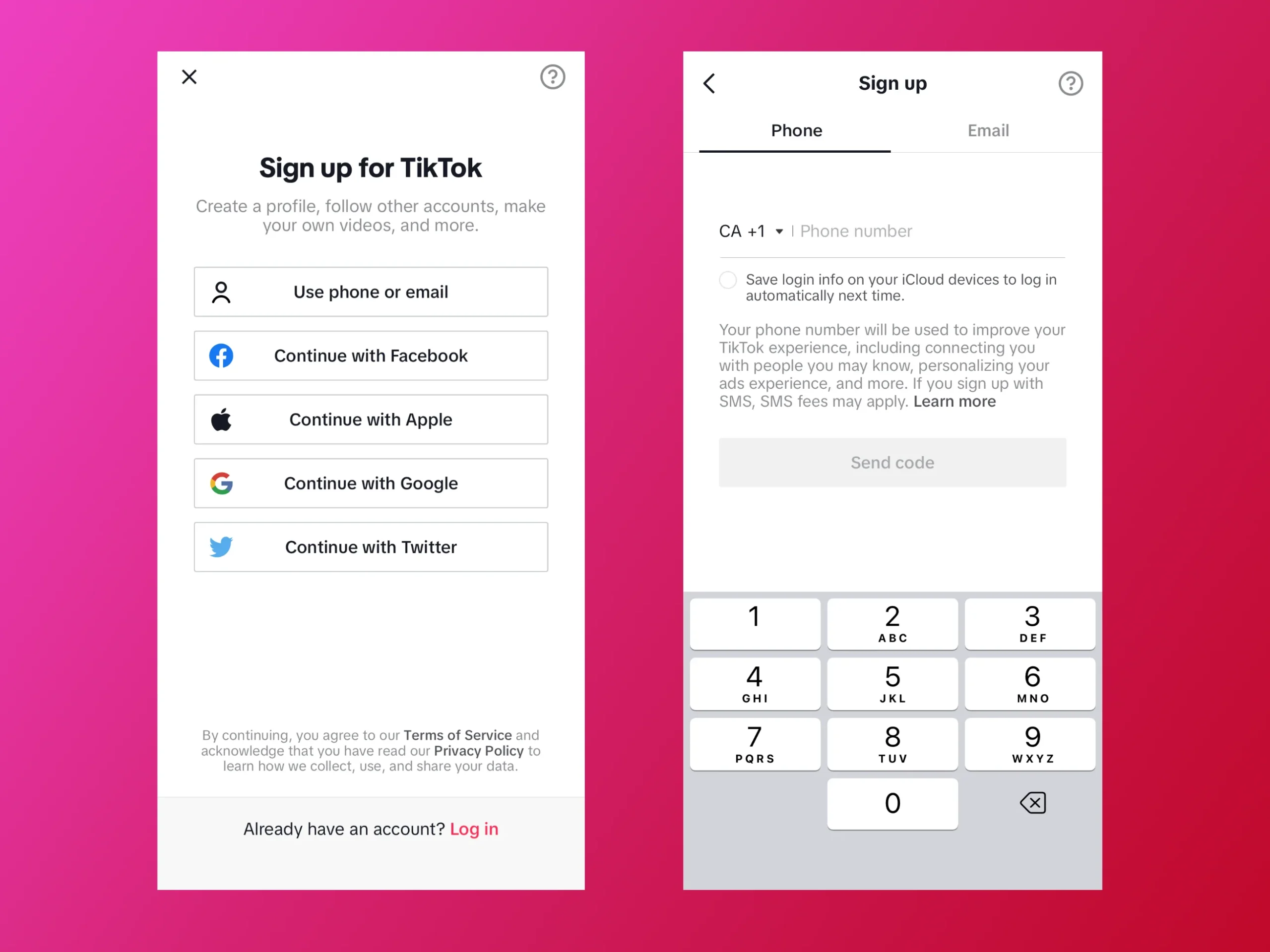
How to Update Tiktok: A Step-by-step Guide
Are you tired of using outdated filters and effects on TikTok? Do you want to stay up-to-date with the latest features and updates? Look no further! In this article, we will guide you through the process of updating TikTok on both Android and iOS devices.
Updating Tiktok on Android
If you’re using an Android device, updating TikTok is a breeze. Here’s how:
- Open The Play Store: Tap on the Google Play Store icon on your home screen.
- Search For Tiktok: Use the search bar to find the TikTok app. You can also use the link provided below if you’re reading this article on your mobile device.
- Tap on Update: If an update is available, you’ll see the “Update” button next to the TikTok icon. Tap on it to start the download and installation process.
Alternative Method: Check For Updates in Settings
If you don’t see the “Update” button, you can check for updates by following these steps:
- Open The Play Store: Tap on the Google Play Store icon.
- Tap on The Menu Icon: This is usually represented by three horizontal lines or a menu icon.
- Tap on Settings: Scroll down to find the “Settings” option and tap on it.
- Tap on Updates: Look for the “Updates” section and tap on it.
- Check For Tiktok Update: If an update is available, you’ll see the TikTok app listed.
Updating Tiktok Without Play Store
If you’re using a device that doesn’t have the Google Play Store (such as a Huawei smartphone), you can still update TikTok by following these steps:
- Open The Appgallery: Tap on the AppGallery icon to open it.
- Search For Tiktok: Use the search bar to find the TikTok app.
- Tap on Update: If an update is available, tap on the “Update” button to start the download and installation process.
Updating Tiktok on Ios/ipados
If you’re using an iPhone or iPad, updating TikTok is a straightforward process:
- Open The App Store: Tap on the App Store icon.
- Search For Tiktok: Use the search bar to find the TikTok app.
- Tap on Update: If an update is available, tap on the “Update” button to start the download and installation process.
Alternative Method: Check For Updates in Settings
If you don’t see the “Update” button, you can check for updates by following these steps:
- Open The App Store: Tap on the App Store icon.
- Tap on Your Profile Icon: This is usually located at the bottom-right corner of the screen.
- Tap on Settings: Scroll down to find the “Settings” option and tap on it.
- Tap on Updates: Look for the “Updates” section and tap on it.
- Check For Tiktok Update: If an update is available, you’ll see the TikTok app listed.
How to Add a New Keyboard on Whatsapp
If you want to type in a different language or use a new keyboard layout on WhatsApp, here’s how:
- Open Whatsapp: Tap on the WhatsApp icon.
- Tap on Settings: Tap on the three dots at the top-right corner of the screen.
- Tap on Account: Scroll down to find the “Account” option and tap on it.
- Tap on Settings: Look for the “Settings” option and tap on it.
- Tap on Language: Select the language you want to use or add a new keyboard layout.
How to Change The Font Size And Color on Whatsapp
If you want to customize your WhatsApp experience, here’s how:
- Open Whatsapp: Tap on the WhatsApp icon.
- Tap on Settings: Tap on the three dots at the top-right corner of the screen.
- Tap on Account: Scroll down to find the “Account” option and tap on it.
- Tap on Settings: Look for the “Settings” option and tap on it.
- Tap on Font Size: Select a font size that suits your preferences.
How to Change The Color of Your Whatsapp Messages
If you want to change the color of your messages, here’s how:
- Open Whatsapp: Tap on the WhatsApp icon.
- Tap on Settings: Tap on the three dots at the top-right corner of the screen.
- Tap on Account: Scroll down to find the “Account” option and tap on it.
- Tap on Settings: Look for the “Settings” option and tap on it.
- Tap on Message Color: Select a color that suits your preferences.
How to Update Your Whatsapp Profile
If you want to update your WhatsApp profile, here’s how:
- Open Whatsapp: Tap on the WhatsApp icon.
- Tap on Settings: Tap on the three dots at the top-right corner of the screen.
- Tap on Account: Scroll down to find the “Account” option and tap on it.
- Tap on Profile Picture: Select a new profile picture that suits your preferences.
- Tap on Update Profile: Tap on the “Update Profile” button to save changes.
How to Change The Info in Your Whatsapp Profile
If you want to change the info in your WhatsApp profile, here’s how:
- Open Whatsapp: Tap on the WhatsApp icon.
- Tap on Settings: Tap on the three dots at the top-right corner of the screen.
- Tap on Account: Scroll down to find the “Account” option and tap on it.
- Tap on Profile Picture: Select a new profile picture that suits your preferences.
- Tap on Info: Update your info in the designated field.
How to Change The Language in Your Whatsapp Profile
If you want to change the language in your WhatsApp profile, here’s how:
- Open Whatsapp: Tap on the WhatsApp icon.
- Tap on Settings: Tap on the three dots at the top-right corner of the screen.
- Tap on Account: Scroll down to find the “Account” option and tap on it.
- Tap on Language: Select a new language that suits your preferences.
How to Change The Font Style in Your Whatsapp Profile
If you want to change the font style in your WhatsApp profile, here’s how:
- Open Whatsapp: Tap on the WhatsApp icon.
- Tap on Settings: Tap on the three dots at the top-right corner of the screen.
- Tap on Account: Scroll down to find the “Account” option and tap on it.
- Tap on Font Style: Select a new font style that suits your preferences.
Conclusion
Updating TikTok is an essential process to ensure you have access to the latest features and updates. By following these steps, you can update TikTok on both Android and iOS devices. Additionally, we’ve provided guidance on how to customize your WhatsApp experience by changing fonts, colors, and languages.
Frequently Asked Questions (FAQs)
- How do I Update Tiktok?
To update TikTok, follow the steps outlined in this article for Android and iOS devices.
- Can I Change The Font Size And Color on Whatsapp?
Yes, you can change the font size and color on WhatsApp by following the steps provided in this article.
- How do I Add a New Keyboard on Whatsapp?
To add a new keyboard on WhatsApp, follow the steps outlined in this article for Android devices.
- Can I Change The Language in my Whatsapp Profile?
Yes, you can change the language in your WhatsApp profile by following the steps provided in this article.
- How do I Update my Whatsapp Profile Picture And Info?
To update your WhatsApp profile picture and info, follow the steps outlined in this article for Android devices.
- Can I Change The Font Style on Whatsapp?
Yes, you can change the font style on WhatsApp by following the steps provided in this article.
- How do I Enable Automatic Updates For Tiktok?
To enable automatic updates for TikTok, follow the steps outlined in this article for Android devices.
- Can I Use a Third-party App to Customize my Whatsapp Experience?
Yes, you can use third-party apps to customize your WhatsApp experience. However, be aware that these apps may not be officially supported by WhatsApp and may have security implications.


