
How to Thank The Chauffeur on Fortnite: A Step-by-step Guide
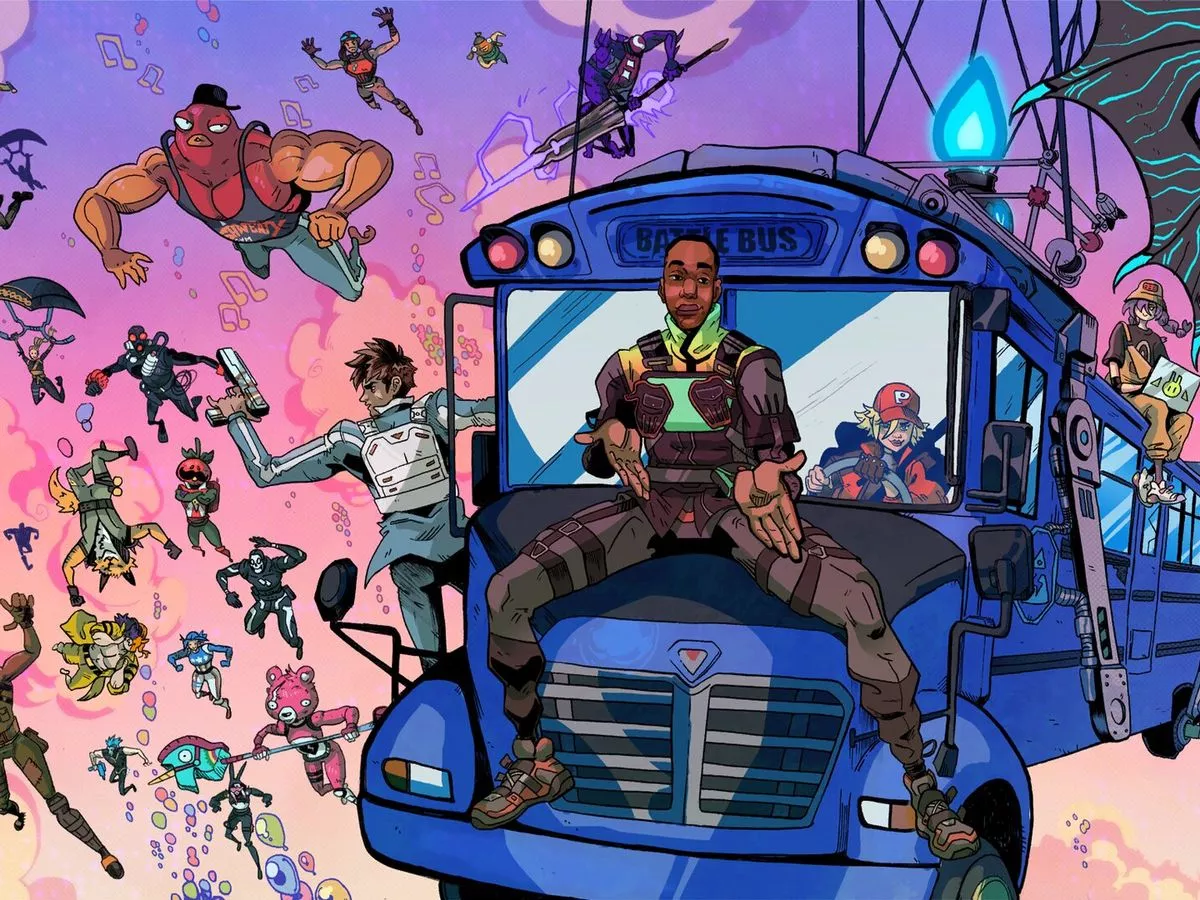
As soon as you started playing Fortnite, you must have wondered how to thank the chauffeur who takes you to the island of battle. You know that the pover’ man who guides the bus up to the battlefield faces a heavy workload and deserves a medal. You’ll be happy to know that you’re in the right place for now, as we’ll explain how to thank the chauffeur on Fortnite.
Why Thank The Chauffeur?
Thanking the chauffeur is not just a nice gesture; it’s also a way to show appreciation for their hard work. The chauffeur plays a crucial role in getting you to the battlefield, and they deserve recognition for their efforts. Plus, thanking them will give you a boost in morale and make you feel good about being part of the Fortnite community.
How to Thank The Chauffeur on PC
To thank the chauffeur on PC, follow these simple steps:
- Initiate a Split: Split from your current location or game mode.
- Press The B Key: While in the bus, press the B key on your keyboard.
- Say Thanks: Your name will appear in low to sinister along with other players who have thanked the chauffeur.
How to Thank The Chauffeur on Ps4
Thanking the chauffeur on PS4 is just as easy:
- Split From Your Current Location or Game Mode.
- Press The Play Button: Press the Play button in the lobby or use the triangle button on your controller.
- Award The Below Button: While on the bus, press the Below button on your controller.
- Say Thanks: Your name will appear in low to sinister along with other players who have thanked the chauffeur.
How to Thank The Chauffeur on Switch
Thanking the chauffeur on Switch is almost identical to the process on PS4:
- Split From Your Current Location or Game Mode.
- Press The Play Button: Press the Play button in the lobby or use the To button on your controller.
- Award The Below Button: While on the bus, press the Below button on your controller.
- Say Thanks: Your name will appear in low to sinister along with other players who have thanked the chauffeur.
How to Thank The Chauffeur on Mobile
Thanking the chauffeur on mobile is straightforward:
- Initiate a Split: Split from your current location or game mode.
- Tap The “!” Icon: While on the bus, tap the “!” icon (a smiling face with an exclamation mark).
- Say Thanks: Your name will appear in low to sinister along with other players who have thanked the chauffeur.
The Importance of Thanking The Chauffeur
Thanking the chauffeur is not just a nice gesture; it’s also a way to show appreciation for their hard work and dedication to the game. By thanking them, you’re contributing to a positive and supportive community that values teamwork and good sportsmanship.
Conclusion
Thanking the chauffeur on Fortnite is a simple yet meaningful act that shows your appreciation for their hard work. Whether you’re playing on PC, PS4, Switch, or mobile, following these step-by-step guides will ensure that you can thank the chauffeur with ease. So next time you’re in the bus, don’t forget to say thanks!


