
Portable Programs For Usb Drives: Boosting Productivity
Are you tired of having a cluttered workspace or feeling stuck without access to essential software on your computer? Look no further! Portable programs for USB drives are the perfect solution. These versatile tools allow you to transfer data, stay organized, and boost productivity wherever you go.
What Are Portable Programs?
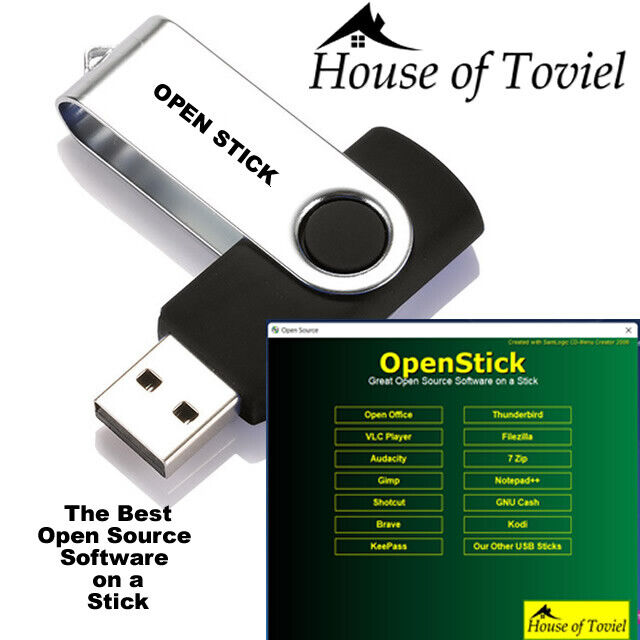
Portable programs are self-contained applications that can be run directly from a USB drive without requiring installation on a host computer. This means you can carry your essential software with you and access it whenever needed.
Top Picks For Productivity
- Libreoffice Portable: A free, open-source office suite that’s perfect for creating documents, spreadsheets, and presentations on the go.
- Notepad++ Portable: A popular text editor ideal for programmers, writers, and anyone who needs a reliable editing tool.
Graphic Design And Photo Editing
- Gimp Portable: A free, open-source image editor that’s comparable to Adobe Photoshop in terms of features and functionality.
- Inkscape Portable: A versatile vector graphics editor that’s perfect for creating logos, icons, and other graphic designs.
Internet And Communication
- Google Chrome Portable: A lightweight browser that’s perfect for accessing the web on any computer or device.
- Telegram Desktop Portable: A popular messaging app that allows you to send messages, make voice calls, and share files with ease.
Music And Video Editing
- Audacity Portable: A free audio editing software that’s ideal for podcasters, musicians, and anyone who needs to edit audio files.
- Vlc Media Player Portable: A versatile media player that can play a wide range of file formats, including video and audio files.
Utilities And System Maintenance
- Bleachbit Portable: A free, open-source tool that helps you clean your computer’s registry, temporary files, and other system data.
- 7-Zip Portable: A powerful archiver that can compress and extract files with ease.
More Essential Tools
- Cpu-z Portable: A utility that provides detailed information about your computer’s CPU, GPU, RAM, and other components.
- Rufus Portable: A free tool that helps you create bootable USB drives for Windows and Linux installations.
With these portable programs on your USB drive, you’ll be equipped to tackle any task or project that comes your way. Whether you’re a student, professional, or simply someone who wants to stay organized, these tools will help you boost productivity and achieve your goals with ease.
Frequently Asked Questions (FAQs)
- Q: What is The Difference Between Portable Programs And Installed Software?
A: Portable programs run directly from a USB drive without requiring installation on a host computer. - Q: Can I Use These Portable Programs on Any Computer?
A: Yes, as long as the host computer has the necessary drivers and software to support the specific program. - Q: Are These Portable Programs Safe to Use?
A: Most portable programs are open-source or freeware, which means they’re generally safe to use. However, it’s essential to exercise caution when downloading and using any software. - Q: Can I Customize or Modify These Portable Programs?
A: Some portable programs allow for customization or modification, while others may not. - Q: Are There Any Specific Requirements For Running These Portable Programs?
A: Each program has its own set of system requirements, so be sure to check the documentation before using a new program. - Q: Can I Create my Own Portable Programs?
A: Yes, you can use various tools and software to create your own portable programs. - Q: Are These Portable Programs Compatible With Different Operating Systems?
A: Most portable programs are designed to work on multiple platforms, including Windows, macOS, and Linux. - Q: Can I Share These Portable Programs With Others?
A: Yes, you can share the portable programs with friends or colleagues as long as they’re aware of any necessary drivers or software requirements.
Conclusion:
Portable programs for USB drives are an excellent way to boost productivity, stay organized, and access essential software on the go. With this guide, you’ve learned about top picks for productivity, graphic design, internet tools, music and video editing, utilities, and more. By incorporating these portable programs into your workflow, you’ll be able to tackle any task or project with confidence.


