
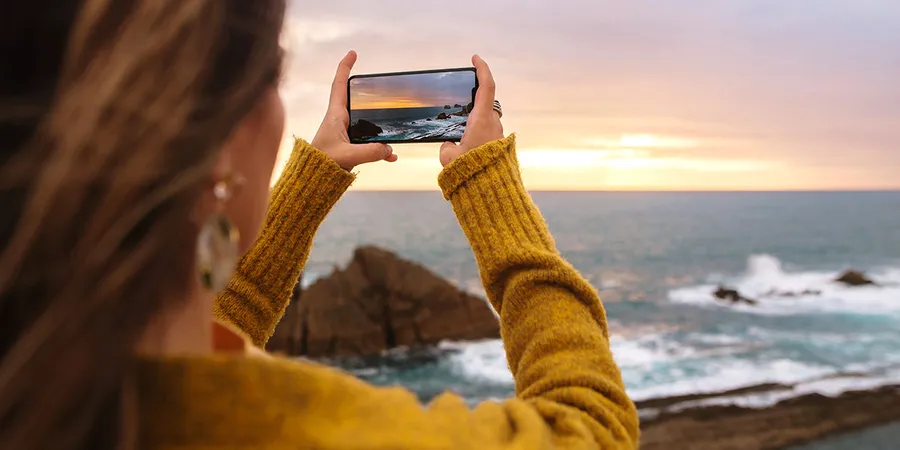
How to Take Artistic Photos With Your Smartphone
Are you tired of taking dull photos with your smartphone? Do you want to capture attention-grabbing images that will make your friends jealous? Look no further! In this article, we’ll show you how to take artistic photos with your mobile phone.
The Importance of Inspiration
The first step in taking artistic photos is to find inspiration. You can find inspiration on social media platforms like Instagram and Pinterest, where users share a wide range of photos. Use hashtags like #artisticphotography, #fotoartistiche, and #artisticstyle to discover new ideas.
Not Using Automatic Settings
The automatic settings on your smartphone’s camera are the “death” of artistic photography. Avoid using them at all costs! Instead, use third-party camera apps like Chamber FV-5 Lite for Android or Halide for iPhone. These apps will give you more control over your photos and help you take better shots.
Thinking Before You Shoot
Before taking a photo, think about what you want to capture. Look around and find an interesting subject. Ask yourself questions like “What can I do to make this photo stand out?” or “How can I add depth to this shot?”
Experimenting With Light
Light is one of the most important elements in photography. Experiment with different light sources, such as natural light or artificial light, to create unique effects.
Using Apps to Enhance Your Photos
There are many apps available that can help you enhance your photos and make them more artistic. Some popular options include Prisma, PicsArt, and Photo Lab. These apps offer a wide range of filters and effects that can transform your photos into works of art.
Tips For Taking Artistic Photos
Here are some tips to keep in mind when taking artistic photos:
- Use the rule of thirds to create more interesting compositions.
- Experiment with different angles and perspectives.
- Pay attention to lighting and use it to your advantage.
- Don’t be afraid to try new things and take risks.
Conclusion
Taking artistic photos with your smartphone is easier than you think. By following these tips and using the right apps, you can create stunning images that will make you stand out from the crowd. Remember to always experiment and have fun with photography!
Frequently Asked Questions (FAQs)
- What’s The Difference Between a Camera App And a Photo Editing App?
A camera app is used to take photos, while a photo editing app is used to edit and enhance existing photos. - How Can I Make my Photos Stand Out on Social Media?
Use creative captions, hashtags, and tagging friends to make your photos more engaging. - What’s The Best Way to Learn About Photography?
Read blogs, watch YouTube tutorials, and practice taking photos to improve your skills. - Can I Use a Smartphone Camera For Professional Photography?
Yes, with the right equipment and technique, you can take high-quality photos with your smartphone that are suitable for professional use. - How do I Avoid Over-editing my Photos?
Use editing apps with caution and only apply subtle effects to maintain the original look of your photo. - Can I Use a Camera App on an Iphone or Android Device?
Yes, there are many great camera apps available for both iOS and Android devices. - How Can I Save And Share my Artistic Photos?
Save your photos in high definition and share them on social media platforms like Instagram, Pinterest, and Facebook.
Recommended Camera Apps
- Prisma (Android/iOS/iPadOS)
- PicsArt (Android/iOS/iPadOS)
- Photo Lab (Android/iOS/iPadOS)


