
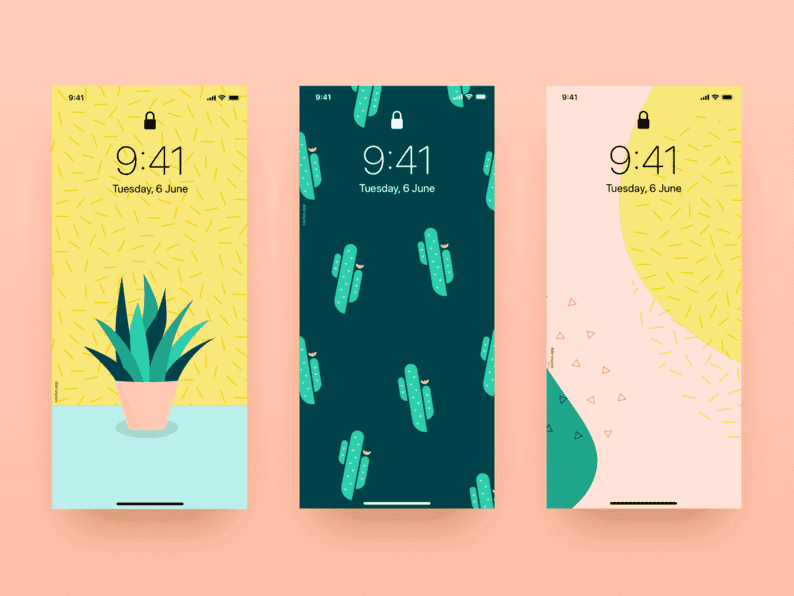
How to Create Stunning Backgrounds For Your PC And Smartphone
Are you tired of looking at the same old background on your computer and smartphone every day? Do you want to give your device a personal touch and make it stand out from the crowd? Look no further! In this article, we will show you how to create stunning backgrounds for your PC and smartphone using various tools and techniques.
Why Create Your Own Backgrounds?
Creating your own backgrounds can be a fun and creative way to personalize your device. With so many options available, you can choose from a wide range of styles, colors, and themes that suit your taste. Plus, creating your own backgrounds allows you to express yourself and showcase your personality.
How to Create Backgrounds For Your PC
Creating backgrounds for your PC is relatively easy and straightforward. Here’s a step-by-step guide on how to do it:
Create Backgrounds With Photoshop
Adobe Photoshop is one of the most popular image editing software used by professionals and enthusiasts alike. With its powerful tools and features, you can create stunning backgrounds that will make your computer stand out.
To get started, open Adobe Photoshop and go to File > New > File. Choose a resolution of 2K (2048 x 1080 pixels) or 4K (3840 x 2160 pixels). Then, select the background color and texture you want to use. You can also add nuance, shapes, and text to give your background some depth.
Other Solutions For Creating PC Backgrounds
If you don’t have Adobe Photoshop, don’t worry! There are other solutions that can help you create stunning backgrounds for your PC. Some of these include:
- Gimp: GIMP is a free and open-source image editing software that offers many of the same features as Adobe Photoshop.
- Photopea: Photopea is an online photo editor that allows you to edit and create images directly in your browser.
- Adobe Creative Cloud Express: Adobe Creative Cloud Express is a cloud-based design app that offers a range of creative tools and features.
How to Create Backgrounds For Your Smartphone
Creating backgrounds for your smartphone is also relatively easy and straightforward. Here’s a step-by-step guide on how to do it:
Create Backgrounds With Mobile Apps
There are many mobile apps available that allow you to create stunning backgrounds for your smartphone. Some of these include:
- Adobe Creative Cloud Express: Adobe Creative Cloud Express is a cloud-based design app that offers a range of creative tools and features.
- Blur: Blur is an Android app that uses a filter to blur the background of your image, giving it a beautiful, artistic effect.
- Polygen: PolyGen is an iOS and iPadOS app that allows you to turn your photos into stunning backgrounds using polygons.
- Mixt: Mixt is an Android app that lets you create stunning backgrounds by mixing colors, shapes, and textures.
Creating Animated Backgrounds
Want to take your background game to the next level? Creating animated backgrounds can add a whole new dimension to your device. Here’s how to do it:
Create Animated Backgrounds on Pc
To create animated backgrounds on PC, you can use image editing software like Adobe Photoshop or GIMP. You can also use video editing software like Adobe Premiere or VLC.
Create Animated Backgrounds on Smartphone
Creating animated backgrounds on smartphone is also possible using mobile apps like Adobe Creative Cloud Express, Blur, PolyGen, or Mixt.
Conclusion
Creating stunning backgrounds for your PC and smartphone can be a fun and creative way to personalize your device. With the right tools and techniques, you can create backgrounds that are truly unique and beautiful. Whether you’re using image editing software like Photoshop or mobile apps like Adobe Creative Cloud Express, there’s no shortage of options available.
Frequently Asked Questions
Here are some frequently asked questions about creating stunning backgrounds for your PC and smartphone:
-
What is The Best Software For Creating Backgrounds?
The best software for creating backgrounds depends on your personal preference and needs. Adobe Photoshop is a popular choice among professionals, while GIMP is a free and open-source alternative.
-
Can I Create Animated Backgrounds Using Mobile Apps?
Yes, many mobile apps allow you to create animated backgrounds directly on your smartphone.
-
What Are Some Tips For Creating Stunning Backgrounds?
Some tips for creating stunning backgrounds include choosing a high-resolution image, experimenting with colors and textures, and adding depth with shapes and text.
-
Can I Use Videos as Background Images?
Yes, you can use videos as background images on both PC and smartphone.
-
How do I Save my Background Image?
To save your background image, go to File > Save As in Adobe Photoshop or press the share button in mobile apps like Adobe Creative Cloud Express.
-
Can I Edit my Background Image Later?
Yes, most image editing software and mobile apps allow you to edit your background image later if needed.
-
How do I Apply my Background Image to my Device?
To apply your background image to your PC or smartphone, go to Settings > Backgrounds or use a mobile app like Adobe Creative Cloud Express to apply the background directly on your device.
-
Can I Create Custom Shapes And Textures For my Background?
Yes, you can create custom shapes and textures using software like Adobe Photoshop or mobile apps like Mixt.


