
How to Download Squad Busters: A Step-by-step Guide
Are you ready to join the squad and download Squad Busters, the latest game from Supercell? Look no further! In this article, we’ll guide you through the process of downloading Squad Busters on Android, iOS, and PC.
What is Squad Busters?
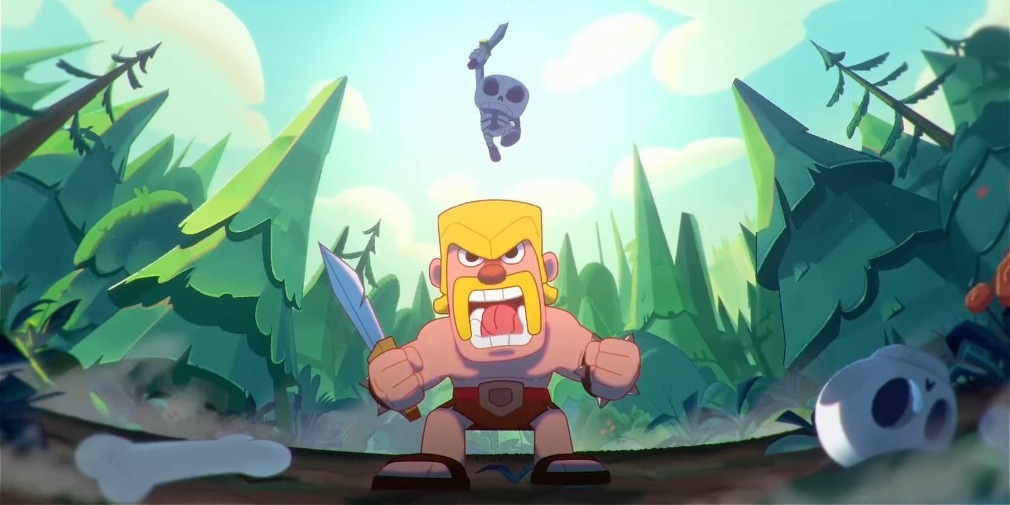
Squad Busters is a new game from Supercell, where 10 players compete to accumulate and conserve the greatest number of gems until the end of the encounter. What makes Squad Busters unique is that it features characters from other famous Supercell titles like Clash Royale, Clash of Clans, and Brawl Stars.
Downloading Squad Busters on Android
To download Squad Busters on your Android device:
- Open the Play Store app
- Search for “Squad Busters”
- Click on the app icon to view its description and reviews
- Tap the “Install” button to start the download and installation process
If you have an Android device without a Play Store, don’t worry! You can still download Squad Busters using alternative stores.
Downloading Squad Busters on Ios
To download Squad Busters on your iOS device (including iPadOS):
- Open the App Store app
- Tap the “Search” tab
- Type in “Squad Busters”
- Click on the app icon to view its description and reviews
- Tap the “Get” button to start the download and installation process
If you want to download Squad Busters manually, follow these steps:
- Open the App Store app
- Tap the “Search” tab
- Type in “Squad Busters”
- Click on the app icon to view its description and reviews
- Tap the “Get” button to start the download and installation process
Downloading Squad Busters on PC
Unfortunately, Squad Busters is not available for direct download on PC. However, you can use an Android emulator like BlueStacks to play the game on your computer.
Important Note: Using an emulator may be against Supercell’s terms of service, and it may result in account suspension or termination.
Can You Download Squad Busters on Mac?
Sorry to say, but Squad Busters is not available for download on Mac. However, you can use a Mac with Apple Silicon chip to download numerous iOS apps and play them directly on your computer.
Why Can’t I Download Squad Busters on My Device?
If you’re having trouble downloading Squad Busters on your device, it may be due to one of the following reasons:
- Your device is not compatible with the game
- The game is not available in your region or country
- You’ve reached the maximum limit for app downloads
Troubleshooting Tips:
If you encounter any issues during the download process, try restarting your device or checking for updates.
Conclusion:
Downloading Squad Busters is a straightforward process on Android and iOS devices. However, due to technical limitations, it’s not available for direct download on PC or Mac. If you’re eager to play the game on your computer, consider using an emulator like BlueStacks. Remember to always follow Supercell’s terms of service to avoid account issues.
Faqs:
Q: What is Squad Busters?
A: Squad Busters is a new game from Supercell where 10 players compete to accumulate and conserve the greatest number of gems until the end of the encounter.
Q: Can I download Squad Busters on my PC?
A: Unfortunately, Squad Busters is not available for direct download on PC. However, you can use an Android emulator like BlueStacks to play the game on your computer.
Q: Why can’t I download Squad Busters on my Mac?
A: Squad Busters is not available for download on Mac. However, you can use a Mac with Apple Silicon chip to download numerous iOS apps and play them directly on your computer.


