
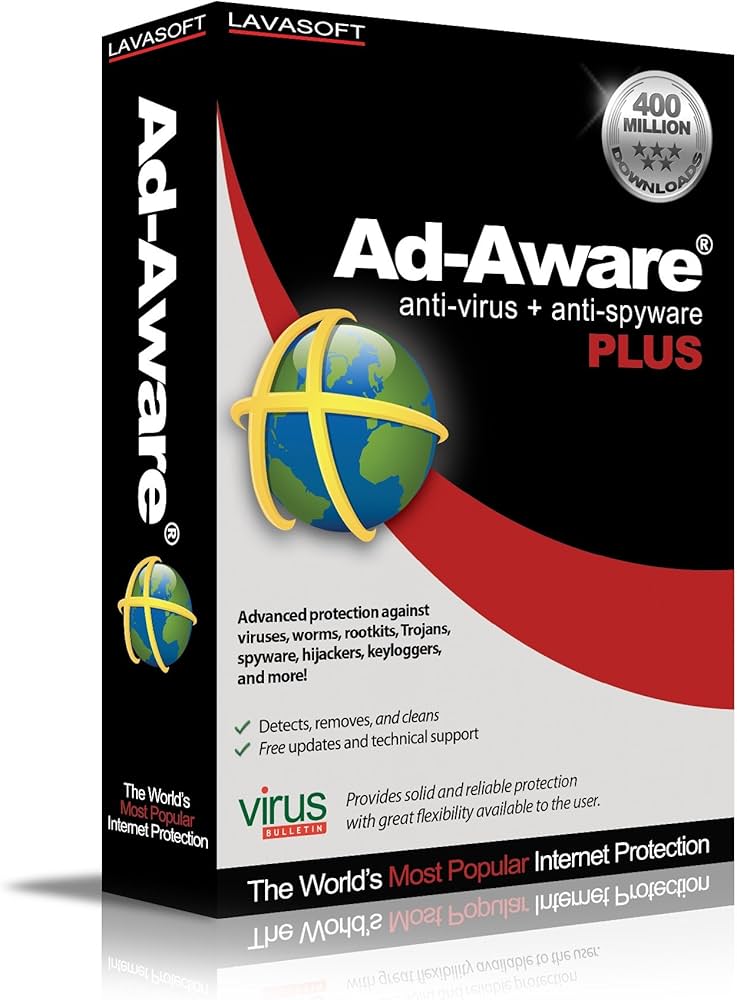
The Ultimate Guide to Antivirus Software: Protecting Your PC From Threats
Are you concerned about protecting your computer from viruses, malware, and other online threats? Look no further! In this comprehensive guide, we’ll explore the world of antivirus software and provide you with expert tips on how to choose the best free antivirus for your Windows, macOS, Android, or iOS device.
Introduction
In today’s digital age, it’s essential to have robust protection against cyber threats. With so many antivirus options available, selecting the right one can be overwhelming. This guide will walk you through the key features and benefits of various free antivirus software, ensuring you make an informed decision for your PC’s security.
Why Do You Need Antivirus Software?
Antivirus software is designed to protect your computer from malicious programs, viruses, Trojan horses, spyware, and other online threats. These cyber dangers can compromise your system, steal sensitive data, or even turn your device into a botnet for nefarious purposes.
Free Antivirus Options: What Are Your Choices?
Here are some top-notch free antivirus options to consider:
1. Bitdefender Free Antivirus
- Easy-to-use interface
- Excellent malware detection rates
- No need for software installation
- Effective protection against viruses, Trojans, and other threats
To install Bitdefender on your Windows device, visit the official website and click on the “Download free” button.
2. Kaspersky Free Antivirus
- User-friendly interface
- Robust malware detection capabilities
- Quick installation process
- Effective protection against viruses, Trojans, and other threats
To download Kaspersky for your Windows device, visit their official website and follow the instructions.
3. Avira Free Antivirus
- Simple and intuitive interface
- Strong malware detection capabilities
- User-friendly features like password manager and VPN integration
- Effective protection against viruses, Trojans, and other threats
To install Avira on your Windows device, visit their official website and follow the instructions.
4. Panda Free Antivirus
- Easy-to-use interface
- Excellent cloud-based technology for efficient threat detection
- No need for software installation
- Effective protection against viruses, Trojans, and other threats
To download Panda for your Windows device, visit their official website and follow the instructions.
5. Avast Free Antivirus
- User-friendly interface
- Strong malware detection capabilities
- Effective protection against viruses, Trojans, and other threats
- Quick installation process
To install Avast on your Windows device, visit their official website and follow the instructions.
Choosing The Right Antivirus Software For Your Device
When selecting an antivirus software, consider the following factors:
- Operating System: Ensure the antivirus software is compatible with your operating system (Windows, macOS, Android, or iOS).
- User Interface: Opt for a user-friendly interface that’s easy to navigate.
- Malware Detection Rates: Look for software with excellent malware detection rates.
- Additional Features: Consider software that offers additional features like password managers, VPN integration, and system optimization tools.
Protecting Your Macos Device
While macOS is generally considered more secure than Windows, it’s still essential to take precautions against online threats. Consider using:
- Cleanmymac X: A comprehensive cleaning and optimization tool for your Mac.
- Setapp: A subscription-based service that provides access to various macOS applications.
Protecting Your Android Device
As Android devices are susceptible to malware attacks, consider using:
- Play Protect: The built-in security feature on Google Play Store.
- Bitdefender Antivirus Free: An excellent antivirus software for Android devices.
Conclusion
Selecting the right antivirus software can be a daunting task, but with this guide, you’re well-equipped to make an informed decision. Remember to consider your operating system, user interface, malware detection rates, and additional features when choosing the best free antivirus for your device. Stay safe online!
Frequently Asked Questions (FAQs)
- Q: Do I Need Antivirus Software on my Windows Device?
A: Yes, antivirus software is essential for protecting your Windows device from viruses, Trojans, and other online threats. - Q: What’s The Best Free Antivirus Software For Android Devices?
A: Bitdefender Antivirus Free is an excellent option for Android devices. - Q: Can I Use a Free Antivirus Software on my Ios Device?
A: While iOS is generally secure, consider using CleanMyMac X or Setapp for additional protection and optimization features. - Q: How Often Should I Update my Antivirus Software?
A: Regularly update your antivirus software to ensure you have the latest malware definitions and security patches.
Final Tips
- Always Scan Your Device Regularly: Run a full system scan at least once a week to detect potential threats.
- Keep Your Operating System And Browser Up-to-date: Ensure your OS and browser are updated with the latest security patches and updates.
- Avoid Suspicious Links And Attachments: Be cautious when clicking on links or opening attachments from unknown sources.
Stay safe online, and happy computing!


