
How to Open a Paypal Account: A Step-by-step Guide
Are you looking for a way to shop online without sharing your credit card information? Do you want to send and receive money online without any hassle? Look no further than PayPal! In this article, we will guide you through the process of opening a PayPal account, including the types of accounts available, the costs associated with them, and how to create one on both computers and mobile devices.
What is Paypal And What Does it Offer?
PayPal is an online payment service that allows users to send and receive money without sharing their financial information. It’s a convenient and secure way to make payments online, and it’s widely accepted by many merchants and businesses.
Types of Paypal Accounts
There are two main types of PayPal accounts: Personal and Business.
- Personal Account: This is the most common type of account, designed for individuals who want to shop online, send and receive money, and use other PayPal services.
- Business Account: This type of account is ideal for businesses and entrepreneurs who want to accept payments from customers, manage their finances, and use other business-related features.
How to Open a Personal Paypal Account
To open a personal PayPal account, follow these steps:
- Go to the PayPal website and click on “Create an Account.”
- Fill out the registration form with your email address, phone number, and password.
- Verify your phone number by entering the code sent to you via SMS.
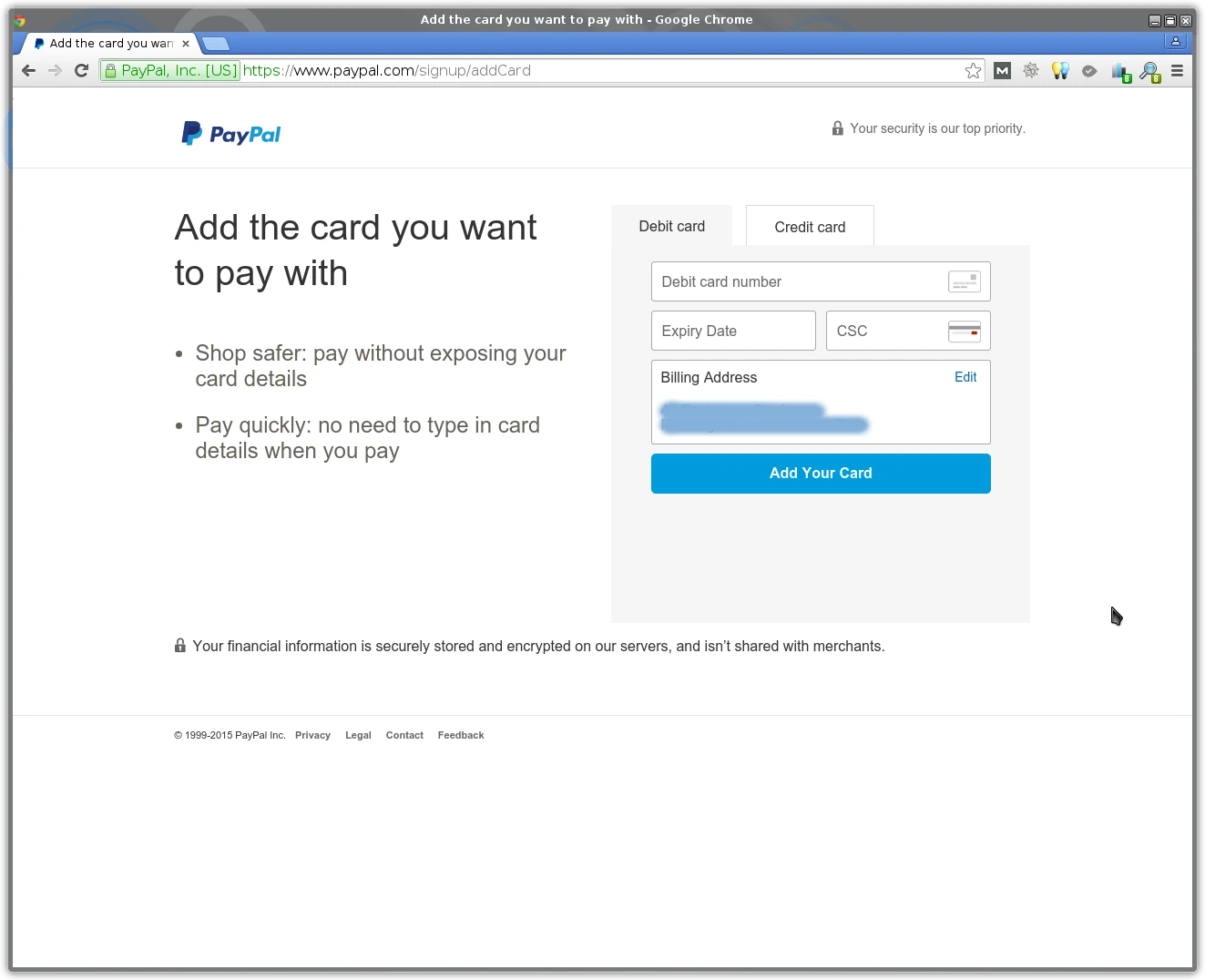
- Add a payment method, such as a credit or debit card.
- Review and agree to PayPal’s terms of service.
How to Open a Business Paypal Account
To open a business PayPal account, follow these steps:
- Go to the PayPal website and click on “Create an Account.”
- Select the option for creating a business account.
- Fill out the registration form with your business information, including your company name, address, and phone number.
- Verify your phone number by entering the code sent to you via SMS.
- Add a payment method, such as a credit or debit card.
How to Open a Paypal Account on Mobile Devices
To open a PayPal account on mobile devices, follow these steps:
- Download and install the PayPal app from the App Store (for iOS devices) or Google Play Store (for Android devices).
- Launch the app and click on “Create an Account.”
- Fill out the registration form with your email address, phone number, and password.
- Verify your phone number by entering the code sent to you via SMS.
- Add a payment method, such as a credit or debit card.
Frequently Asked Questions
Here are some frequently asked questions about PayPal accounts:
- Q: What is The Cost of Opening a Paypal Account?
A: The cost of opening a PayPal account is free! - Q: How Long Does it Take to Open a Paypal Account?
A: It usually takes just a few minutes to open a PayPal account. - Q: Can I Use Paypal Without a Credit or Debit Card?
A: Yes, you can use PayPal without a credit or debit card. You can add other payment methods, such as bank accounts or PayPal balances.
Conclusion
Opening a PayPal account is easy and convenient! With just a few steps, you can start shopping online, sending and receiving money, and using other PayPal services. Whether you’re an individual or a business owner, PayPal has something to offer.


