
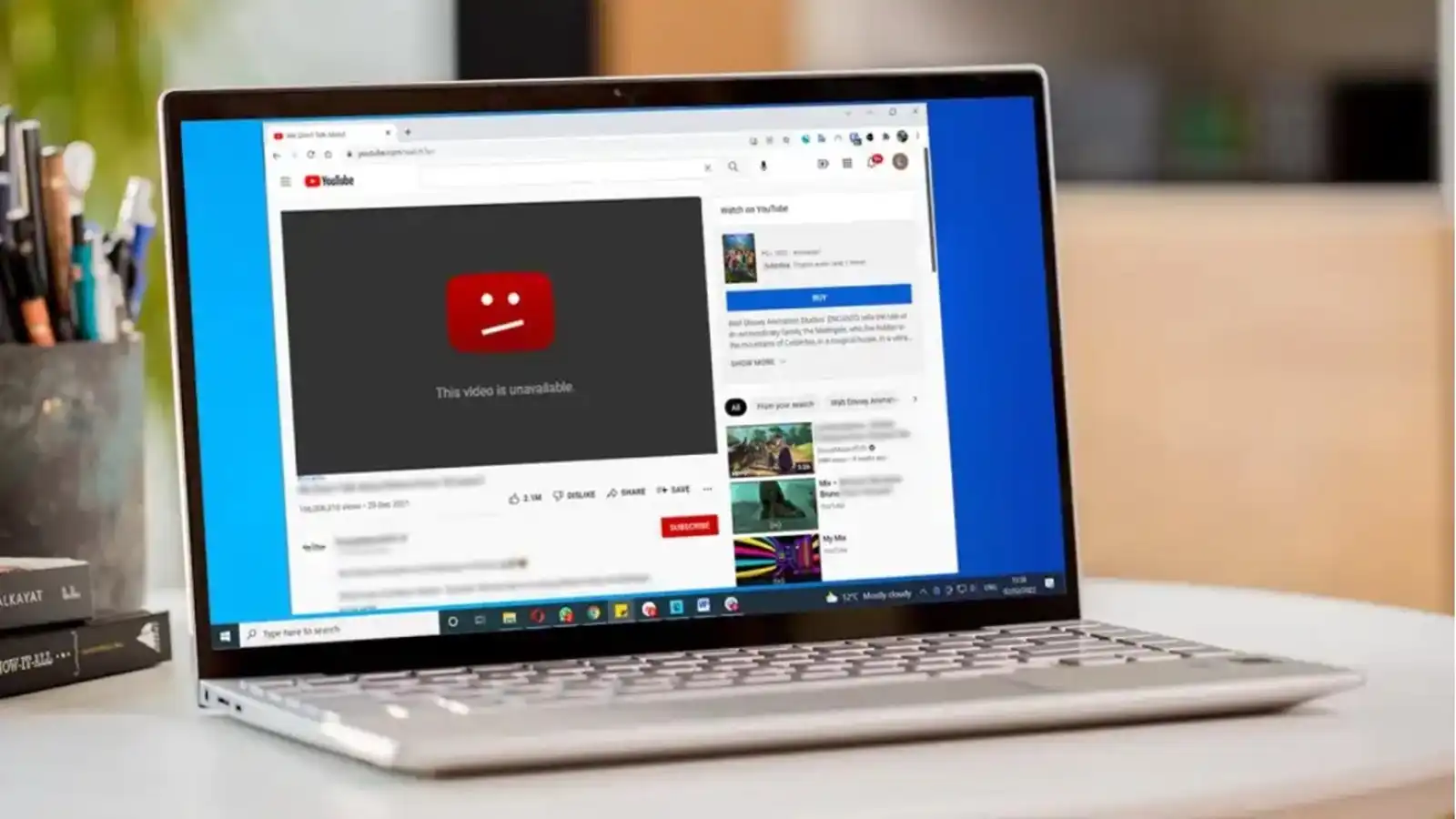
Accessing Youtube Blocked: A Guide to Unblocking Your Account
Are you experiencing difficulty accessing your YouTube account? You’re not alone! Many users face this issue due to various reasons, such as forgotten passwords, parental controls, or georestrictions. In this article, we’ll explore the possible causes of a blocked YouTube account and provide step-by-step guides on how to unblock it using different methods.
What Does It Mean When Youtube is Blocked?
When you encounter a block on your YouTube account, it can be frustrating. The reasons for this issue are multiple:
- Forgotten credentials: Have you forgotten your Google account password?
- Block applied by an administrator: Is your boss or IT department blocking certain websites, including YouTube?
- Parental control: Are you trying to access content that’s restricted due to parental controls?
Recovering Your Youtube Password
If you’ve forgotten your YouTube password, don’t worry! You can easily recover it using the following methods:
Recovering Password on PC
To recover your YouTube password on a computer, follow these steps:
- Go to the YouTube login page and click on the “Forgot password?” link.
- Enter your Google account email address and click Next.
- If you’ve previously used an alternative recovery method (like a phone number or authenticator), follow the prompts to complete the recovery process.
Recovering Password on Smartphone/ Tablet
To recover your YouTube password on a smartphone or tablet, follow these steps:
- Open the YouTube app and tap on the profile icon.
- Tap on Settings and select Account.
- Tap on “Sign in with Google” to access your account settings.
- Follow the prompts to reset your password.
Bypassing Blocks in The Office or School
If you’re trying to access YouTube at work or school, but it’s blocked by an administrator, don’t worry! There are ways to bypass this restriction:
- Webproxy: Use a web proxy service like FilterByPass to unblock YouTube.
- Vpn Book Web Proxy: Another option is to use the VPN BOOK web proxy, which allows you to access YouTube even if it’s blocked.
Unblocking Youtube With Parental Control
If you’re experiencing difficulty accessing YouTube due to parental control restrictions, don’t worry! You can easily bypass this block:
- On PC: Go to the YouTube settings and disable the “Restricted mode” feature.
- On Smartphone/Tablet: Open the YouTube app, tap on your profile icon, then tap on Settings. Select Account and toggle off the Restricted mode switch.
Removing Georestrictions
If you’re experiencing difficulty accessing a video due to georestrictions, don’t worry! You can easily bypass this block:
- Use a VPN (Virtual Private Network) service like NordVPN, Surfshark, Express VPN, or Privado VPN.
- Connect to a server in a country where the video is available.
Conclusion
In conclusion, YouTube blocks can be frustrating, but they’re often easy to resolve. Whether you’ve forgotten your password, are experiencing difficulty accessing content due to parental control or georestrictions, there are ways to unblock your account and access the videos you want.
Faqs
-
What Happens if I Forget my Youtube Password?
You can easily recover your password using the recovery process outlined in this article.
2. How do I Bypass a Block Applied by an Administrator?Use a web proxy service like FilterByPass or VPN BOOK to unblock YouTube.
3. Can I Bypass Parental Control Restrictions on Youtube?Yes, you can easily disable the “Restricted mode” feature in your YouTube settings.


