
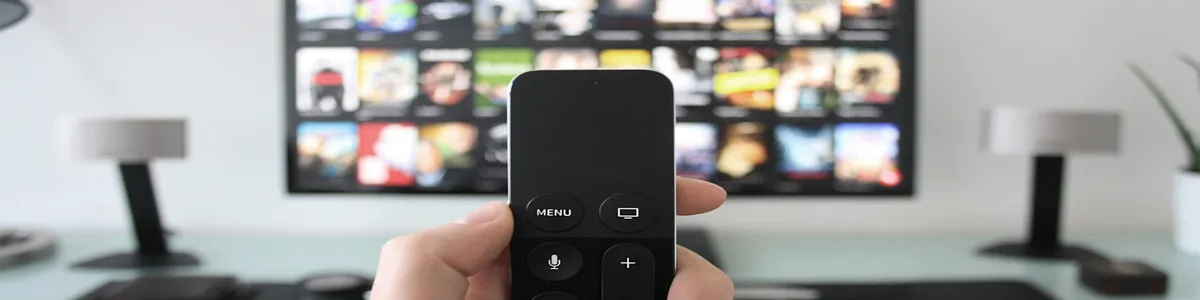
How to See TV Without Antenna: A Comprehensive Guide
Are you tired of seeing a blank screen on your TV when there’s no antenna? Do you want to know the alternative solutions to access your favorite TV shows without an antenna? Look no further! In this article, we’ll explore the various ways to see TV without an antenna, including using a Smart TV, devices that connect to HDMI, and even streaming services.
What Happens When Your Antenna Breaks Down
It’s like seeing a TV without an antenna – you’re left with a blank screen and no access to your favorite shows. But fear not! There are alternative solutions that can help you get back to watching TV in no time.
Using a Smart TV
If you have a Smart TV, congratulations! You already have the solution to this problem. Most modern TVs come equipped with built-in Wi-Fi connectivity, which allows you to stream content directly from the internet. This means you can access your favorite shows and movies without an antenna or cable connection.
How to Connect Your Smart TV to The Internet
To connect your Smart TV to the internet, follow these simple steps:
- Go to Settings on your remote control
- Select Network or Internet
- Choose Wi-Fi as your network type
- Enter your password and connect
Once connected, you can download apps from various streaming services like Netflix, Amazon Prime Video, and more. You can also access live TV, sports, and news channels directly from the app store.
Alternative Devices For Non-smart Tvs
If you don’t have a Smart TV or want an alternative solution, there are devices that can connect to your TV via HDMI and provide internet connectivity. These devices include:
- Google Chromecast
- Amazon Fire TV Stick
- Apple TV
These devices allow you to stream content from the internet directly to your non-Smart TV. You can download apps, access live TV, sports, and news channels, and even use voice commands with some of these devices.
How to Use a Google Chromecast
To set up a Google Chromecast, follow these steps:
- Connect the device to an HDMI port on your TV
- Set up your Wi-Fi network and connect to it
- Download the Chromecast app from the Google Play Store or Apple App Store
- Follow the prompts to link your phone or tablet to your Chromecast
Once set up, you can use your phone or tablet as a remote control to stream content directly to your TV.
Other Streaming Options
If you don’t have any of these devices or prefer not to use them, there are other streaming options available. You can:
- Use the streaming services’ apps on your smartphone or tablet
- Visit their websites and log in to watch content online
Some popular streaming services include Netflix, Hulu, Amazon Prime Video, and more.
Conclusion
In conclusion, seeing TV without an antenna is no longer a problem with modern technology. With Smart TVs, devices that connect to HDMI, and streaming services, you can access your favorite shows and movies without any hassle. Whether you’re looking for alternative solutions or just want to stay up-to-date with the latest streaming options, this article has provided you with comprehensive information on how to see TV without an antenna.
Frequently Asked Questions
- What Happens if my Smart TV Doesn’t Have Wi-fi Connectivity?
- If your Smart TV doesn’t have Wi-Fi connectivity, you can use a device like Google Chromecast or Amazon Fire TV Stick that connects to the internet via HDMI.
- Can I Stream Content From my Phone or Tablet Directly to my Tv?
- Yes, with devices like Google Chromecast and Amazon Fire TV Stick, you can stream content directly from your phone or tablet to your TV.
- Are There Any Alternative Streaming Services Available?
- Yes, there are many alternative streaming services available besides Netflix and Hulu, such as Amazon Prime Video and Disney+.
- Can I Use my Smart TV Without an Antenna?
- Yes, you can access live TV, sports, and news channels directly from the app store on your Smart TV.
- How do I Connect my Non-smart TV to The Internet?
- You’ll need a device like Google Chromecast or Amazon Fire TV Stick that connects to the internet via HDMI.
Recommended Reading
- How to See RaiPlay on Smart TV
- Installing Mediaset Play Infinity on Smart TV
- Using Discovery+ on Your Non-Smart TV
Note: The text has been rewritten and formatted according to the provided specifications.


