
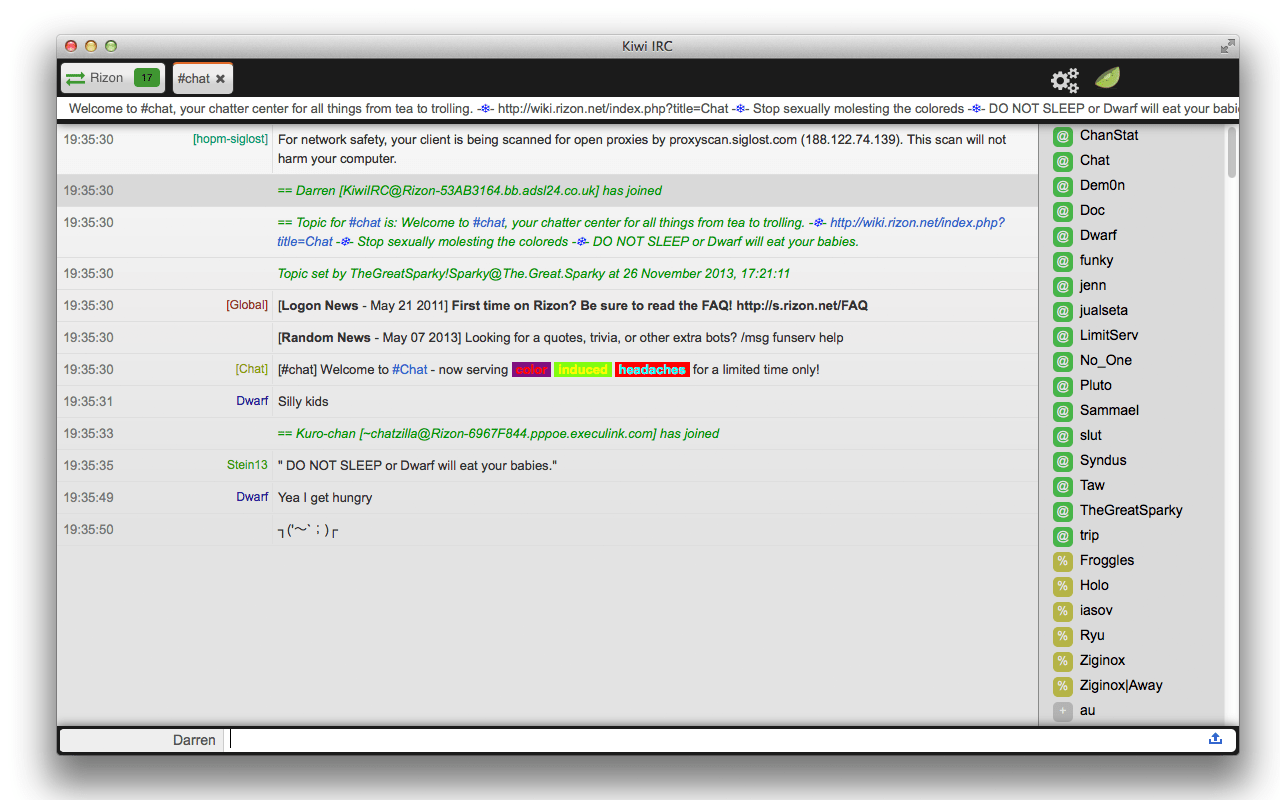
Discovering The World of Irc: A Comprehensive Guide
Are you curious about the world of Internet Relay Chat (IRC)? Look no further! This comprehensive guide will take you on a journey through the basics of IRC, from servers and channels to clients and more.
What is Irc?
IRC stands for Internet Relay Chat. It’s a protocol that allows users to communicate with each other in real-time via the internet. Think of it as a chat room, but instead of being limited to a specific website or platform, IRC connects you to a global network of servers and channels.
Choosing a Server And Channel
To get started with IRC, you need to choose a server and channel that suits your needs. There are many servers available, each with its own set of channels and rules. Some popular servers include:
- Irc.Italy.Org
- Irc.Ircnet.Net
Once you’ve chosen a server, you can browse through the list of available channels using a search engine like XDCC.
Xdcc: The Best Engine For Searching Channels
XDCC (eXtended DCC Client) is an excellent tool for searching IRC channels and servers. To use it, simply visit the XDCC website, enter the name of the server or channel you’re interested in, and click “Search.” You’ll be presented with a list of available channels and servers.
Choosing a Client
Now that you’ve chosen a server and channel, it’s time to choose a client. A client is a program that connects you to the IRC network and allows you to interact with other users. Some popular clients include:
- MIRC (Windows)
- SeaMonkey (Windows/Mac/Linux)
Setting Up Your Client
Once you’ve downloaded and installed your chosen client, follow these steps to set it up:
- Open the client and click on “Connect” or “Join.”
- Enter the server name and channel in the required fields.
- Click “OK” to connect to the server.
Using Your Client
Now that you’re connected to the IRC network, you can start chatting with other users! Here are some basic commands to get you started:
- /Join #channel: Join a specific channel
- /Part #channel: Leave a channel
- /Quit: Disconnect from the server
Alternatives to Mirc
If you’re not a fan of mIRC, there are plenty of alternative clients available. Some popular options include:
- SeaMonkey (Windows/Mac/Linux)
- Andro IRC (Android)
Using Seamonkey
To set up SeaMonkey on Windows, Mac, or Linux, follow these steps:
- Download and install the client.
- Open the client and click on “Connect” or “Join.”
- Enter the server name and channel in the required fields.
Other Clients Available For Android
If you’re an Android user, there are plenty of clients available to choose from. Some popular options include:
- Andro IRC
- IRCCloud
Irccloud: A Cloud-based Client
IRCCloud is a cloud-based client that allows you to connect to the IRC network from anywhere in the world. To set up IRCCloud on Android, follow these steps:
- Download and install the app.
- Open the app and click on “Sign Up” or “Log In.”
- Enter your username, email address, and password.
Using Igloo: The Most Pleasant Irc Client
Igloo is a popular client for iOS devices that’s known for its user-friendly interface. To set up Igloo, follow these steps:
- Download and install the app.
- Open the app and click on “Sign Up” or “Log In.”
- Enter your username, email address, and password.
Conclusion
IRC is a powerful protocol that allows you to connect with other users in real-time via the internet. With this comprehensive guide, you’ve learned how to choose a server and channel, set up a client, and start chatting with other users. Happy IRC-ing!
Frequently Asked Questions (FAQs)
- What is Irc?
IRC stands for Internet Relay Chat, a protocol that allows users to communicate in real-time via the internet. - How do I Choose a Server And Channel?
Use a search engine like XDCC to find available servers and channels. - Which Client Should I Use?
Choose a client that suits your needs, such as mIRC, SeaMonkey, or Andro IRC. - What Are The Basic Commands in Irc?
/Join #channel, /part #channel, and /quit are some of the basic commands to get you started. - Can I Use Irc on Android?
Yes, there are many clients available for Android devices, such as Andro IRC and IRCCloud.


