
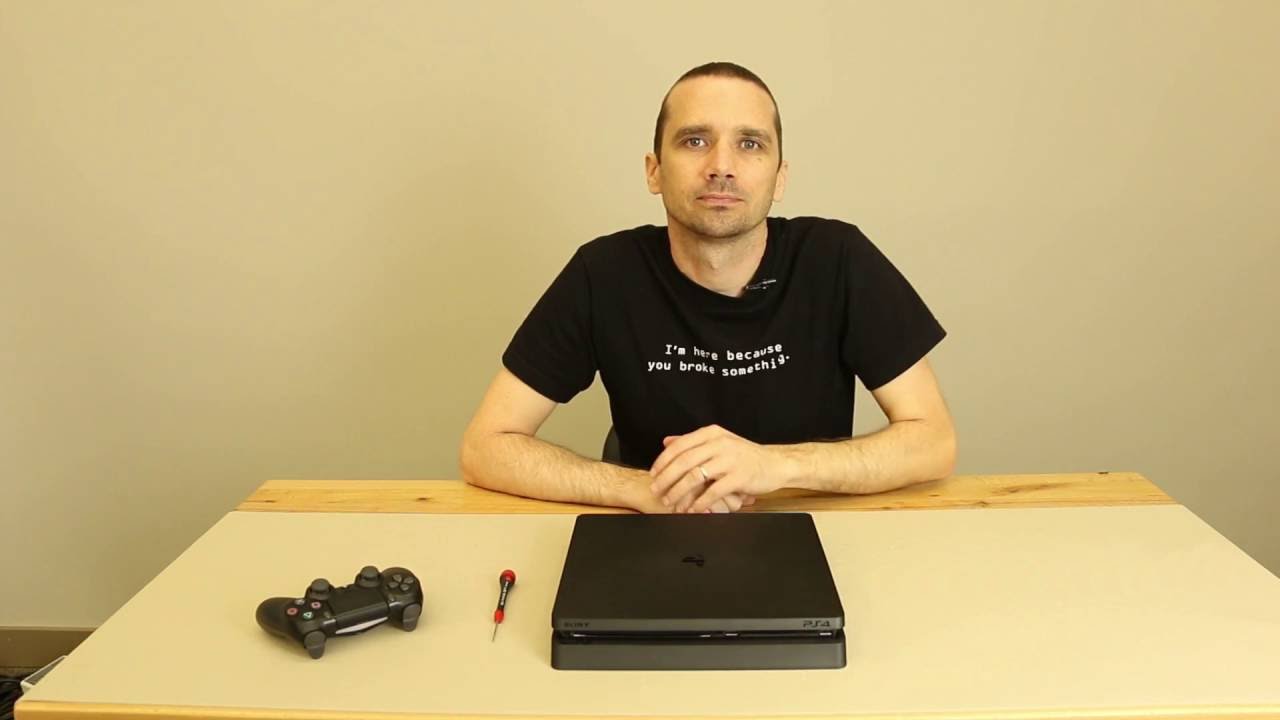
How to Eject a Disc From Your Ps4 Controller: A Step-by-step Guide
Are you tired of dealing with stubborn discs in your PS4 controller? Look no further! In this article, we’ll show you how to easily eject a disc from your PS4 controller without any hassle.
Introduction
While playing games on your PS4 is an enjoyable experience, sometimes the disc can get stuck or jammed in the controller. This can be frustrating, especially if you’re in the middle of a game. In this article, we’ll guide you through the process of ejecting a disc from your PS4 controller using two methods: Using the controller and using a screwdriver.
Method 1: Ejecting a Disc Using The Controller
The first method is the easiest and most straightforward way to eject a disc from your PS4 controller. Here’s how:
Step-by-step Guide
- Press the PS button on your controller to access the main menu.
- Use the directional arrows or the analog stick to highlight the “Disc” option.
- Press the Options button to access the disc management menu.
- Select the “Eject Disc” option.
- The PS4 will prompt you to confirm the ejection of the disc. Confirm by pressing the X button.
That’s it! The disc should now be ejected from your PS4 controller.
Method 2: Using a Screwdriver
If the first method doesn’t work, don’t worry! We’ve got another solution for you. Here’s how to eject a disc using a screwdriver:
Step-by-step Guide
- Locate the screwdriver icon on your PS4 menu.
- Insert the screwdriver into the disc slot and turn it counterclockwise until the disc is released.
- Carefully remove the disc from the controller.
Important Note: Using a screwdriver to eject a disc may damage the controller if not done properly. Be careful when handling the screwdriver, and make sure you’re using the correct type of screwdriver for your PS4 model.
In Case of Problems
If neither method works, don’t worry! We’ve got some additional tips and solutions for you:
Troubleshooting Tips
- Make sure you’ve tried both methods mentioned above.
- Check if the disc is stuck or jammed in the controller. If it is, try removing any debris or dust from the slot.
- Try restarting your PS4 to see if that resolves the issue.
Conclusion
Ejecting a disc from your PS4 controller can be easy and straightforward using the right methods. Remember to always follow the proper procedures to avoid damaging your controller or console. If you’re still having trouble, don’t hesitate to reach out to Sony’s support team for assistance.
Frequently Asked Questions (FAQs)
- Q: Can I Eject a Disc From my Ps4 Controller Using a Screwdriver?
A: Yes, but be careful not to damage the controller. - Q: What if The Disc is Stuck or Jammed in The Controller?
A: Try removing any debris or dust from the slot before trying to eject the disc again. - Q: Can I Use Both Methods Mentioned Above to Eject a Disc?
A: Yes, try both methods and see which one works for you. - Q: How do I Know if my Ps4 Controller is Damaged?
A: Check if the disc is not ejecting or if there’s any damage to the controller itself. - Q: Can I Use a Screwdriver on All Types of Discs?
A: Yes, but be careful with Blu-ray and DVD discs as they can be more delicate than game discs. - Q: How do I Contact Sony’s Support Team For Help?
A: Visit the official Sony website or contact their customer support team directly. - Q: Are There Any Specific Procedures For Ejecting a Disc From my Ps4 Controller?
A: Yes, follow the step-by-step guides provided above to ensure safe and proper ejection of the disc.
Conclusion
In conclusion, ejecting a disc from your PS4 controller can be easy and straightforward using the right methods. Remember to always follow the proper procedures and take necessary precautions to avoid damaging your controller or console. If you’re still having trouble, don’t hesitate to reach out to Sony’s support team for assistance.


