
The Ultimate Guide to Downloading Videos From The Internet
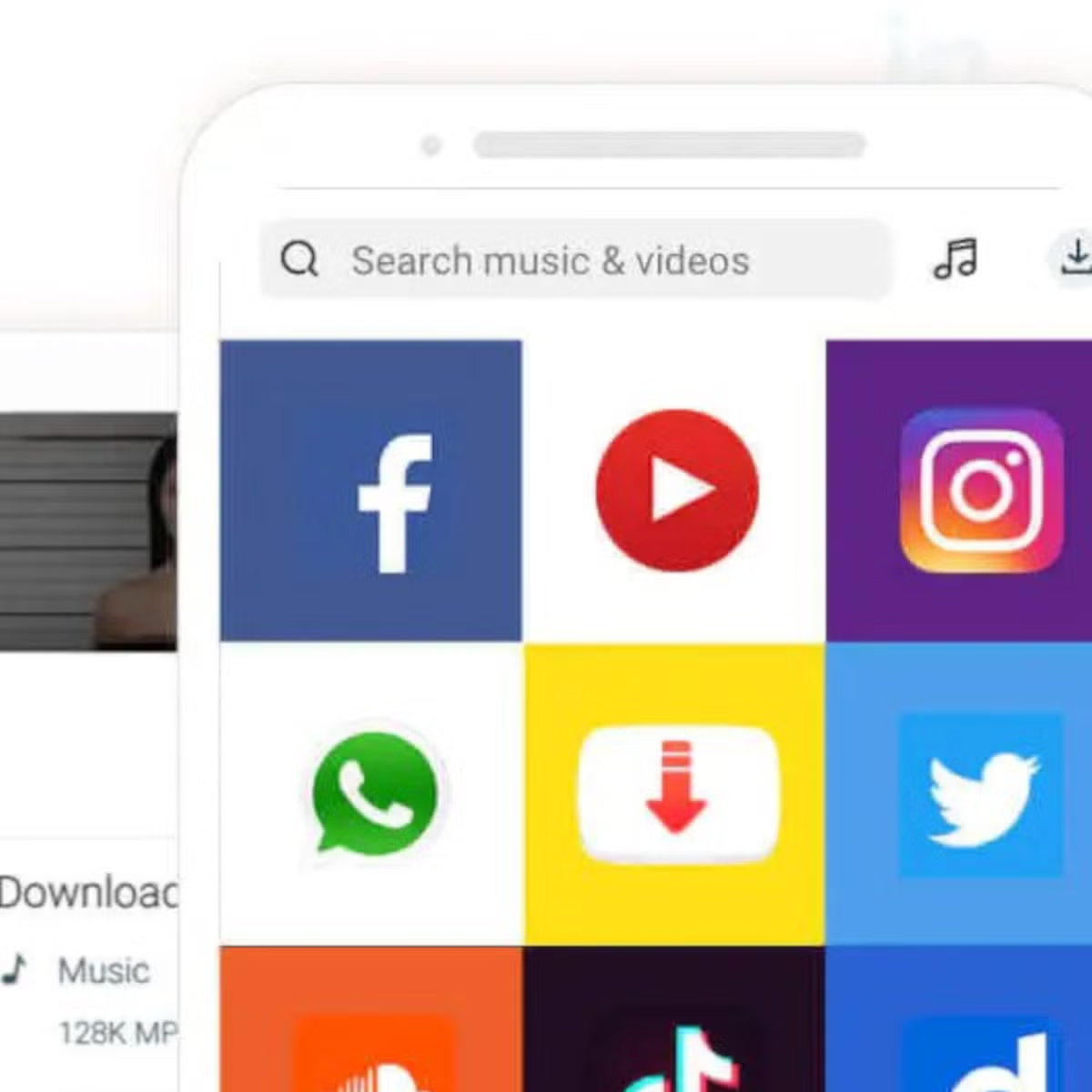
Are you tired of searching for videos on the internet, only to find that they are not available or have been removed? Do you want to be able to download your favorite videos and watch them offline? Look no further! In this article, we will guide you through the process of downloading videos from the internet using various apps and software.
Why Download Videos?
Downloading videos can be a convenient way to access your favorite content offline. Whether you are on a plane, in an area with poor internet connectivity, or simply want to watch a video without buffering, downloading is a great option. Additionally, downloading videos can also help reduce bandwidth usage and save you from annoying ads.
Best Apps For Downloading Videos
There are several apps available for both Android and iOS devices that allow you to download videos from the internet. Here are some of the best ones:
- Total: A popular app for Android devices that allows you to download videos from various websites, including YouTube, Vimeo, and more.
- Commander Swift: A powerful app for iOS devices that enables you to download videos and execute scripts automatically.
- Documents: A file manager app for iOS devices that also includes a browser and allows you to download videos.
Software For Downloading Videos on PC
If you are using a PC, there are several software options available for downloading videos. Here are some of the best ones:
- Jdownloader: A free, open-source software that can capture video, images, and audio from any webpage.
- Clipgrab: A software that allows you to download videos from various websites and save them in different formats and resolutions.
How to Download Videos Using Total
Total is a popular app for Android devices that allows you to download videos from various websites. Here’s how to use it:
- Install the Total app on your device.
- Open the app and select the “Browser” option.
- Navigate to the website with the video you want to download.
- Select the “Download” button to initiate the download process.
How to Download Videos Using Jdownloader
JDownloader is a free, open-source software that can capture video, images, and audio from any webpage. Here’s how to use it:
- Install JDownloader on your PC.
- Open JDownloader and copy the URL of the video you want to download.
- Paste the URL into JDownloader and select the “Capture links” option.
- Select the video format and resolution you prefer, and initiate the download process.
Other Apps For Downloading Videos
There are several other apps available for both Android and iOS devices that allow you to download videos from the internet. Here are some of the best ones:
- Firefox: A browser app for Android devices that includes a download manager.
- 1DM: A download manager app for Android devices that allows you to download videos and images.
- Documents: A file manager app for iOS devices that also includes a browser and allows you to download videos.
Conclusion
Downloading videos from the internet can be a convenient way to access your favorite content offline. With various apps and software available, it’s easier than ever to get started. Whether you’re using an Android or iOS device, or a PC, there are options available for everyone. Remember to always check the copyright laws in your country before downloading videos.
Frequently Asked Questions
Q: Is downloading videos from the internet illegal?
A: It depends on the country and jurisdiction. Always check local laws and regulations before downloading videos.
Q: Can I download copyrighted content using these apps and software?
A: No, it’s not recommended to download copyrighted content without permission from the copyright holder.
Q: Are there any risks associated with downloading videos from the internet?
A: Yes, there are risks of malware and viruses when downloading files from unknown sources. Always use reputable sources and follow safety guidelines.
Q: Can I download videos on multiple devices at once?
A: Some apps and software allow you to download videos on multiple devices simultaneously. Check the features and limitations of each app or software.
Q: Are there any fees associated with using these apps and software?
A: Some apps and software may have in-app purchases or subscription fees. Check the pricing and plans before using them.
Q: Can I convert downloaded videos into different formats?
A: Yes, some apps and software allow you to convert downloaded videos into different formats. Check the features and limitations of each app or software.
Important Note
Please note that downloading copyrighted content without permission is an offense in many jurisdictions. This article is for informational purposes only, and we do not promote piracy or copyright infringement. Always check local laws and regulations before downloading videos.


