
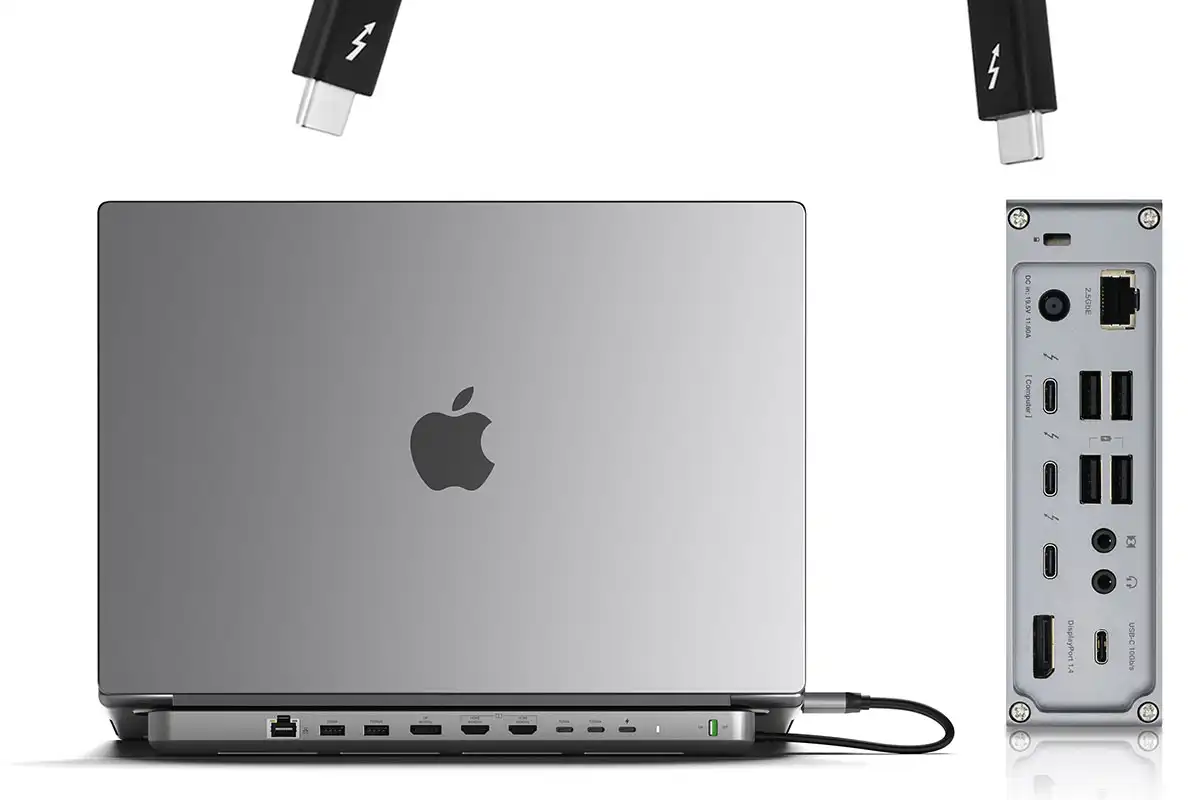
Better Docking Station: Guide to Shopping (2024)
The guide provides an overview of docking stations, their benefits, types, and what to look for when shopping for one.
Key Points
- A docking station is a device that connects to your laptop via a USB port and provides multiple ports for peripherals.
- Using a docking station offers several benefits, including increased productivity, convenience, and portability.
- There are several types of docking stations available, each with its own set of features and benefits.
Actionable Advice
When shopping for a docking station, consider the following factors:
- Number And Type of Ports: Make sure the docking station has enough ports to meet your needs.
- Quality And Price: Look for a high-quality docking station that meets your budget.
- Compatibility: Ensure the docking station is compatible with your laptop’s operating system and USB version.
Top Docking Stations on The Market
Here are some top-rated docking stations available:
- Techly Techly Supporto Per Tablet Hub Docking Station Usb-c 8 in 1: A versatile docking station that provides multiple ports for peripherals.
- Docking Station Usb-c 9 in 1 Hub Usb3.1 Stand For Notebook Pieghevole Techly: A compact docking station perfect for those who need to take their docking station on the go.
Ultimate Guide to Choosing The Best Docking Station
Choosing the best docking station can be overwhelming, but by considering the following factors, you’ll make an informed decision:
- Type of Docking Station: Standard, portable, or vertical?
- Number And Type of Ports: How many ports do you need? Consider the types of devices you want to connect.
- Quality And Price: Look for a high-quality docking station that meets your budget.
- Compatibility: Ensure the docking station is compatible with your laptop’s operating system and USB version.
Faqs
Here are some frequently asked questions about docking stations:
- Q: What is a docking station?
A: A docking station is a device that connects to your laptop via a USB port and provides multiple ports for peripherals. - Q: What are the benefits of using a docking station?
A: Increased productivity, convenience, and portability.
By considering these factors, you’ll be able to choose the best docking station for your needs.


