
How to Check if a Product Apple is Original
As one of the most iconic technological companies in the world, Apple has become synonymous with innovation and quality. However, with great popularity comes great risk – the risk of counterfeit and fake products flooding the market. If you’re planning to purchase an Apple product, whether it’s an iPhone, iPad, Mac, AirPods, or Watch, it’s essential to know how to check if it’s original.
In this article, we’ll guide you through the simple steps to verify the authenticity of your Apple device. We’ll cover the importance of checking the serial number, aesthetic characteristics, and technical features, as well as provide additional suggestions to ensure you’re buying a genuine product.
Why is Checking Authenticity Important?
Buying a counterfeit Apple product can have serious consequences, including:
- Security Risks: Fake products may contain malware or viruses that can compromise your personal data.
- Quality Issues: Counterfeit products often use low-quality materials and manufacturing processes, which can lead to device malfunction or failure.
- Warranty Voidance: If you purchase a fake product, Apple will not honor any warranty claims, leaving you with a useless device.
How to Check The Serial Number
One of the most effective ways to verify an Apple product’s authenticity is by checking its serial number. Here’s how:
- Open Settings: On your iPhone or iPad, go to Settings > General > Info.
- Look For The Serial Number: Scroll down and find the Serial Number field. This should be a series of letters and numbers that uniquely identify your device.
- Check Online: Go to Apple’s official website and enter your serial number in the Verify Your Device tool. If your product is authentic, it will display its details, including the model, capacity, and warranty information.
Aesthetic Characteristics And Technical Features
While checking the serial number is essential, you should also inspect the device for any signs of poor quality or tampering. Here are some tips:
- Physical Tastings: Check the positioning, shape, and size of physical buttons (e.G., Volume controls) and ports (e.G., Lightning connector).
- Vines on The Back: Original Apple devices have a specific arrangement of vines on the back; counterfeit products may display irregular or missing patterns.
- Expandable Memory: If your device has an expandable memory slot, it’s likely not original. Genuine Apple products do not have this feature.
Additional Suggestions
In addition to checking the serial number and aesthetic characteristics, here are some more suggestions to ensure you’re buying a genuine Apple product:
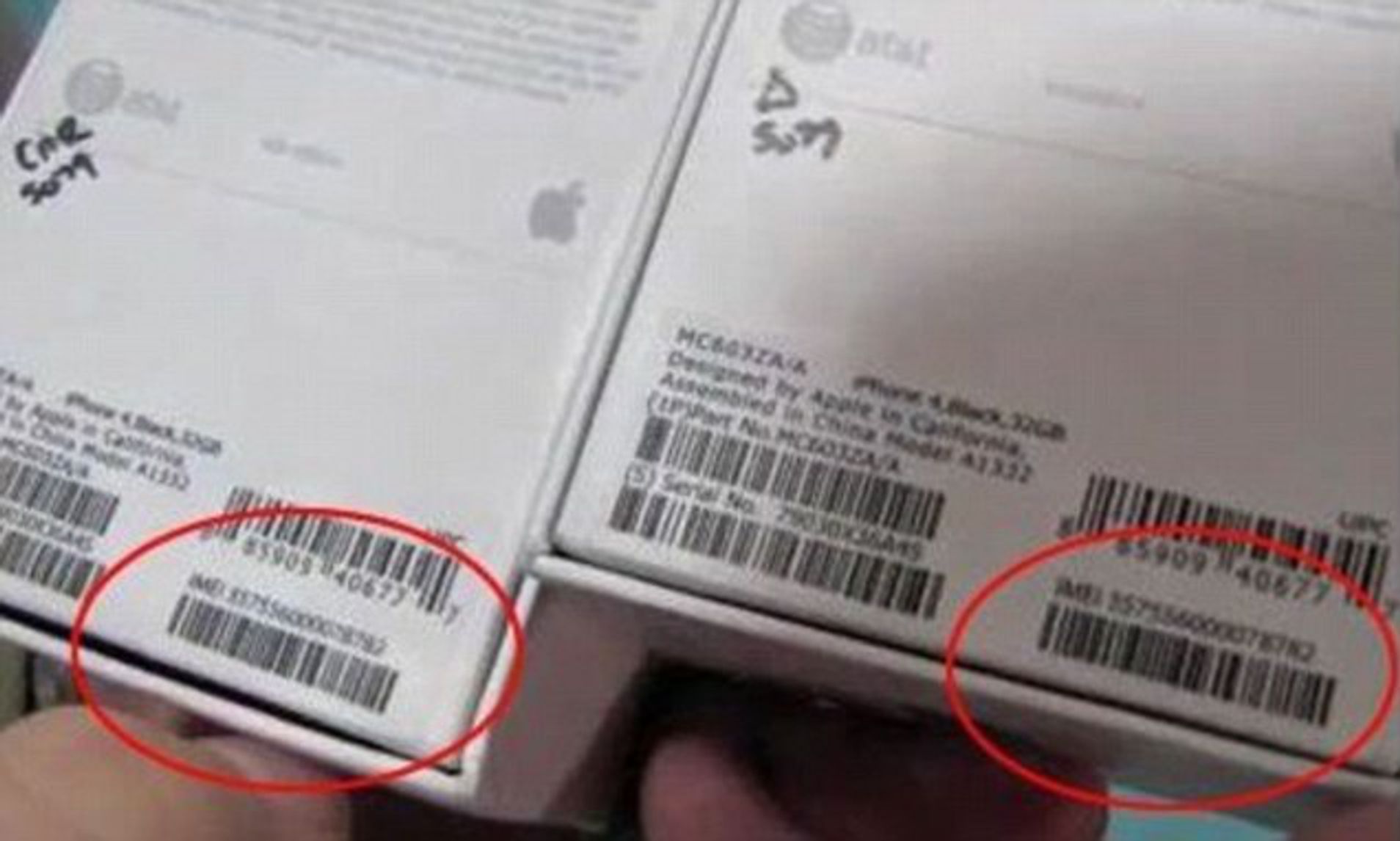
- Inspect The Packaging: Verify that the packaging is of high quality and has the correct labeling.
- Check For Siri Integration: If your device doesn’t have Siri integrated or responds incorrectly to voice commands, it might be counterfeit.
Verifying Apple Devices’ Authenticity
To check if an Apple product is genuine, you can also:
- Contact Apple’s Support: Reach out to Apple’s customer support via phone, web, or the Apple Support app.
- Visit an Apple Store: Visit a physical Apple store and ask the staff to inspect your device.
Verifying Accessories’ Authenticity
If you’re purchasing an accessory, such as AirPods or a charger, make sure it has:
- The Mfi Logo: A genuine Apple product will have the Mfi (Made for iPod/iPhone/iPad) logo printed on the packaging.
- A Shell With Rounding Corners: Authentic accessories have shells that are rounded to the boards.
If you’ve checked all these points and still suspect your device is counterfeit, don’t hesitate to contact Apple’s support or visit a physical store for assistance.


