
The Ultimate Guide to Seeing Activity on Instagram: A Step-by-step Tutorial
As a social media enthusiast, you’re likely no stranger to the world of Instagram. With its vast user base and engaging features, it’s easy to get lost in the endless scroll of photos and videos. But have you ever wondered how to see activity on someone else’s profile without them knowing? Look no further! In this comprehensive guide, we’ll walk you through the step-by-step process of seeing someone’s activity on Instagram, including their stories, posts, followers, and more.
Why See Activity on Someone Else’s Profile?
Before we dive into the tutorial, let’s explore why you might want to see someone else’s activity on Instagram. Perhaps you’re curious about your crush’s online behavior or want to keep tabs on a friend’s social media presence. Whatever the reason, knowing how to access this information can be useful in a variety of situations.
Prerequisites: Understanding Instagram Updates
Before we begin, it’s essential to understand that Instagram has undergone significant changes in recent years. In 2019, the platform updated its features, including the “Followed” section, which allowed users to see activity from accounts they followed. However, this feature was later removed.
Step 1: Following a User
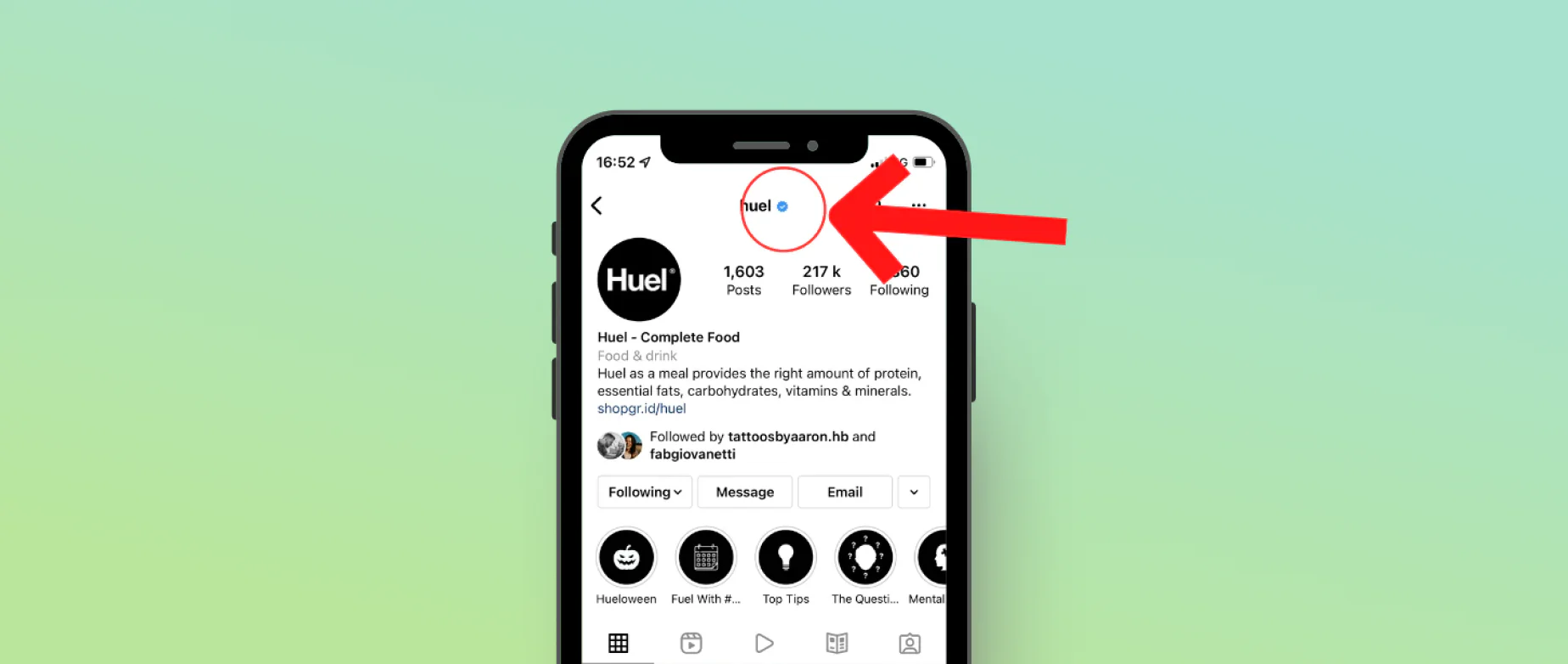
To see someone’s activity on Instagram, you’ll first need to follow them. Here’s how:
- Open the Instagram app or access the official website.
- Search for the user’s profile using the search bar.
- Tap or click on their profile picture to visit their page.
- Tap or click on the “Follow” button to start following them.
Step 2: Enabling Notifications
To stay updated on someone’s activity, you’ll need to enable notifications. Here’s how:
- Open the Instagram app and navigate to the user’s profile.
- Tap or click on the three horizontal lines in the top-right corner of the screen.
- Select “Settings” from the menu.
- Scroll down to the “Notifications” section and toggle the switch to turn on notifications.
Step 3: Viewing Stories
One way to see activity on someone’s profile is by viewing their stories. Here’s how:
- Open the Instagram app and navigate to the user’s profile.
- Tap or click on the story icon (the circle with a white background) at the top of the screen.
- Swipe through the user’s stories to see their recent posts.
Step 4: Viewing Posts
To view someone’s posts, follow these steps:
- Open the Instagram app and navigate to the user’s profile.
- Tap or click on the “Posts” tab at the bottom of the screen.
- Scroll through the user’s posts to see their latest updates.
Step 5: Viewing Followers
To see who someone is following, follow these steps:
- Open the Instagram app and navigate to the user’s profile.
- Tap or click on the three horizontal lines in the top-right corner of the screen.
- Select “Settings” from the menu.
- Scroll down to the “Followed” section and tap or click on the “Profiles Followed” tab.
Step 6: Viewing Account Information
To access information about someone’s account, follow these steps:
- Open the Instagram app and navigate to the user’s profile.
- Tap or click on the three horizontal lines in the top-right corner of the screen.
- Select “Settings” from the menu.
- Scroll down to the “Account” section and tap or click on the “Information” tab.
Step 7: Viewing Last Access Time
To see when someone last accessed Instagram, follow these steps:
- Open the Instagram app and navigate to the user’s profile.
- Tap or click on the three horizontal lines in the top-right corner of the screen.
- Select “Settings” from the menu.
- Scroll down to the “Privacy” section and toggle the switch next to “State of activity” to turn it on.
Conclusion
In this comprehensive guide, we’ve walked you through the step-by-step process of seeing someone’s activity on Instagram. Whether you’re curious about your crush’s online behavior or want to keep tabs on a friend’s social media presence, knowing how to access this information can be useful in a variety of situations. Remember to respect people’s privacy and only use these features for legitimate purposes.
Frequently Asked Questions (FAQs)
- Can I See Someone’s Activity Without Them Knowing?
Yes, you can see someone’s activity on Instagram without them knowing, as long as you follow the steps outlined in this guide.
2. How do I Enable Notifications For Someone’s Account?
To enable notifications for someone’s account, open the Instagram app and navigate to their profile. Tap or click on the three horizontal lines in the top-right corner of the screen, select “Settings,” and toggle the switch next to “Notifications” to turn it on.
3. Can I See Someone’s Stories Without Them Knowing?
Yes, you can see someone’s stories on Instagram without them knowing, as long as you follow the steps outlined in this guide.
4. How do I View Someone’s Posts?
To view someone’s posts, open the Instagram app and navigate to their profile. Tap or click on the “Posts” tab at the bottom of the screen and scroll through their latest updates.
5. Can I See Who Someone is Following Without Them Knowing?
Yes, you can see who someone is following on Instagram without them knowing, as long as you follow the steps outlined in this guide.


