
How to Cancel Timvision: A Step-by-step Guide
Are you looking to cancel your TIMVISION subscription but unsure about the process? Look no further! In this article, we will guide you through the easy and straightforward steps to discontinue your TIMVISION service.
What is Timvision?
TIMVISION is a streaming video service offered by TIM (Telecom Italia), one of Italy’s leading telecommunications companies. With TIMVISION, users can enjoy a vast library of movies and TV shows on their TV, computer, smartphone, or tablet.
Why Cancel Timvision?
You might want to cancel your TIMVISION subscription for various reasons:
- You’re not using the service anymore
- You’ve found another streaming service that suits your needs better
- You’re experiencing issues with the service
Whatever your reason, cancelling TIMVISION is a relatively simple process that we’ll outline below.
How to Cancel Timvision Online
The easiest way to cancel your TIMVISION subscription is online. Here’s how:
- Access Mytim: Log in to your MyTIM account using your credentials.
- Select Your Bid: Go to the “Bid” section and select the TIMVISION service you want to cancel.
- Modify or Disattiva: Click on the “Gestisci” (Manage) button next to the TIMVISION bid and then click on the option “Modifica o disattiva” (Modify or disable).
- Confirm Cancellation: In the “Disattiva bid” page, select the option “Voglio disabilitare il mio attuale contratto?” (I want to disable my current contract?) and confirm your choice.
How to Cancel Timvision by Phone
If you prefer to cancel your TIMVISION subscription over the phone, follow these steps:
- Call 187: Dial the TIM customer service number, 187.
- Choose Your Language: Select your preferred language and follow the automated menu.
- Select TV Services: Choose the option for TV services and then select TIMVISION.
- Speak With an Operator: Speak with a live operator who will guide you through the cancellation process.
How to Cancel Timvision in Person
If you’d like to cancel your TIMVISION subscription in person, visit your nearest TIM shop and speak with a sales representative. They’ll assist you with the cancellation process.
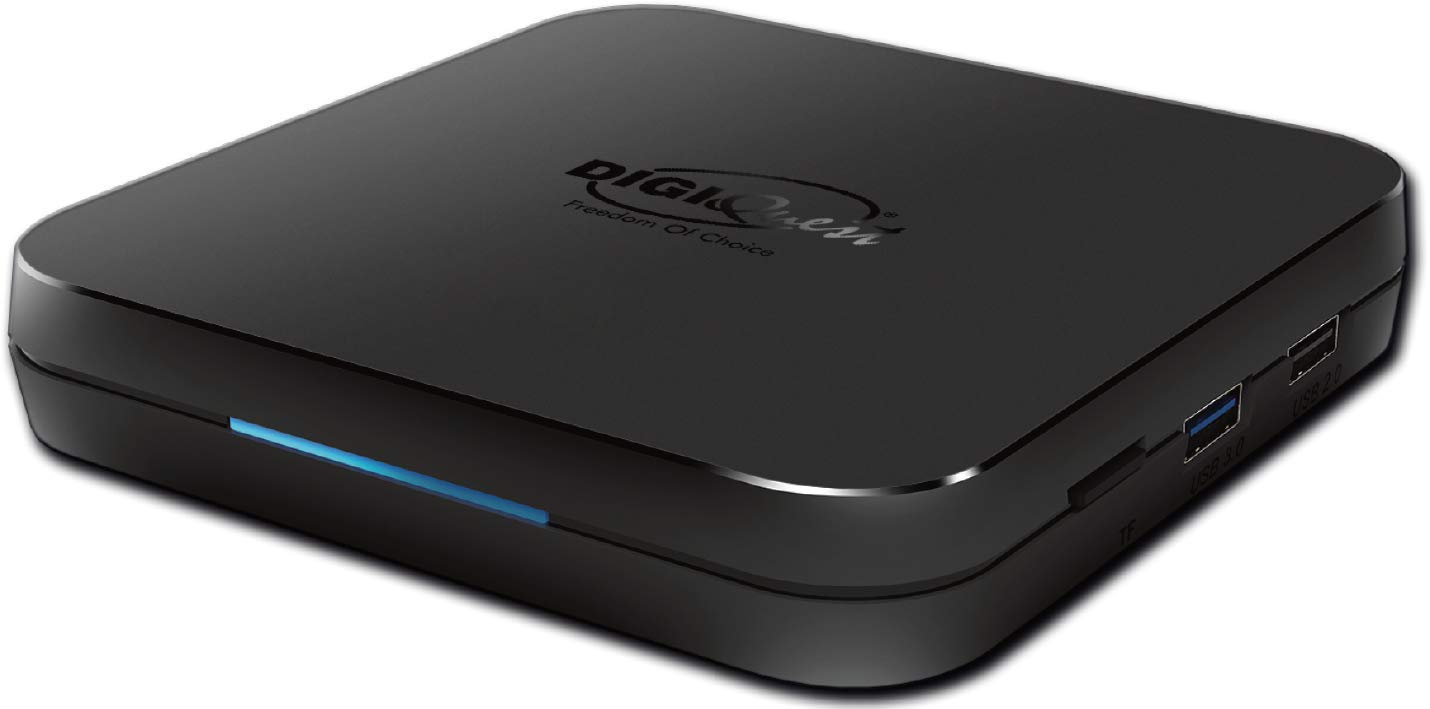
Returning The Timvision Box
When cancelling your TIMVISION subscription, you’ll need to return the decoder box within 30 days. Here’s how:
- Get a Return Label: If you’ve already cancelled your TIMVISION subscription online or by phone, you should have received an email with a pre-filled label for returning the decoder.
- Print And Attach Labels: Print the labels and attach them to the box.
- Insert Documents: Insert the required documents, such as the form restitution, into the box.
- Send Back The Box: Send back the decoder box to TIM within 30 days.
Frequently Asked Questions
Q: Can I cancel my TIMVISION subscription if I’ve already paid for a year?
A: Yes, you can still cancel your subscription, but please note that any remaining months will not be reimbursed.
Q: Will I lose access to other services after cancelling TIMVISION?
A: No, cancelling TIMVISION won’t affect your access to other services on your TIM account.
Q: Can I return the decoder box if I’ve cancelled my subscription online or by phone?
A: Yes, you’ll receive a return label via email that you can use to send back the decoder within 30 days.
Q: What happens if I don’t return the decoder box within 30 days?
A: You may be charged for the cost of returning the decoder box.
Q: Can I cancel my TIMVISION subscription in person at a shop?
A: Yes, visit your nearest TIM shop and speak with a sales representative to assist you with the cancellation process.
Q: Will I receive any reimbursement for the remaining months after cancelling my TIMVISION subscription?
A: Reimbursement policies may vary depending on your specific situation. We recommend speaking with a live operator or visiting a TIM shop for more information.
Conclusion
Cancelling your TIMVISION subscription is a straightforward process that can be completed online, over the phone, or in person at a shop. Remember to return the decoder box within 30 days to avoid any additional charges. If you have any questions or concerns, don’t hesitate to reach out to TIM’s customer service team for assistance.


