
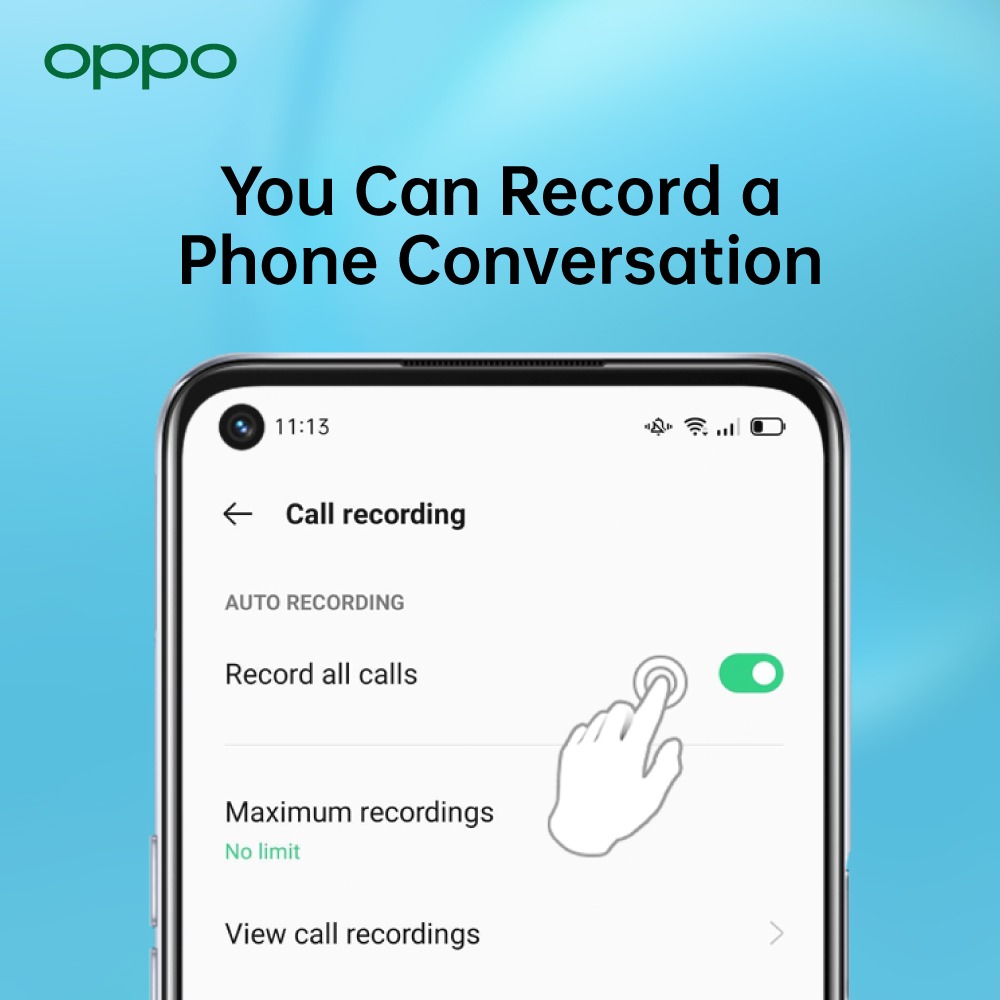
Recording a Phone Call Without an App: A Step-by-step Guide
Are you looking for ways to record phone calls without using any additional apps? Look no further! In this article, we will guide you through the process of recording phone calls on both Android and iPhone devices without the need for any external applications.
Understanding The Legal Implications
Before we dive into the technical aspects, it’s essential to understand the legal implications of recording a phone call. While there is no law that prohibits recording a phone call, doing so without the consent of the other party can be considered a breach of privacy. Therefore, it’s crucial to obtain permission from the person you are calling before recording the conversation.
Recording a Phone Call on Android Without an App
Recording a phone call on Android devices is relatively straightforward. Here’s how to do it:
Step 1: Ensure Your Google Phone App is Updated
Make sure your Google Phone app is updated to the latest version. You can check for updates by going to the Play Store and searching for “Google Phone.”
Step 2: Open The Google Phone App
Open the Google Phone app on your Android device. This app should be pre-installed on your phone.
Step 3: Answer a Call
Answer a call using the Google Phone app. You can do this by tapping on the “Call” button or by selecting a contact from your list.
Step 4: Press The Record Button
Once you have answered the call, press the record button to start recording the conversation. This button is located on the right side of the screen.
Step 5: Stop The Recording
To stop the recording, simply close the call or press the record button again.
How to Listen And Delete Recordings
To listen to your recordings, go to the “Recent” tab in the Google Phone app. Select the recording you want to play by tapping on it. To delete a single recording, tap on the trash can icon next to the playback button.
To delete all recordings at once, tap on the three vertical dots (⋮) in the top-right corner of the screen and select “Settings.” Then, go to “Recording” and tap on “Delete all recordings.”
How to Enhance Low-quality Recordings
If you find that your audio recordings are low quality or barely audible, you can transfer them to your computer and edit them using an audio editing program like Audacity. This will give you more control over the sound quality.
Step 6: Transfer Files to Your Computer
Transfer the recording files from your phone to your computer by connecting your device to your computer via USB cable or by transferring them wirelessly using Google Drive or another cloud storage service.
Recording a Phone Call on Iphone Without an App
Unfortunately, it’s not possible to record a phone call on an iPhone without installing an app. The Apple ecosystem does not have a built-in feature for recording phone calls.
However, you can consider using third-party apps like REKK and TapACall, which offer this functionality. These apps may require a subscription or a one-time payment fee.
Conclusion
In conclusion, recording a phone call on Android devices without an app is relatively straightforward, but it’s essential to obtain consent from the person being called before doing so. On iPhone devices, you will need to install an app to record calls. Remember to always follow local laws and regulations regarding phone call recordings.
Faqs
- Can I Record a Phone Call on my Iphone Without an App?
Unfortunately, no. The Apple ecosystem does not have a built-in feature for recording phone calls. - What Are Some Good Apps For Recording Phone Calls on Iphone?
REKK and TapACall are two popular options that offer this functionality. - Can I Enhance Low-quality Recordings?
Yes! You can transfer your audio files to your computer and edit them using an audio editing program like Audacity. - How do I Delete All my Recording at Once on Android?
To delete all recordings at once, go to the “Settings” menu in the Google Phone app, then select “Recording,” and finally tap on “Delete all recordings.” - Is it Legal to Record a Phone Call Without Consent?
No! Recording a phone call without the consent of the other party can be considered a breach of privacy.
I hope this guide has been helpful! If you have any further questions or need additional assistance, please don’t hesitate to ask.


