
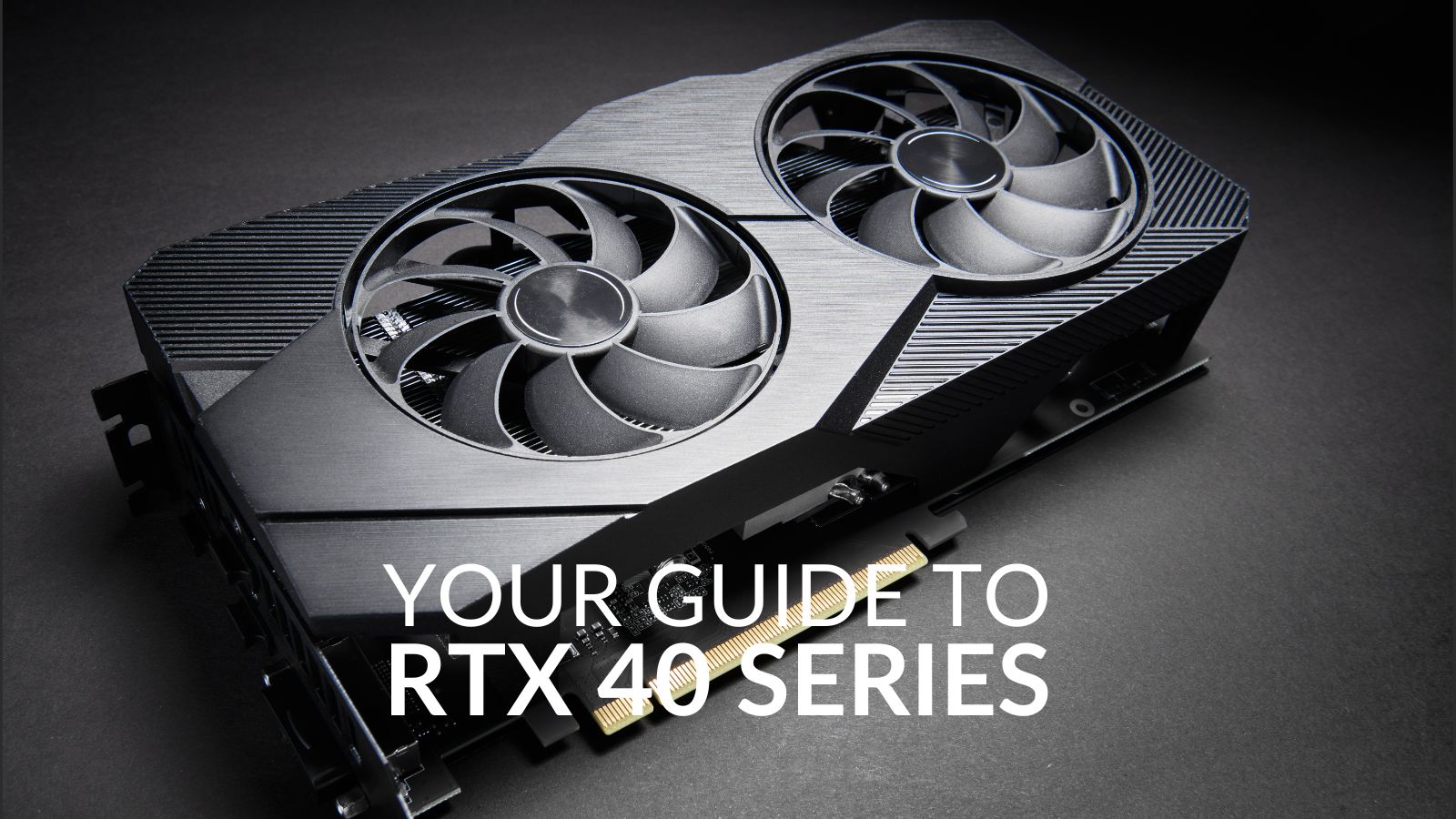
The Ultimate Guide to Choosing The Best Graphics Card (GPU) For Your Gaming PC
Are you in the market for a new graphics card (GPU) to upgrade your gaming experience? Look no further! In this comprehensive guide, we’ll take you through the key factors to consider when selecting the perfect GPU for your needs.
What is a Graphics Card (GPU)?
A graphics card, also known as a GPU (Graphics Processing Unit), is a crucial component of any computer system. It’s responsible for rendering images on your monitor by performing complex mathematical calculations. In today’s gaming world, a good GPU can make all the difference in delivering smooth and seamless gameplay.
Understanding Your Needs
Before diving into the world of GPUs, it’s essential to understand your gaming requirements. Do you play casual games or high-end titles? How often do you game? Knowing your needs will help you determine the type of GPU that suits you best.
Gpu Options: Nvidia vs Amd
The two major players in the GPU market are NVIDIA and AMD. Both offer a range of GPUs with varying levels of performance, features, and price points. NVIDIA’s GeForce series is known for its high-end models, while AMD’s Radeon series offers competitive options at lower price points.
Key Factors to Consider
When choosing a GPU, consider the following essential factors:
- Resolution: What resolution do you want to play games at? If you’re looking for 4K or higher resolutions, you’ll need a more powerful GPU.
- Memory And Bandwidth: A good GPU should have sufficient memory (VRAM) and bandwidth to handle demanding games.
- Gpu Architecture: Look for GPUs with modern architectures like Pascal or Ampere for better performance and power efficiency.
- Power Consumption: Be mindful of the power consumption of your GPU, especially if you’re looking to build a compact gaming PC.
- Connectivity: Ensure the GPU has the right connectors (e.G., HDMI, DisplayPort) to connect to your monitor.
Gpu Models to Consider
Here are some top-notch GPU models across various price points:
- NVIDIA GeForce RTX 3080
- AMD Radeon RX 6800 XT
- NVIDIA GeForce RTX 3070
- AMD Radeon RX 5700 XT
Sli And Crossfire: Can You Use Multiple Gpus?
If you’re looking for maximum performance, consider using multiple GPUs in SLI (Scalable Link Interface) or CrossFire configurations. However, be aware that this may require a more powerful motherboard and can lead to increased power consumption.
Cooling Systems: Important For High-performance Gpus
A good cooling system is crucial for maintaining optimal temperatures and prolonging the lifespan of your GPU. Look for GPUs with efficient cooling systems like heat pipes or custom-designed coolers.
Ports And Connectivity: Don’t Forget About Displayport, Hdmi, And Dvi!
Ensure the GPU has the right connectors to connect to your monitor, whether it’s a high-end 4K display or an older monitor.
Conclusion
Choosing the best graphics card for your gaming PC requires careful consideration of various factors. By understanding your needs, considering GPU options, and weighing key factors like resolution, memory, and power consumption, you’ll be well on your way to selecting the perfect GPU for your gaming experience.
Frequently Asked Questions (FAQs)
Q: What is a graphics card (GPU)?
A: A graphics card is a crucial component responsible for rendering images on your monitor by performing complex mathematical calculations.
Q: Do I need a high-end GPU for casual gaming?
A: No, a mid-range or even lower-end GPU can handle casual games with ease.
Q: Can I use multiple GPUs in my system?
A: Yes, but be aware that this may require a more powerful motherboard and can lead to increased power consumption.
Q: What is Ray tracing, and do I need it for gaming?
A: Ray tracing is a technical feature that enhances lighting effects in games. While it’s not essential for casual gaming, it can provide a more immersive experience in high-end titles.
Q: How often should I update my GPU?
A: Depending on your gaming needs and the performance of your current GPU, you may need to upgrade every 2-3 years or so.
Recommended Gpus
Here are some top-notch GPU recommendations across various price points:
- Budget: AMD Radeon RX 5500 XT
- Mid-range: NVIDIA GeForce RTX 2060
- High-end: NVIDIA GeForce RTX 3080
- Ultimate Gaming: AMD Radeon RX 6800 XT
Where to Buy Your Dream Gpu
Visit reputable online marketplaces like Amazon or Newegg, and consider purchasing from authorized retailers for warranty and support purposes.


