
Programs To Visualize Videos On Your PC
Have you recently abandoned your old computer and acquired a new one? After completing the primary configuration and transferring all your important data, it’s time to install the essential programs. However, before doing so, it’s crucial to choose the right video player for your needs.
In this tutorial, we’ll guide you through the process of selecting and installing the best program to visualize videos on your Windows PC. We’ll also explore alternative options for those who prefer not to install a dedicated video player.
Film And Tv: The Default Video Player
The first program we recommend is Film and TV, which comes pre-installed with Windows 10 and later versions (including Windows 11). This application allows you to watch videos in various formats, including MP4, AVI, and MKV. You can also use it to rent or purchase movies and TV shows directly within the app.
To open Film and TV, click on the Start button and type “Film” in the search bar. Select the top result, and the application will launch. From there, you can add folders containing your video files by clicking on the Add folders button. Once added, all the videos within those folders will be displayed in the All videos section.
Alternative Video Players For Windows
If you’re not satisfied with Film and TV or prefer a more versatile option, consider the following alternatives:
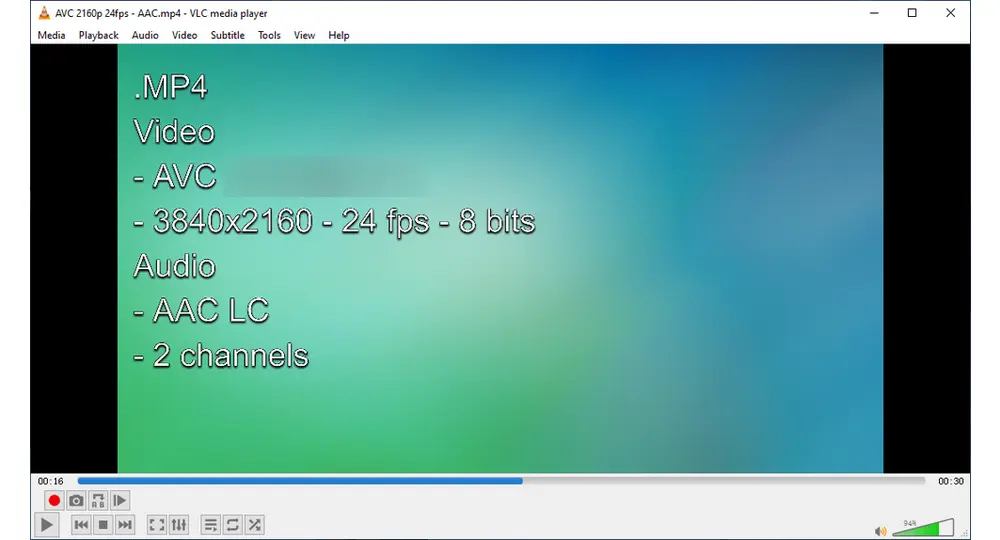
- Vlc: A popular and free video player that supports various formats without the need for external codecs.
- Mpv: A lightweight, open-source media player that can handle multiple file types.
- Kmplayer: A user-friendly video player with a minimal interface that doesn’t require additional codecs.
To install any of these alternatives, follow the installation instructions provided by the software’s developers or visit their official websites for more information.
Programs to Visualize Videos on Mac
If you’re using a Mac and searching for an alternative video player, consider the following options:
- Quicktime Player: A built-in media player that supports various file formats, including MP4.
- Iina: A free, open-source media player that supports multiple formats and offers features like gesture support and Picture-in-Picture mode.
To install IINA, visit its official website and follow the installation instructions provided. Once installed, launch the application by clicking on the icon in the Launchpad or using Spotlight.
Other Programs to Visualize Videos on Mac
If you’re still looking for more options or prefer a free app with Italian interfaces, consider the following alternatives:
- Elmedia Video Player: A free video player that supports multiple formats and offers features like PiP mode.
- Vlc: Also available for Mac, this popular media player can handle various file types.
Online Video Players
If you prefer not to install a dedicated video player on your Windows PC, you can use online services like YouTube, Netflix, or Prime Video directly within your browser. These platforms allow you to stream videos without the need for additional software.
Mobile Apps For Visualizing Videos
For those who want to watch videos on their smartphones or tablets, consider the following mobile apps:
- Vlc: Available on Android, iOS, and iPadOS devices, this app allows you to play various video formats.
- MX Player: A free app that supports multiple formats and offers features like gesture control.
- Mi Video: A free video player from Xiaomi that allows you to watch various file types.
Conclusion
In conclusion, there are numerous programs available for visualizing videos on your PC or Mac, both offline and online. By choosing the right application for your needs, you can ensure a smooth and enjoyable viewing experience. Remember to consider factors like file format support, features, and user interface when making your selection.
Frequently Asked Questions (FAQs)
-
What is The Best Video Player For Windows?
Film and TV comes pre-installed with Windows 10 and later versions, but if you prefer a more versatile option, consider VLC or other alternatives like MPv or KMPlayer.
2. Can I Use my Browser to Watch Videos?Yes, most modern browsers support playing various video formats directly within the browser. You can open a file by clicking on it and selecting the “Open with” option from the context menu.
3. What is The Best Mobile App For Watching Videos?The VLC app is available on Android, iOS, and iPadOS devices and supports multiple formats. Other options include MX Player or Mi Video, which offer additional features like gesture control.
4. Are There Any Free Video Players Available For Mac?Yes, consider QuickTime Player or IINA, both of which are free and support various file types.
5. Can I Use Online Services to Stream Videos Directly Within my Browser?Yes, you can access services like YouTube, Netflix, or Prime Video directly within your browser without the need for additional software.
6. What if I’m Not Satisfied With Film And Tv? Can I Install Alternative Video Players on Windows?Yes, you can install alternative video players like VLC, MPv, or KMPlayer to cater to your specific needs.
7. Can I Use a Mobile App to Watch Videos on my Smartphone or Tablet?Yes, consider the VLC app for Android, iOS, and iPadOS devices, which supports multiple formats and offers features like gesture control.
8. Are There Any Free Video Players Available For Mac With Italian Interfaces?Yes, consider Elmedia Video Player or VLC, both of which are free and support various file types.


