
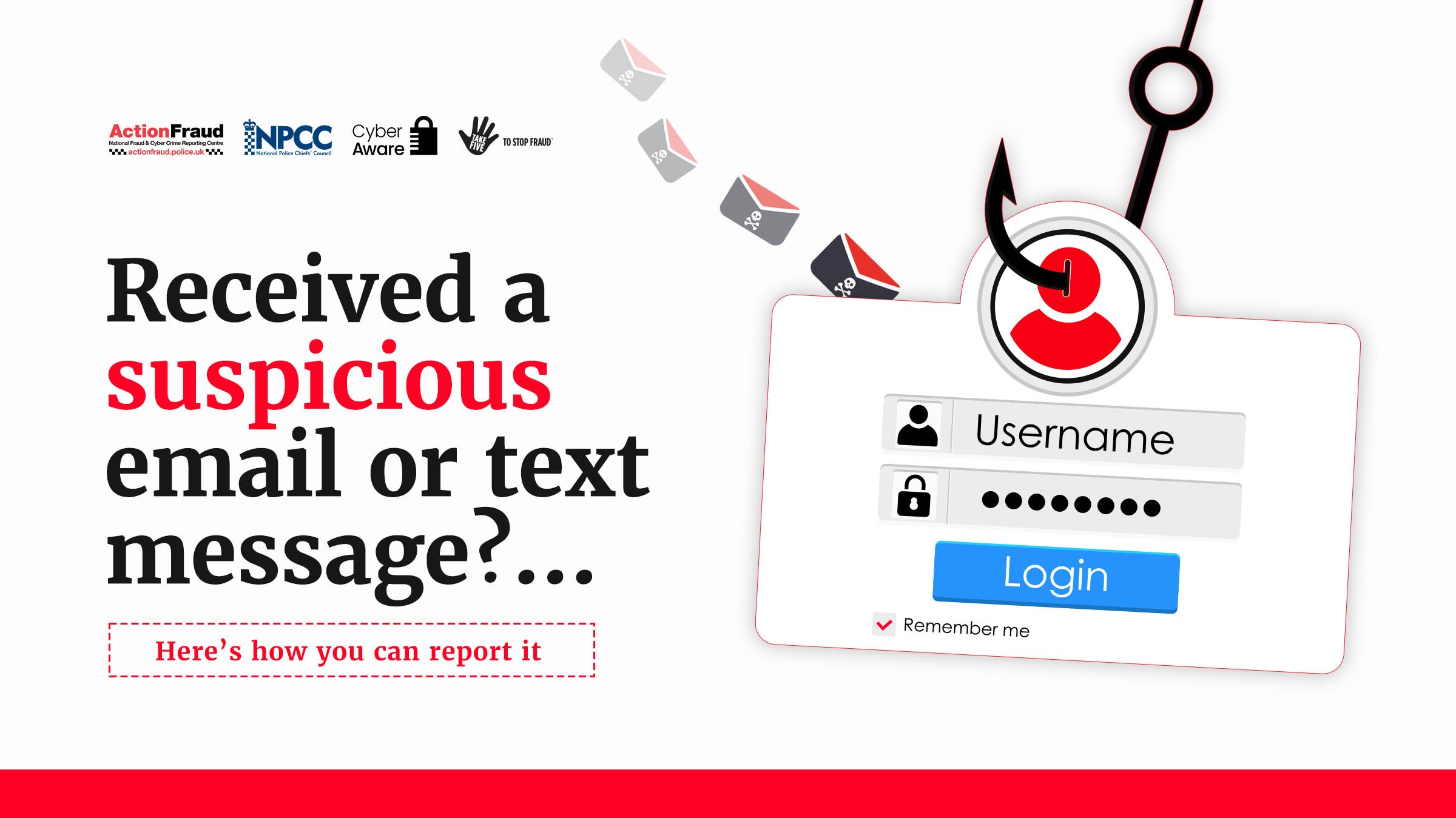
The Ultimate Guide to Reporting Suspicious Emails: A Step-by-step Guide
Are you tired of receiving suspicious emails that seem too good (or bad) to be true? Do you want to know how to report these emails to the relevant authorities? Look no further! In this article, we will guide you through the process of reporting suspicious emails on various platforms, including Outlook, Gmail, Libero, Yahoo, iPhone, and Amazon.
What is a Suspicious Email?
A suspicious email is any email that seems fishy or too good to be true. These emails can come in many forms, such as:
- Phishing emails: Emails that ask you to provide sensitive information, like passwords or credit card numbers.
- Scam emails: Emails that promise you something you’ve always wanted but can’t afford.
- Spam emails: Emails that are simply annoying and full of junk.
Why Report Suspicious Emails?
Reporting suspicious emails is crucial to protect yourself and others from falling prey to online scams. By reporting these emails, you can help prevent others from getting hurt and also ensure that the email service providers take necessary actions to prevent similar scams in the future.
How to Report Suspicious Emails on Various Platforms
Here’s a step-by-step guide to reporting suspicious emails on various platforms:
Outlook
- Open Outlook.Com and access your account.
- Find the suspicious email and click on it.
- Click on the three dots at the top of the email and select “Report.”
- Choose the reason for reporting the email (e.G., Phishing, spam).
- Fill out any additional information required and submit.
Gmail
- Open Gmail.Com and access your account.
- Find the suspicious email and click on it.
- Click on the three vertical dots at the top of the email and select “Report.”
- Choose the reason for reporting the email (e.G., Phishing, spam).
- Fill out any additional information required and submit.
Libero
- Open Libero.It and access your account.
- Find the suspicious email and click on it.
- Click on the three dots at the top of the email and select “Report.”
- Choose the reason for reporting the email (e.G., Spam).
- Fill out any additional information required and submit.
Yahoo
- Open Yahoo Mail and access your account.
- Find the suspicious email and click on it.
- Click on the three dots at the top of the email and select “Report.”
- Choose the reason for reporting the email (e.G., Spam).
- Fill out any additional information required and submit.
Iphone
Unfortunately, there is no direct way to report suspicious emails on iPhone using the Mail app. However, you can mark the email as spam or delete it.
What to Do If You’ve Received a Suspicious Email
If you’ve received a suspicious email, don’t panic! Here are some steps you can take:
- Don’t Reply: Don’t respond to the email, even if you’re curious.
- Don’t Click on Links: Avoid clicking on any links or downloading attachments from the email.
- Report The Email: Report the email to the relevant authorities (see above).
- Keep an Eye Out For Similar Emails: Be cautious of similar emails in the future.
Conclusion
Reporting suspicious emails is a crucial step in protecting yourself and others from online scams. By following these simple steps, you can help prevent others from getting hurt and also ensure that email service providers take necessary actions to prevent similar scams in the future.
Frequently Asked Questions (FAQs)
Q: What is a suspicious email?
A: A suspicious email is any email that seems fishy or too good to be true.
Q: Why report suspicious emails?
A: Reporting suspicious emails helps protect yourself and others from falling prey to online scams.
Q: How do I report suspicious emails on Outlook?
A: Open Outlook.Com, access your account, find the suspicious email, click on it, and select “Report.”
Q: Can I report suspicious emails on my iPhone?
A: Unfortunately, there is no direct way to report suspicious emails on iPhone using the Mail app. However, you can mark the email as spam or delete it.
Q: What should I do if I’ve received a suspicious email?
A: Don’t reply, don’t click on links, report the email, and keep an eye out for similar emails in the future.
Additional Tips
- Always be cautious of emails that ask you to provide sensitive information.
- Never click on links or download attachments from unknown sources.
- Keep your software and operating system up-to-date with the latest security patches.


