
Why Some TV Channels Don’t Show Up: A Guide to Troubleshooting
Are you tired of missing out on your favorite TV channels? Do you find yourself wondering why some channels just don’t show up on your screen? You’re not alone! In this article, we’ll explore the possible reasons behind this issue and provide you with a step-by-step guide to troubleshoot the problem.
Understanding The Issue
The problem of missing TV channels is more common than you think. With the transition to digital terrestrial TV, many viewers have experienced issues with channel reception. Whether it’s due to technical glitches or compatibility problems, we’ll delve into the possible causes and solutions.
What Causes Missing TV Channels?
- Digital Terrestrial Transition: The switch from DVB-T to DVB-T2 has caused some channels to become unavailable.
- Compatibility Issues: Your TV or decoder may not be compatible with the new digital terrestrial standard.
- Antenna or Parabola Problems: Faulty antennas or parabolas can cause signal loss and affect channel reception.
- Decoder Settings: Incorrect settings on your decoder can lead to missing channels.
Troubleshooting Steps
1. Check Your Tv’s Compatibility
If you’ve acquired your TV or decoder after December 22, 2018, the problem might not be due to the new digital terrestrial standard. However, it’s essential to check if your device is compatible with DVB-T2.
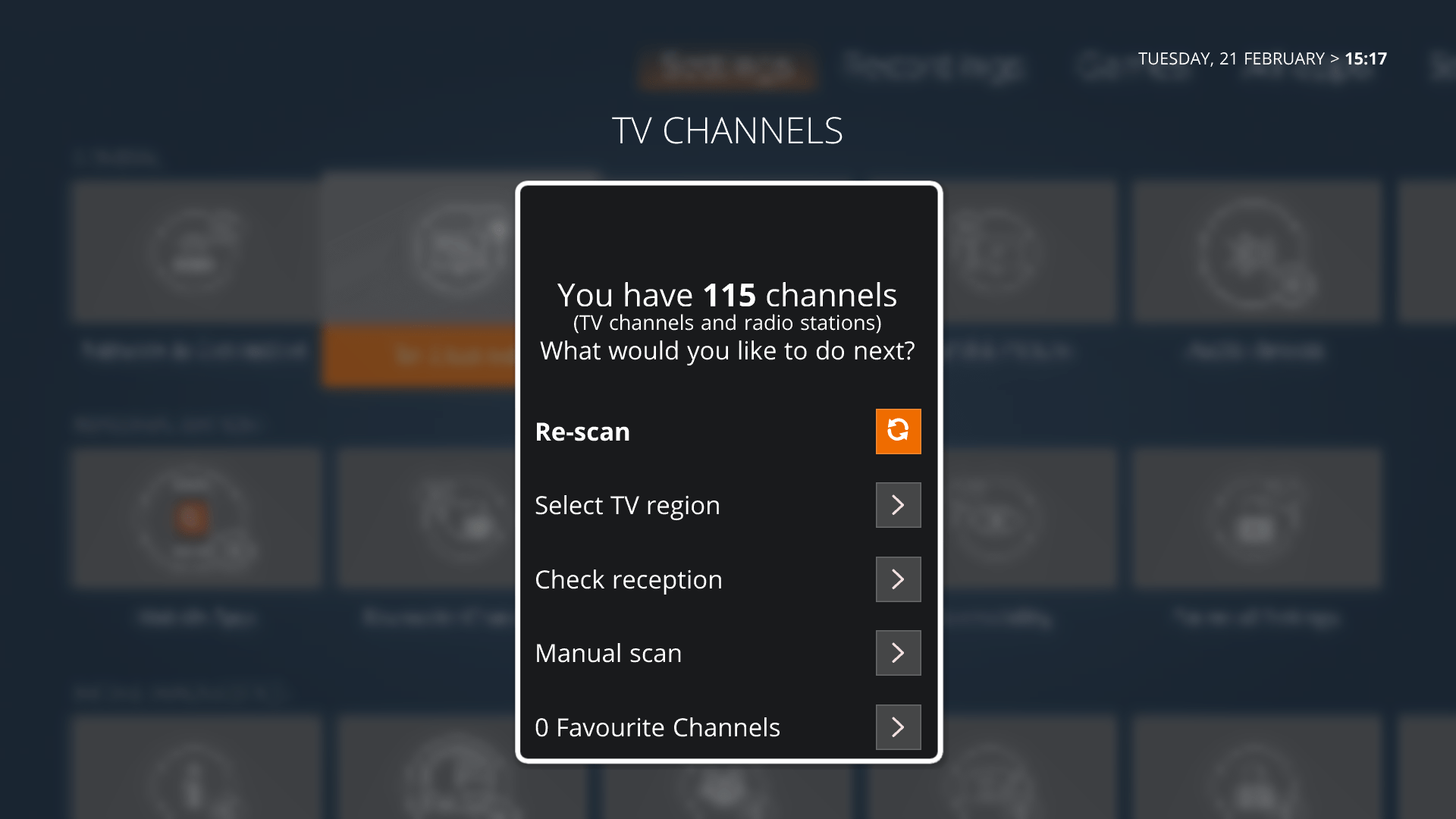
2. Perform Automatic Channel Tuning
Try performing an automatic channel tuning on your TV or decoder. This process will automatically search for available channels and update their frequencies.
3. Manual Channel Tuning
If the automatic process doesn’t work, try manual channel tuning. Enter the frequencies of the channels you want to watch using your TV’s menu system.
Case-by-case Scenarios
- Antenna or Parabola Issues: If you’re experiencing signal loss or poor reception, it may be due to faulty antennas or parabolas.
- Decoder Settings: Ensure that your decoder settings are correct and match the channel frequencies listed on this page.
- TV Settings: Check your TV’s menu system to ensure that the channel selection is set correctly.
What If I’m Still Experiencing Issues?
If none of the above steps resolve the issue, it may be best to consult a professional technician. They can assess your antenna or parabola and provide a solution to improve signal reception.
Upgrading Your Equipment
Consider upgrading to a new TV or decoder that supports DVB-T2 and HEVC (H.265). This will ensure compatibility with the latest digital terrestrial standard.
Recommended Devices
- Edision Picco T265: A Full HD digital terrestrial receiver compatible with DVB-T2.
- Techly 360998 Decoder: A DVB-T/T2 decoder supporting H.265 And HEVC.
Conclusion
Troubleshooting missing TV channels requires patience and attention to detail. By following the steps outlined in this article, you should be able to resolve the issue or identify the root cause. Remember, if you’re still experiencing problems, it may be best to consult a professional technician for assistance.
Frequently Asked Questions (FAQs)
- Q: Why Are Some TV Channels Missing?
A: The transition to digital terrestrial TV and compatibility issues with your device might be causing the problem. - Q: How Can I Troubleshoot Missing Channels?
A: Perform automatic channel tuning, manual channel tuning, or check your decoder settings. - Q: What if my Antenna or Parabola is Faulty?
A: Consult a professional technician to assess and repair or replace your antenna or parabola. - Q: Do I Need to Upgrade my Equipment?
A: Consider upgrading to a new TV or decoder that supports DVB-T2 and HEVC for improved compatibility. - Q: Can I Still Watch SD Channels on my Tv?
A: Yes, you can continue watching SD channels if your TV is compatible with the standard definition format.


