
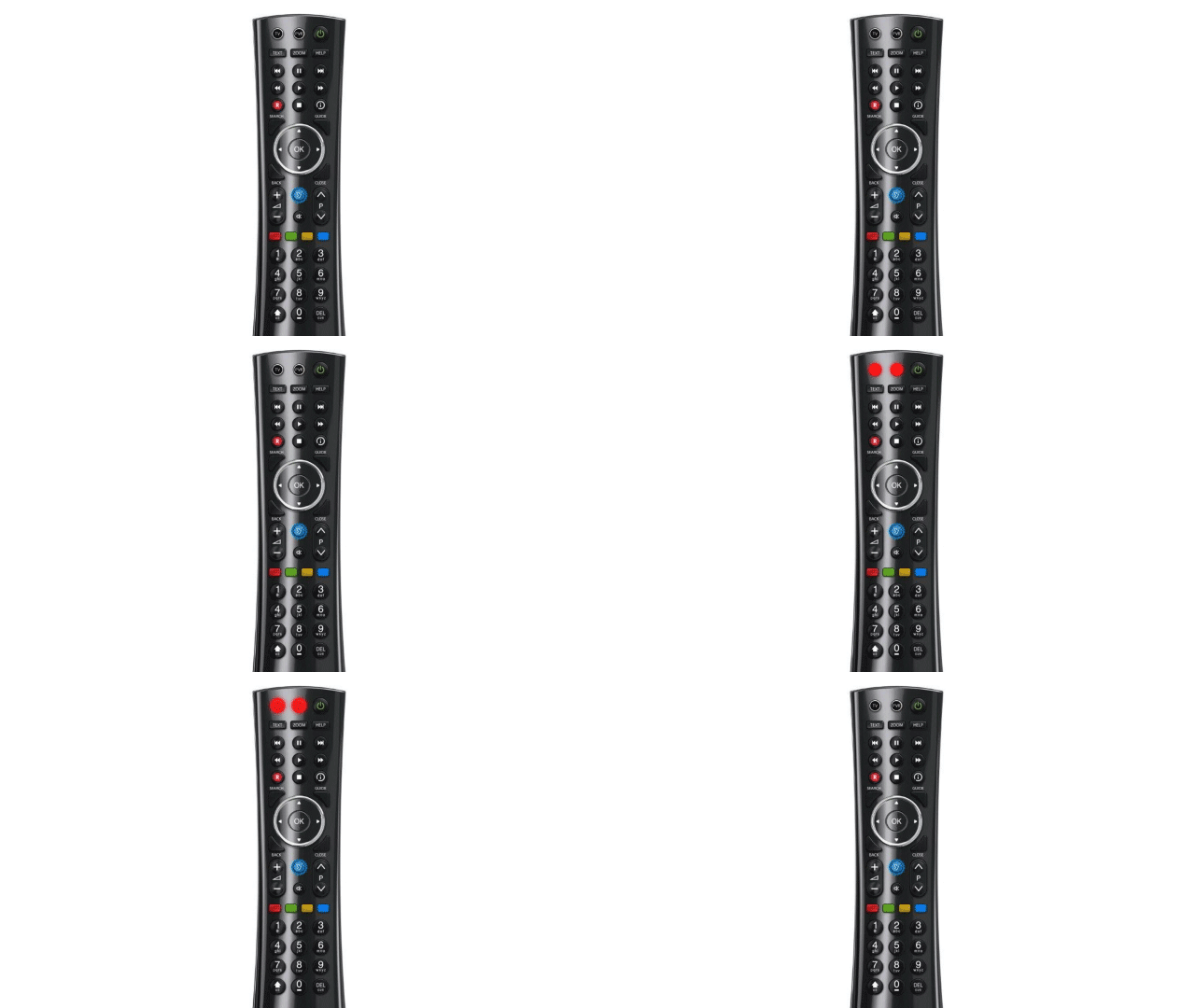
How to Reset a Universal TV Remote Control: A Step-by-step Guide
Are you tired of using a universal TV remote control that no longer works with your new television? Don’t worry, resetting it is easier than you think! In this article, we’ll show you how to reset a universal TV remote control in just a few simple steps.
Why Reset Your Universal TV Remote Control?
Before we dive into the process of resetting your universal TV remote control, let’s talk about why you might need to do so. If you’ve replaced your old television with a new one and want to use the same remote control, you’ll need to reset it to associate it with your new TV. Similarly, if you’re experiencing problems with your remote control not working as expected, resetting it can resolve the issue.
Step 1: Identify Your Remote Control
The first step is to identify your universal TV remote control and check its manual for specific instructions on how to reset it. Some remote controls may have a specific procedure for resetting them, so be sure to consult the manual before proceeding.
How to Reset a Universal TV Remote Control
Now that we’ve covered the basics, let’s get into the process of resetting your universal TV remote control.
Step 2: Locate The Reset Button
The reset button is usually located on the back or bottom of the remote control. It may be marked with a small icon or have the word “RESET” printed on it.
Step 3: Press And Hold The Reset Button
Once you’ve found the reset button, press and hold it for about 10 seconds. This will initiate the resetting process.
Step 4: Release The Reset Button
Release the reset button and wait for a few seconds to allow the remote control to complete its self-test sequence.
Step 5: Reprogram Your Remote Control
Now that your remote control has been reset, you can reprogram it to work with your new TV. This may involve entering a specific code or following a series of instructions on the screen.
Tips For Resetting a Universal TV Remote Control
Here are some additional tips to keep in mind when resetting your universal TV remote control:
- Use The Correct Combination: Make sure you’re using the correct combination of buttons to reset your remote control. The sequence may vary depending on your specific device.
- Be Patient: Resetting your remote control can take a few minutes, so be patient and follow the instructions carefully.
- Check Your Manual: If you’re still unsure about how to reset your universal TV remote control, consult its manual or contact the manufacturer for assistance.
Common Issues With Universal TV Remote Controls
Here are some common issues people experience with their universal TV remote controls:
- Remote Control Not Working: If your remote control is not working as expected, try resetting it to resolve the issue.
- Incompatible Devices: If you’re trying to use a universal TV remote control with a device that’s not compatible, try using a different remote control or updating your software.
- Lost Instructions: If you’ve lost the instructions for your universal TV remote control, consult its manual or contact the manufacturer for assistance.
How to Update Your Universal TV Remote Control Software
Here are some steps you can follow to update your universal TV remote control software:
Step 1: Check For Updates
Check with your device’s manufacturer to see if there are any updates available for your universal TV remote control.
Step 2: Download The Update
Download the update and save it to your computer or mobile device.
Step 3: Install The Update
Install the update by following the instructions provided by the manufacturer.
Frequently Asked Questions (FAQs)
Here are some frequently asked questions about resetting a universal TV remote control:
- Q: How do I reset my universal TV remote control?
A: To reset your universal TV remote control, follow the steps outlined above. - Q: Why is my universal TV remote control not working?
A: If your universal TV remote control is not working, try resetting it or consulting its manual for assistance. - Q: Can I use a universal TV remote control with multiple devices?
A: Yes, you can use a universal TV remote control with multiple devices. Simply reset the remote control and reprogram it to work with each device.
Conclusion
Resetting your universal TV remote control is easier than you think! By following these simple steps, you can get your remote control working with your new TV in no time. Remember to consult your manual or contact the manufacturer for assistance if you’re unsure about how to reset your remote control.


